Set up in Sail Backoffice
This document will walk you thru what needs to be Set up in Sail Backoffice BEFORE you execute the sync of the integration
Update Employee Information
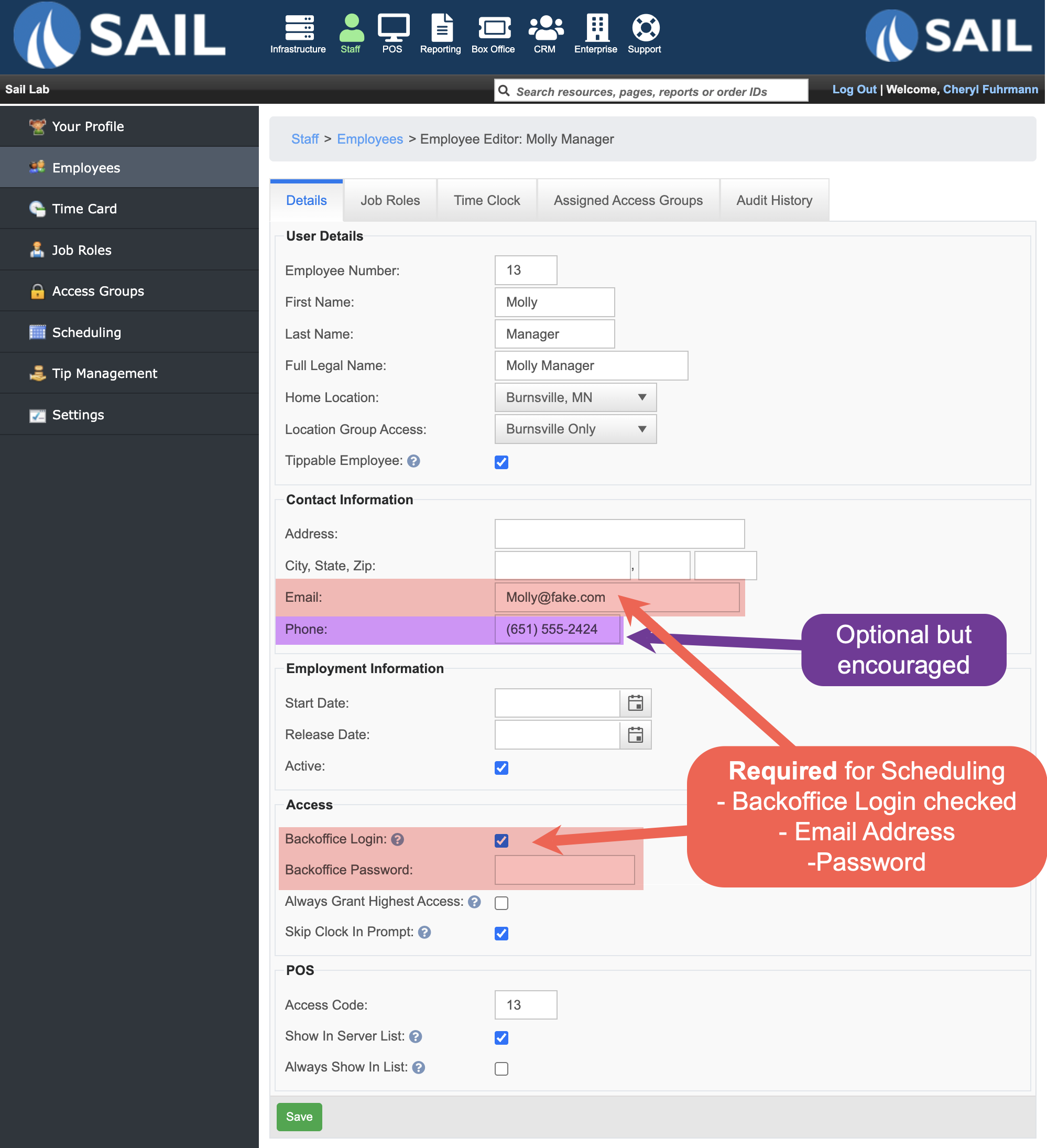
- Each employee needs a Backoffice Login setup
- With a valid email address (that they can receive scheduling notification on)
- and a password
- They will use this to log into the Scheduling website and the App
aA Phone number is encouraged (but not required)- This is so the employee can receive text message notifications.
If they do not enter thea phone numberherecan only be entered thru Backoffice, so if the want the employeewillto have the option to receive text messages then this is the easiest time to enter it.
- This is so the employee can receive text message notifications.
What needs
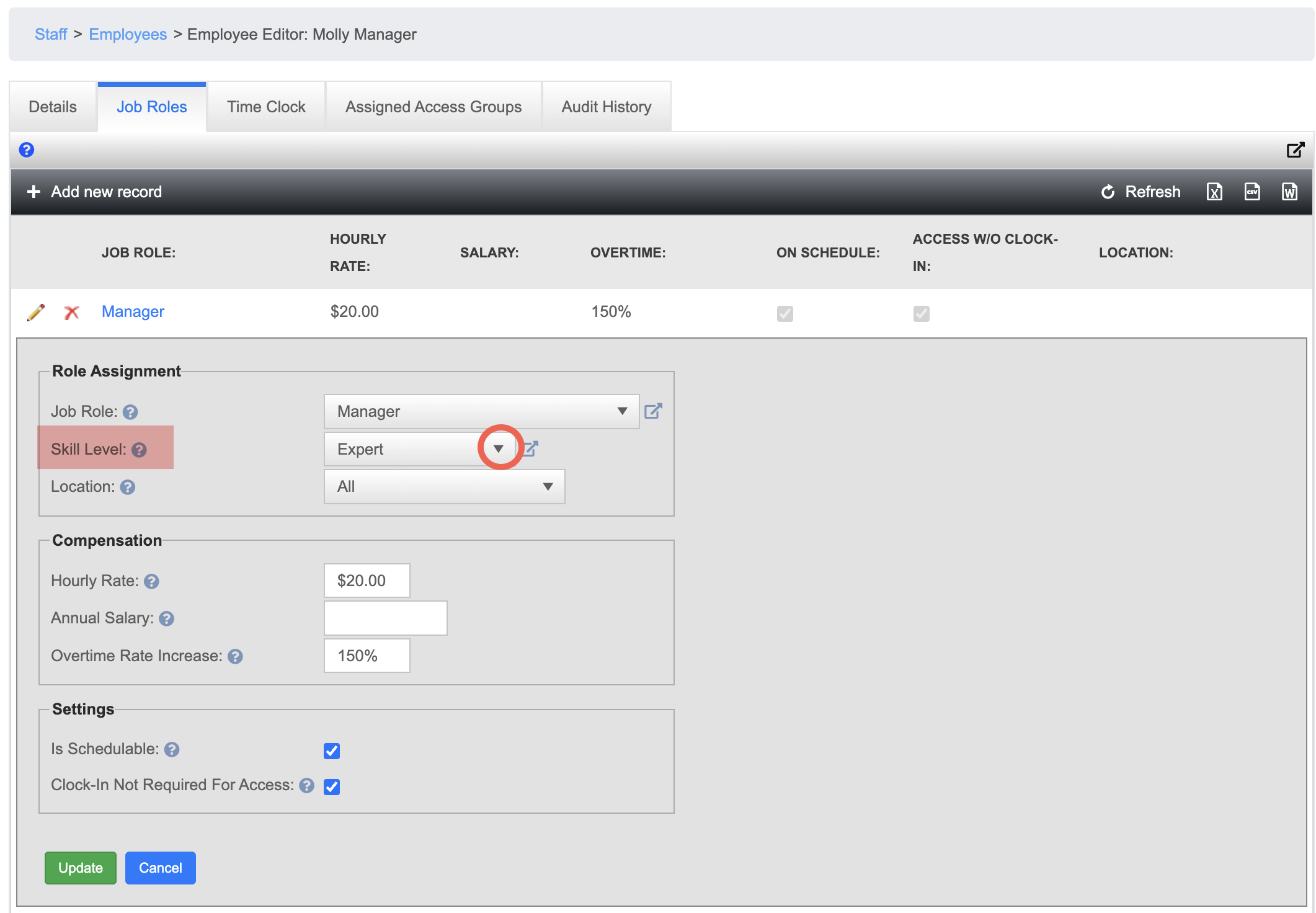
Skill Levels
This step is optional. Right now the Scheduling system just has it as a place holder, but in the future it will be used for Shift swapping and Shift give aways.
It will prevent the staff from swapping of giving away a shift to besomeone setwho upis beforenot beginning
What needsqualified tobetakeupdatetheironshift.anemployeeIn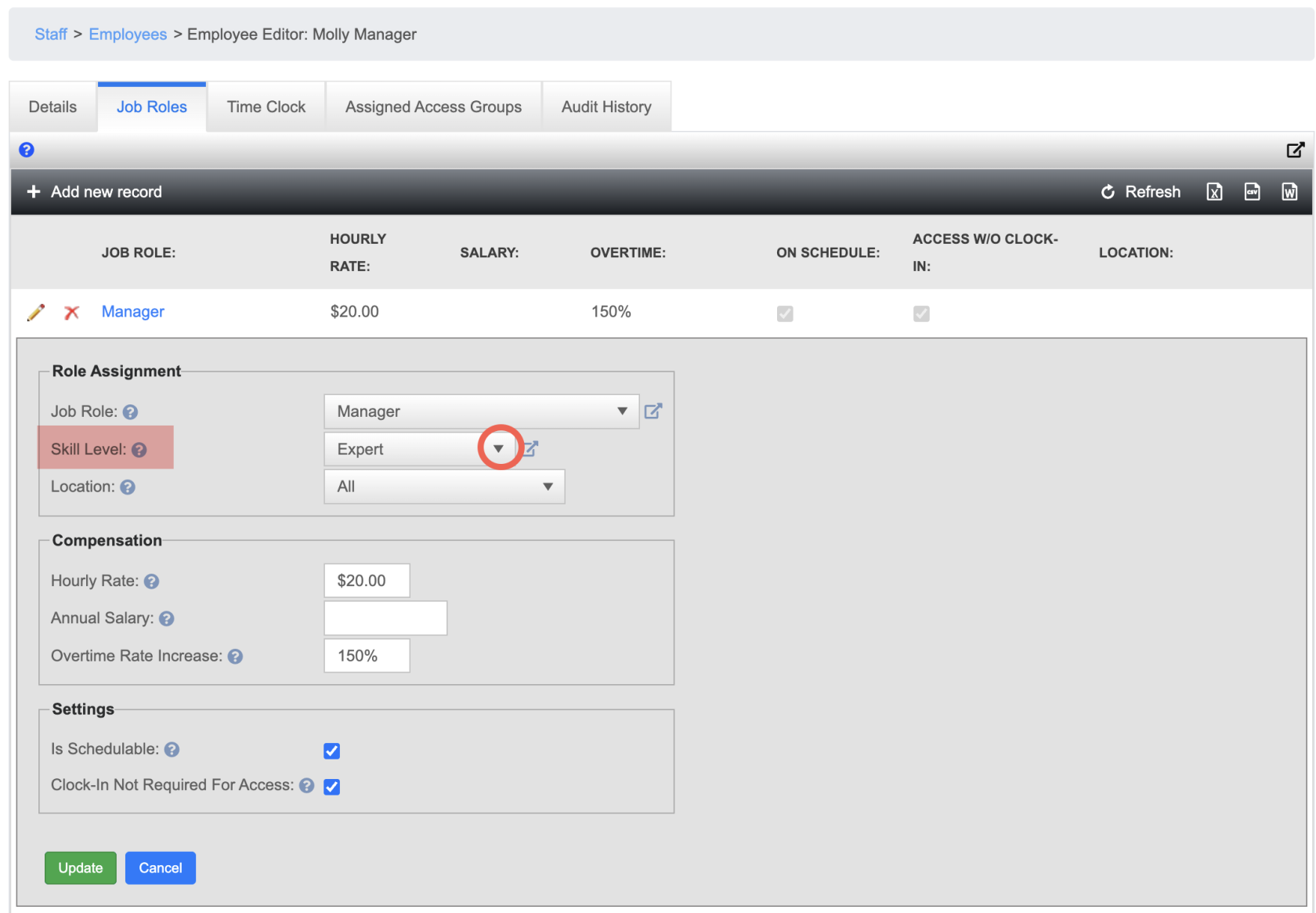
SailFor
(Doeachthisemployee,before the integration, so all information will sync up)Each employee is goingGo toneedtheiranJobemailRolesaddress set up in SailCell phone numbers
Skills -In Sail (Do this before the integration, so all information will sync up)Create/edit the current skill levelsAndand assign a
skillSkill level to eachemployeesoneJobofroletheir