Welcome to Ingage Scheduling!
You will receive an email to sign up that looks like this:
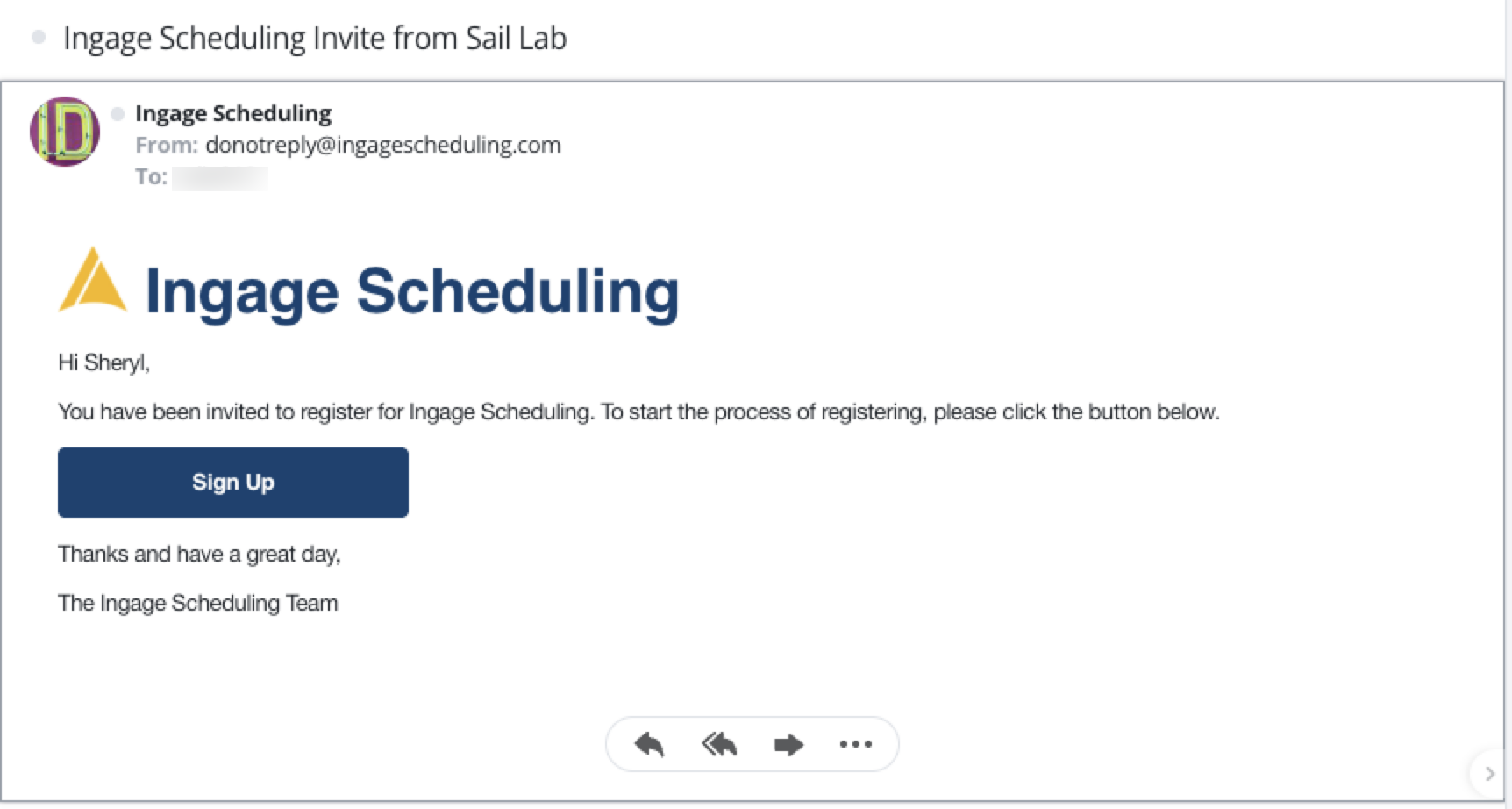
Once you click the "Sign Up" button it will bring you to the website to log in.
Here you will be able to decide if you'd like notification via email, text messages or both.
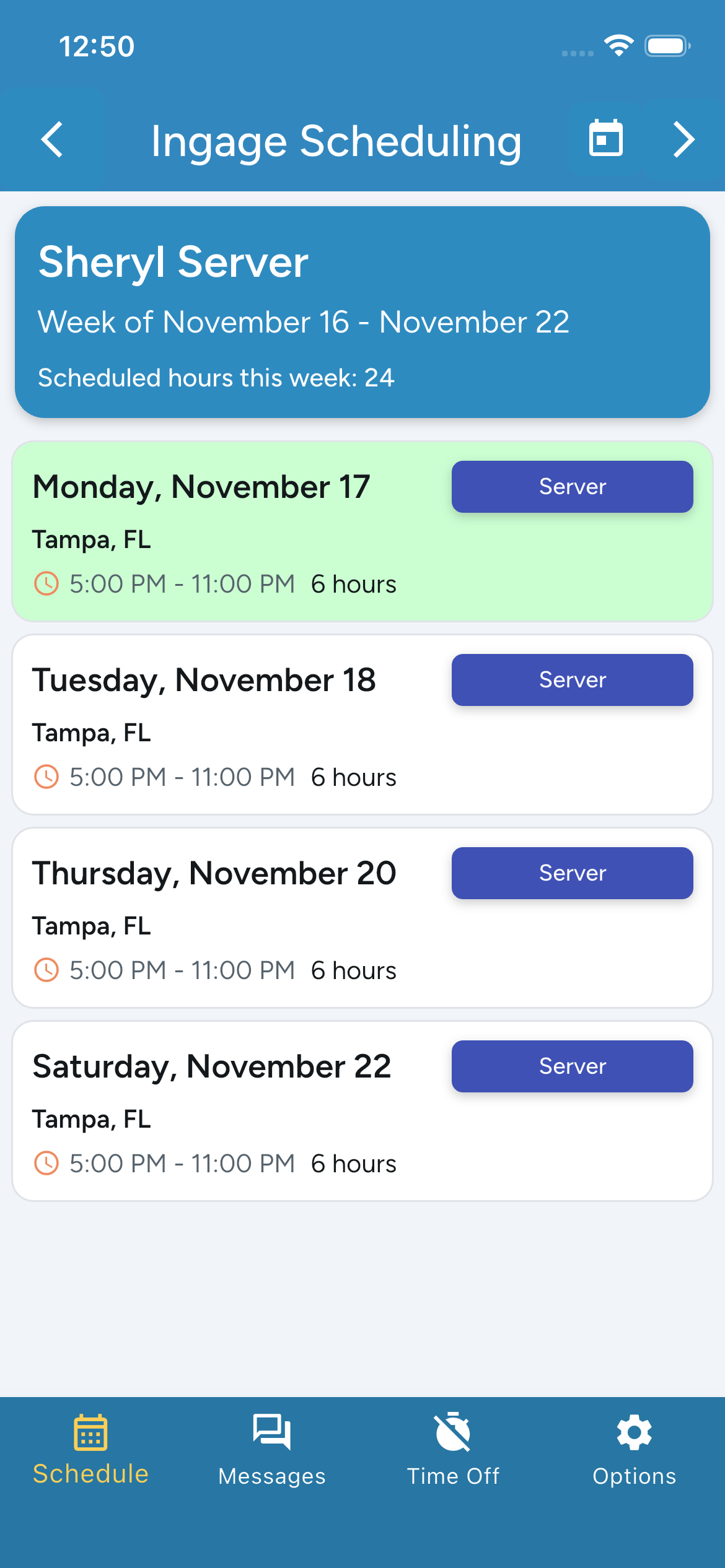
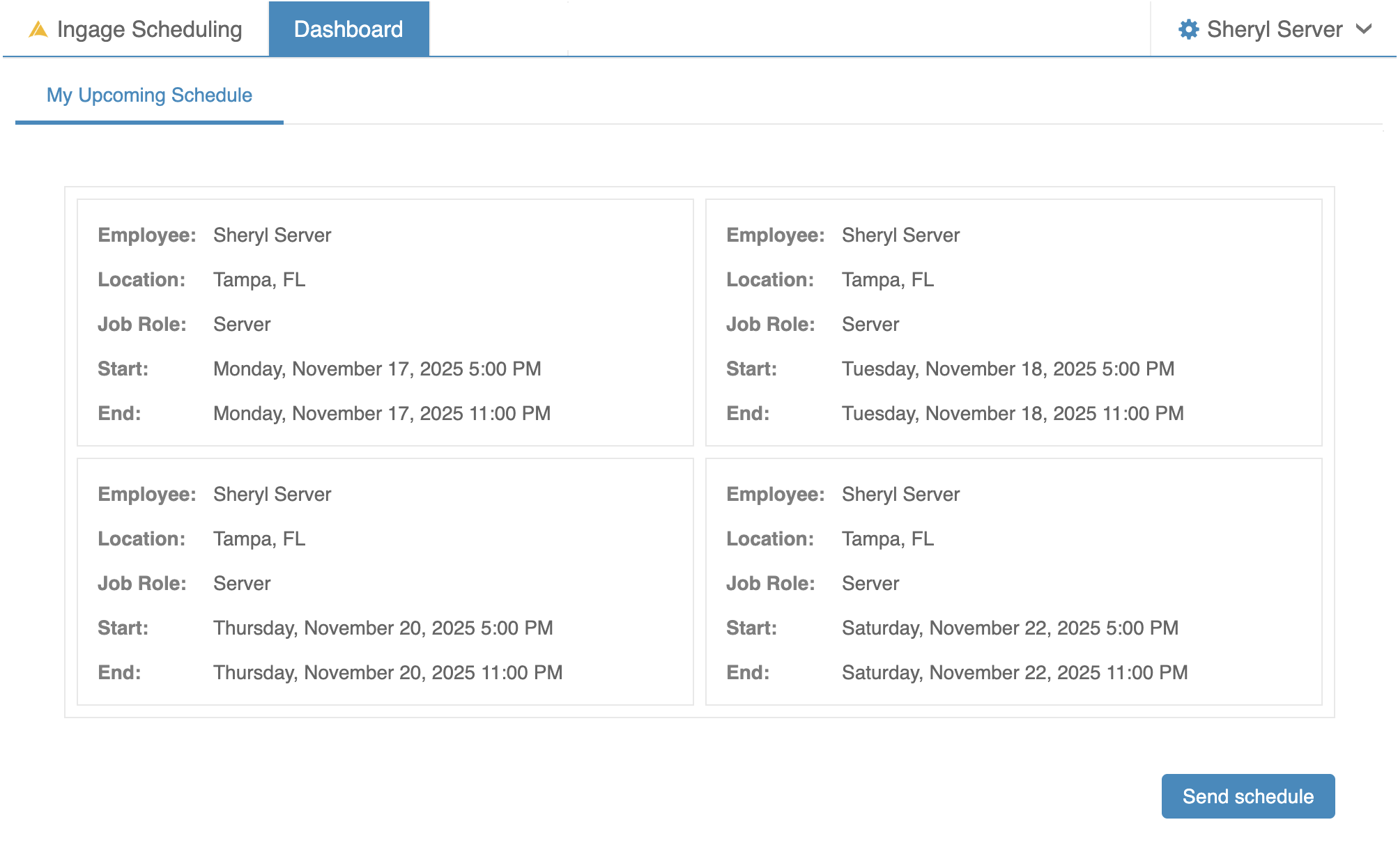
How to view my schedule
On the app
On the website
How to request a day off
On the app
On the website
Editing My Account on the Website
Toggle Text and e-mails on and off
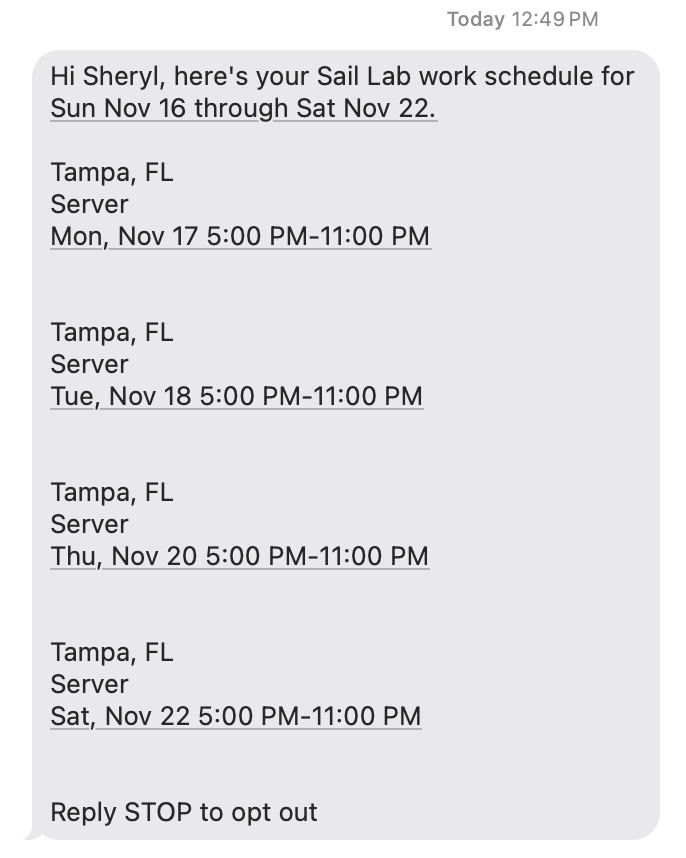
Text Messaged Schedule
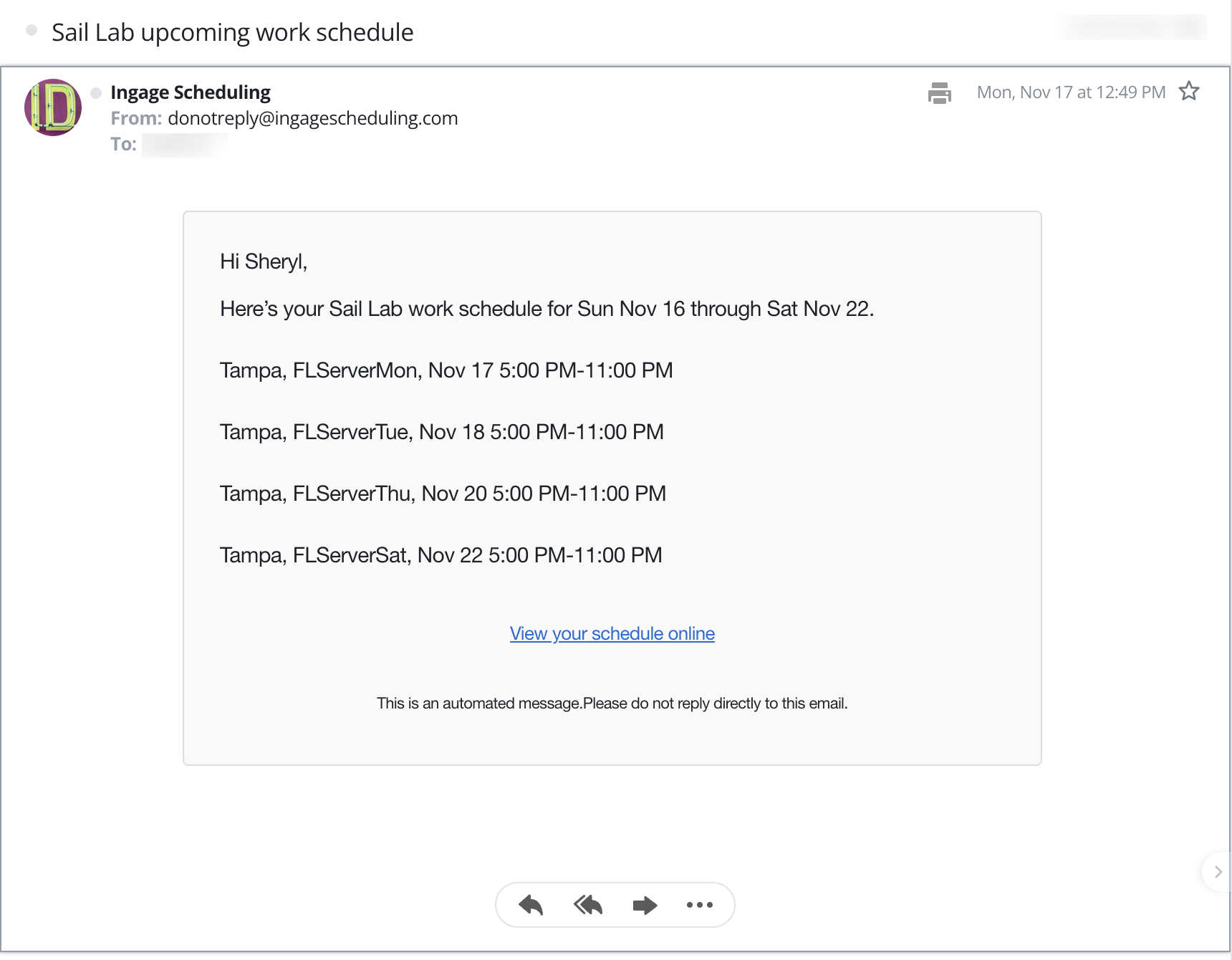
Emailed Schedule
Update Emergency contact info
Here is the link to the website
Links to download the app in the app store
 .
.