
How to adjust the 86 list from a Handheld
This will show you how to add or update items on the 86 list from a HandheldHandheld. The 86 list is at the bottom of the handheld's Home screen, so everyone can see what's running low or sold out.
If you would like to see how to adjust it from The Terminal or Backoffice please click on the links
FromAdding thean Handheld
Item
-
Log
in.
in and scroll down the Home screen to 86 Items. Tap the + next to it.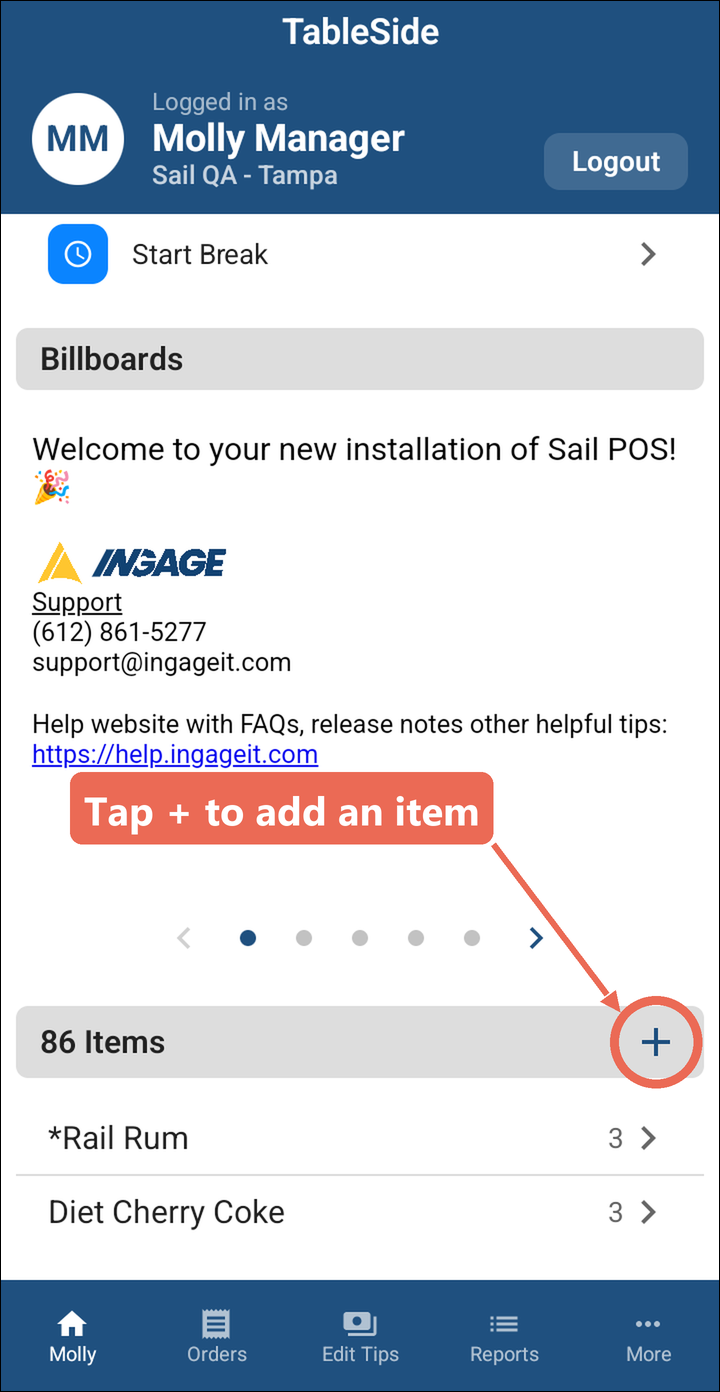
-
NavigatingTaptothe category the item- is
- in.
SelectYou can also tap Search menu and type the“more”item'soptionname.at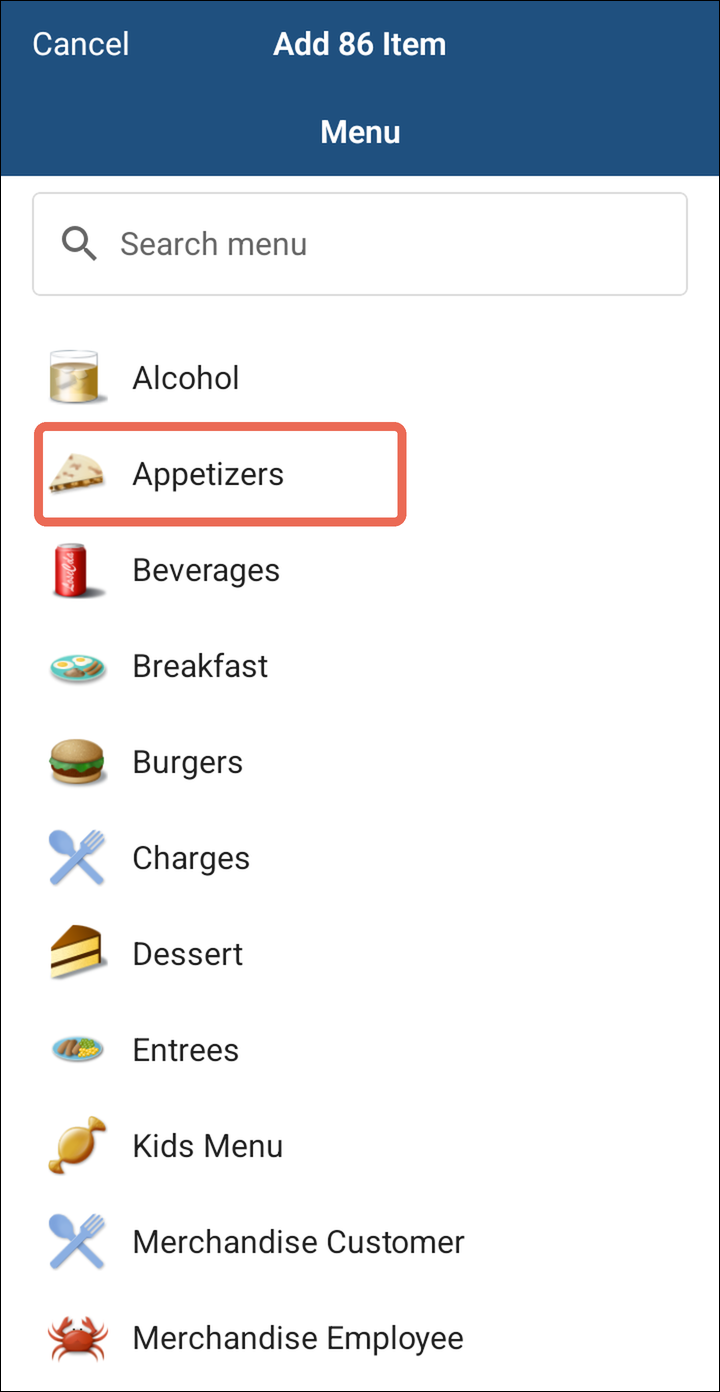
thebottom right side of the screen. -
Select menu. SelectTap the menu item you would like toedit.86.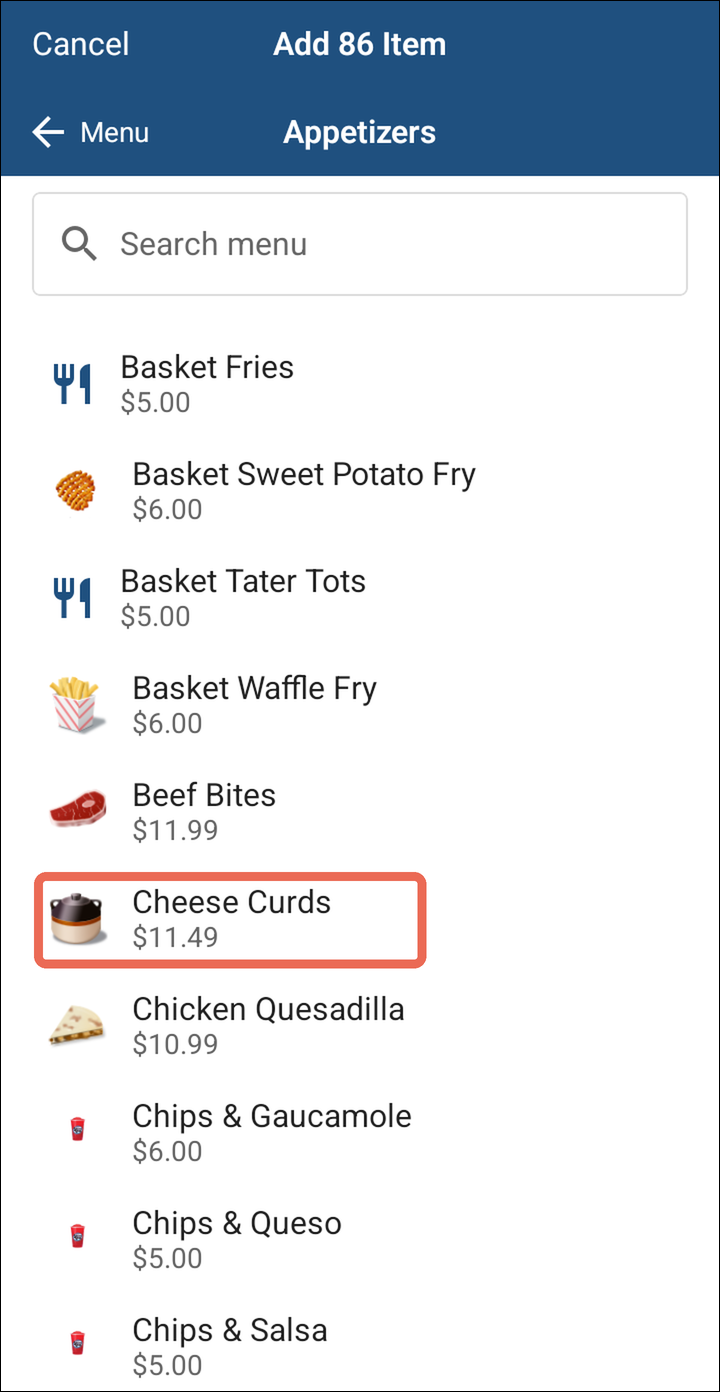
-
SelectTapedit.
Edit inventory.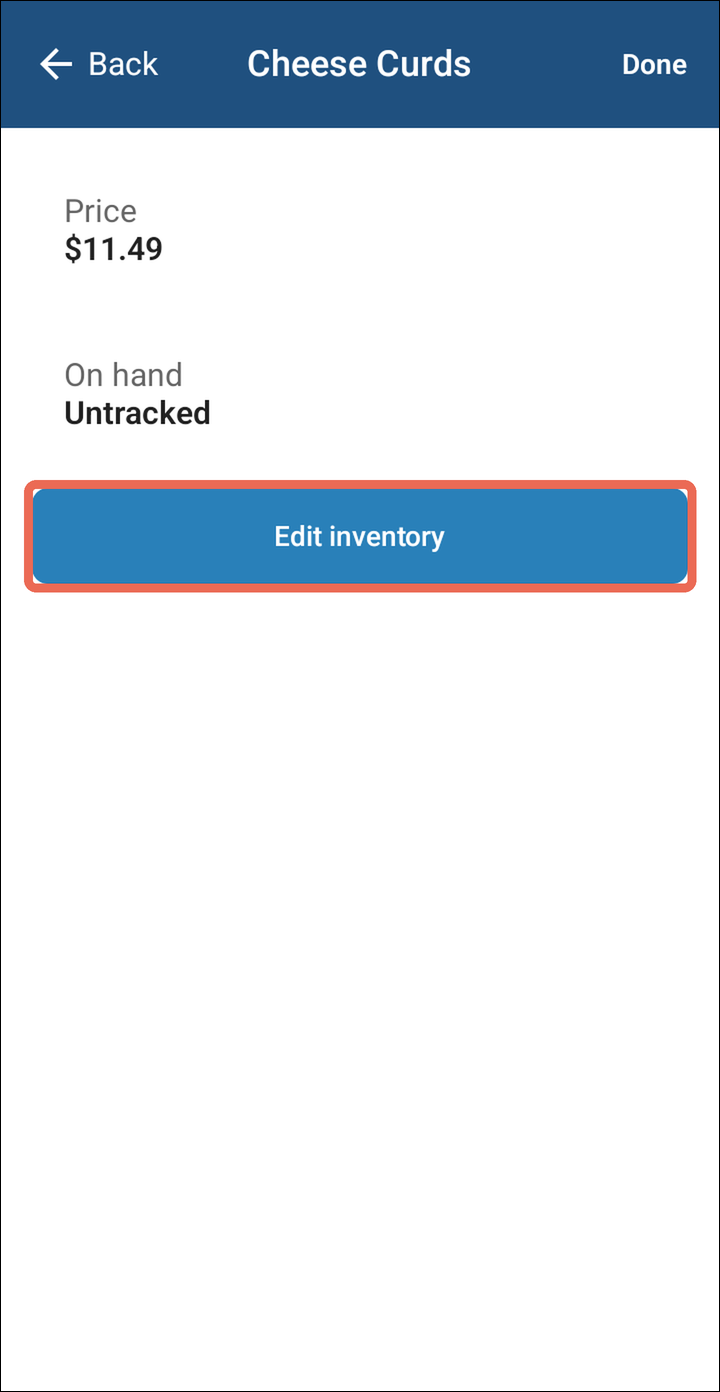
-
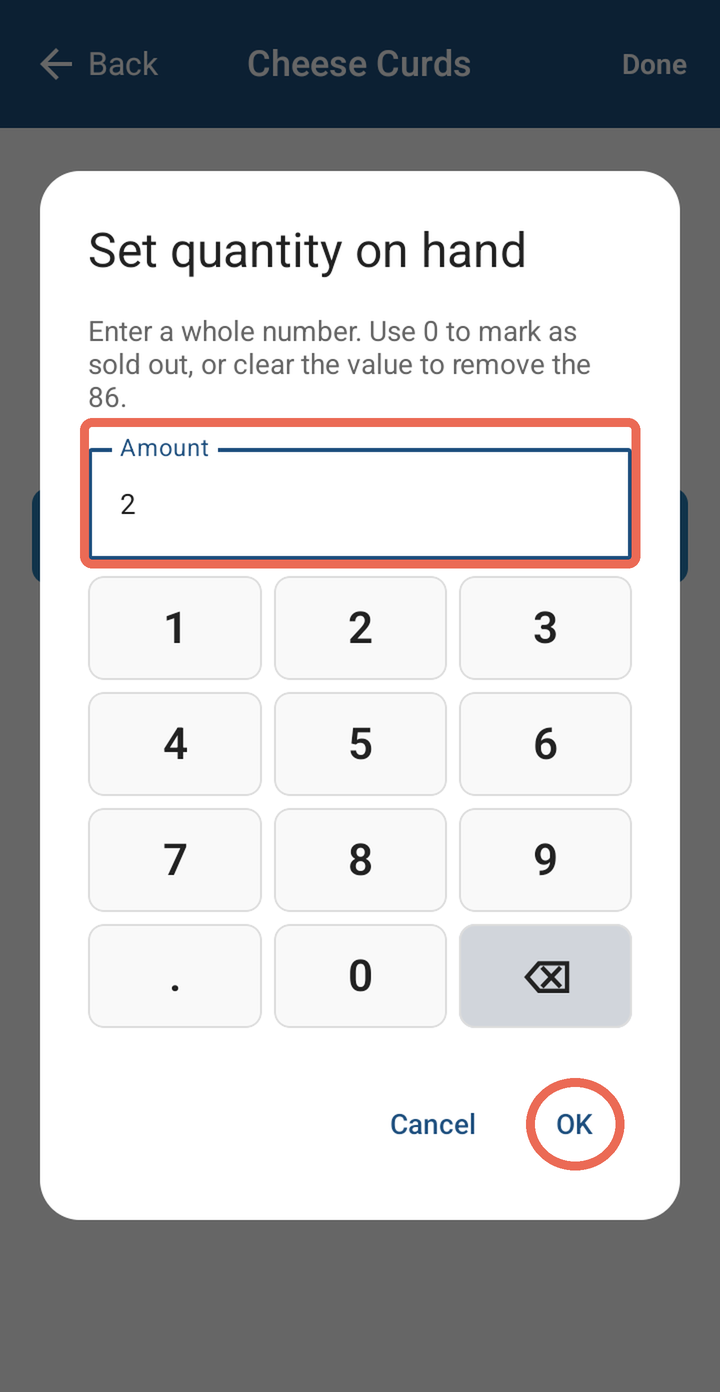
Type how many are left, then tap OK. Type 0 if it's already sold out.
-
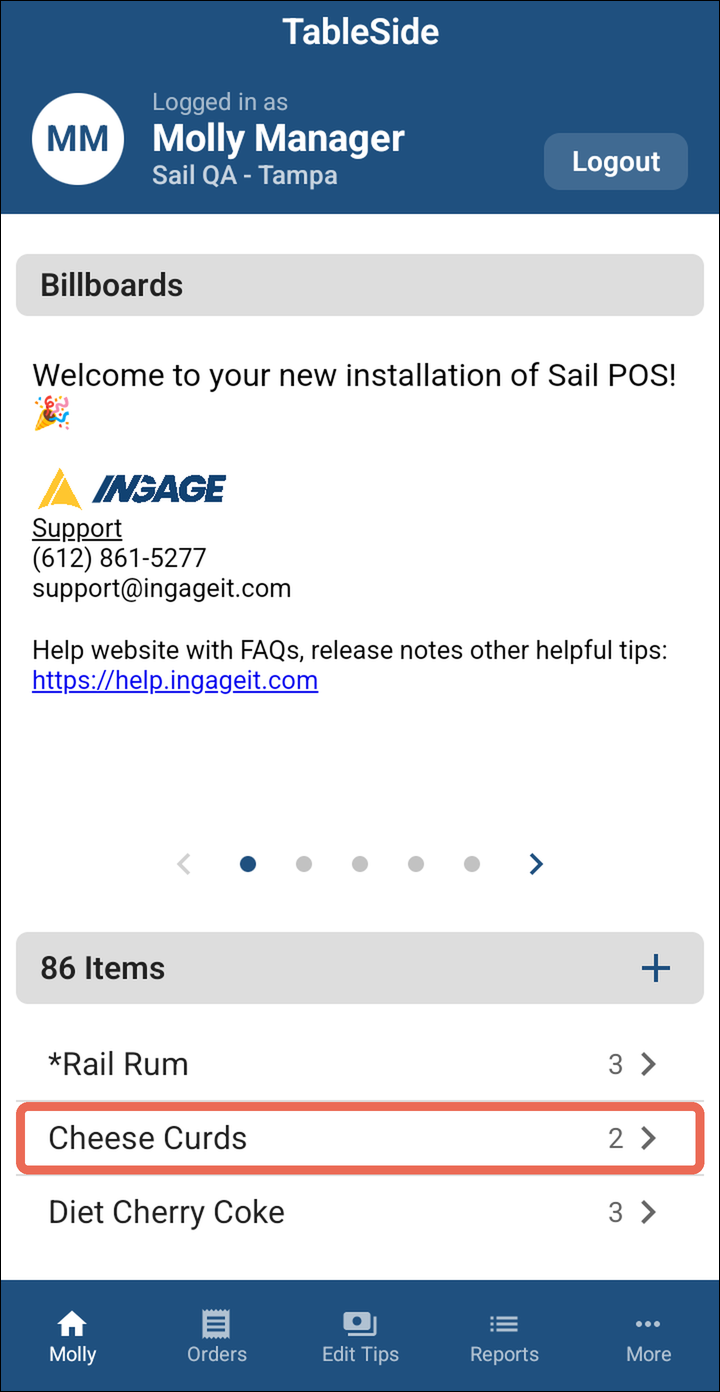
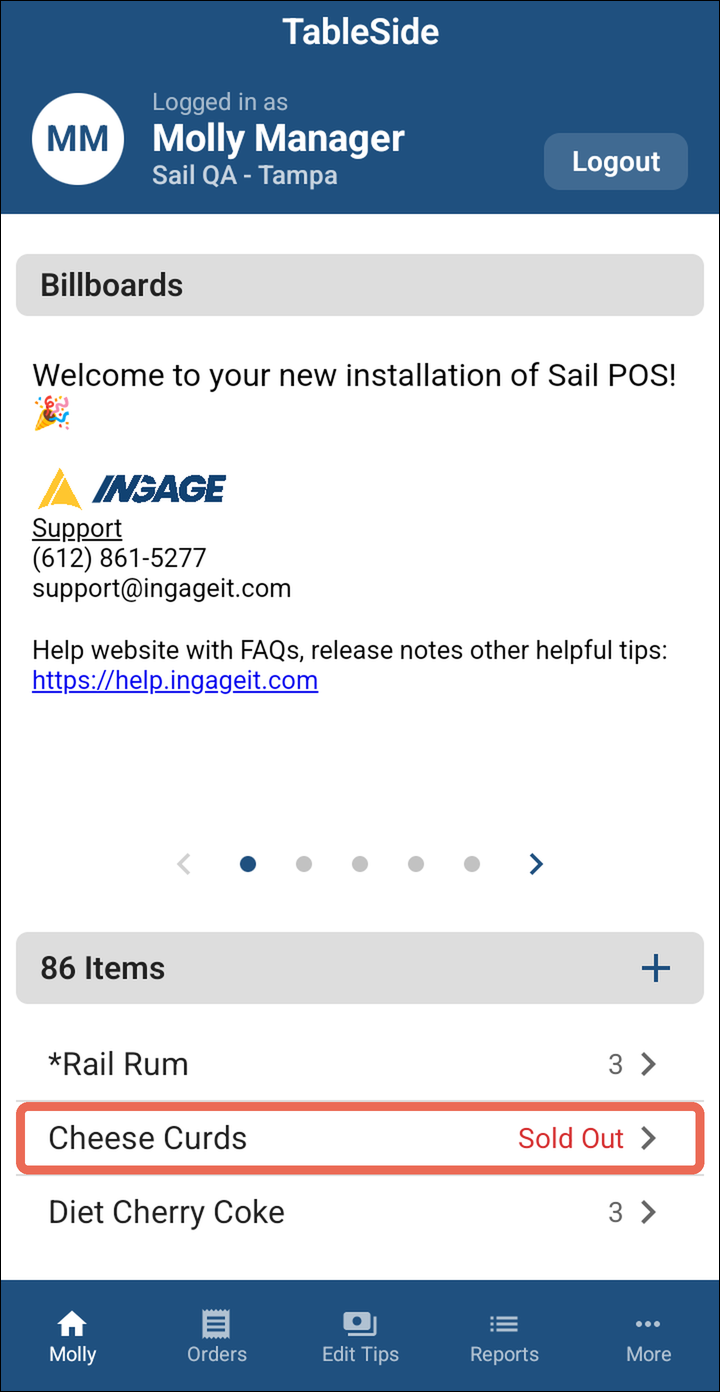
Tap Done at the top right. The item is now on the 86 Items list with how many are left.
- in.
- An
listEdititem shows on theitems86inventoryItemscount.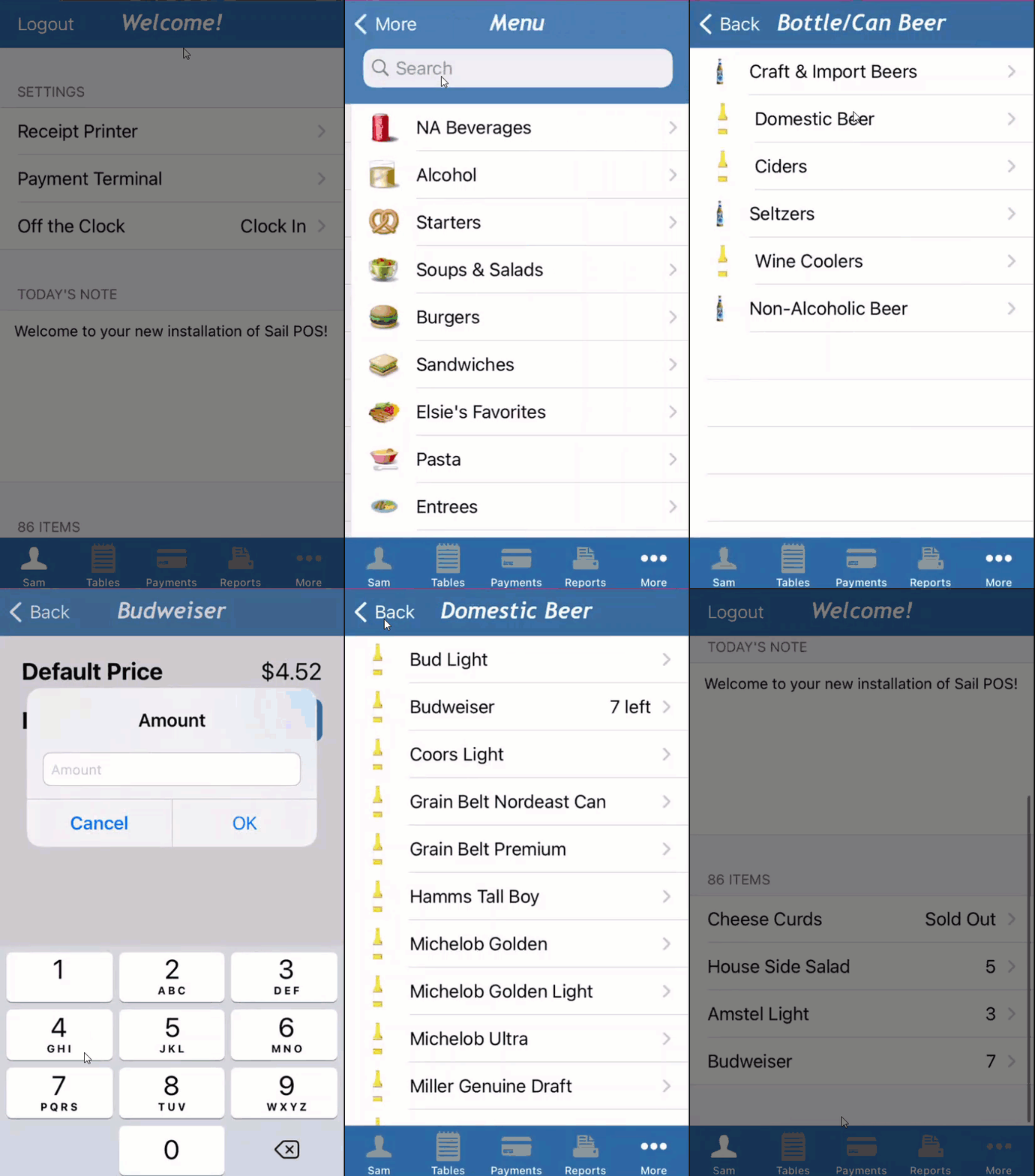 onceait'stypedownyoutoIfjustfew.a bigger
Note:
it's still saved and counts down as the item is sold, and the item shows on the list when it gets low.
Edit
Updating an already 86’86'd item.Item
-
Log
in.
in and tap the item in the 86 Items list on the Home screen.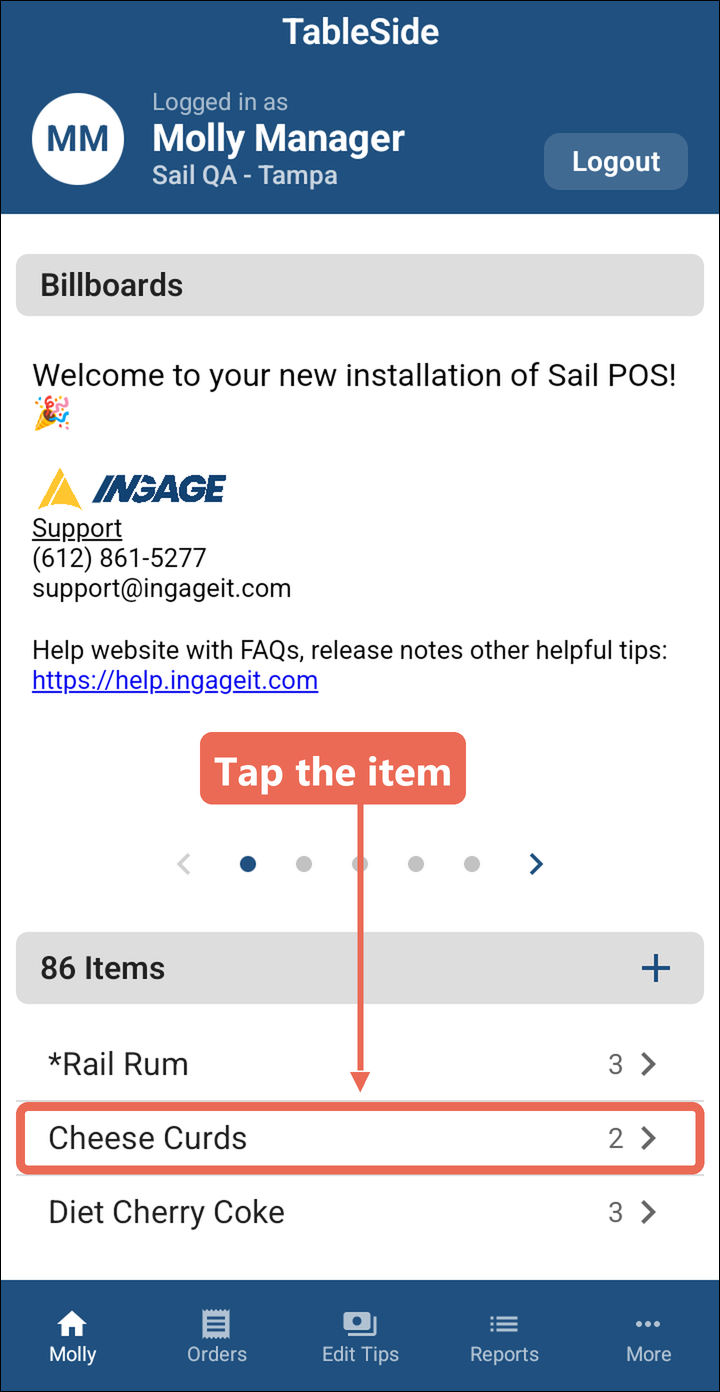
-
SelectTaptheEdititeminventory.from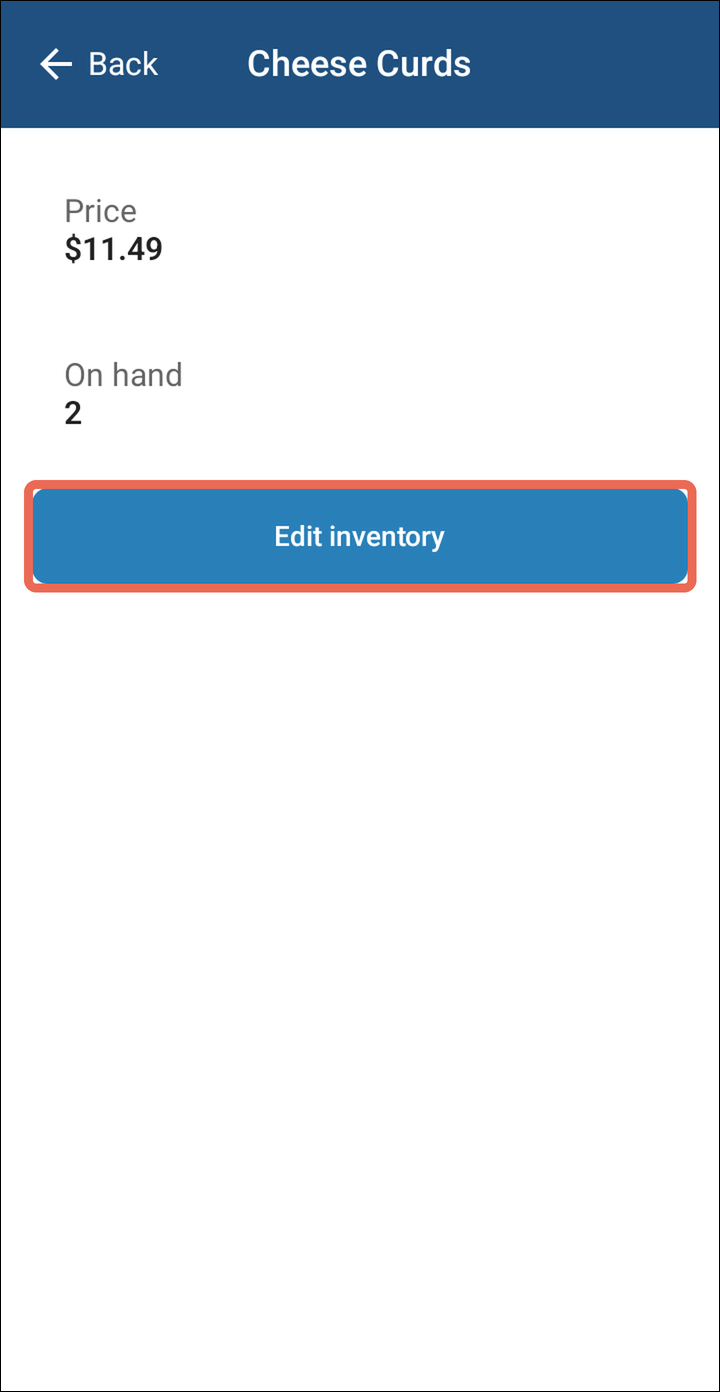
the86’d list. -
SelectTypeEdit.the
new number, then tap OK. Type 0 when it's sold out.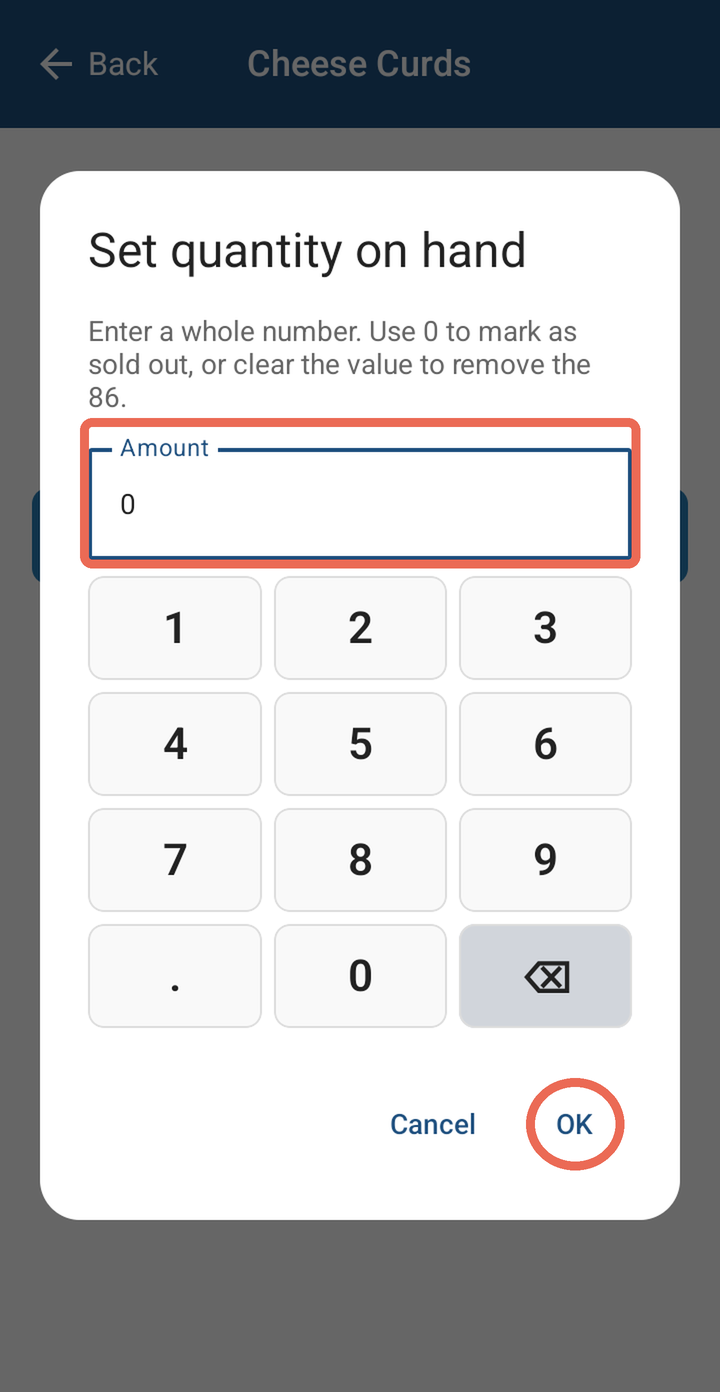
-
EditTap Back at theinventorytopcount.
left. A sold out item shows Sold Out in red on the list.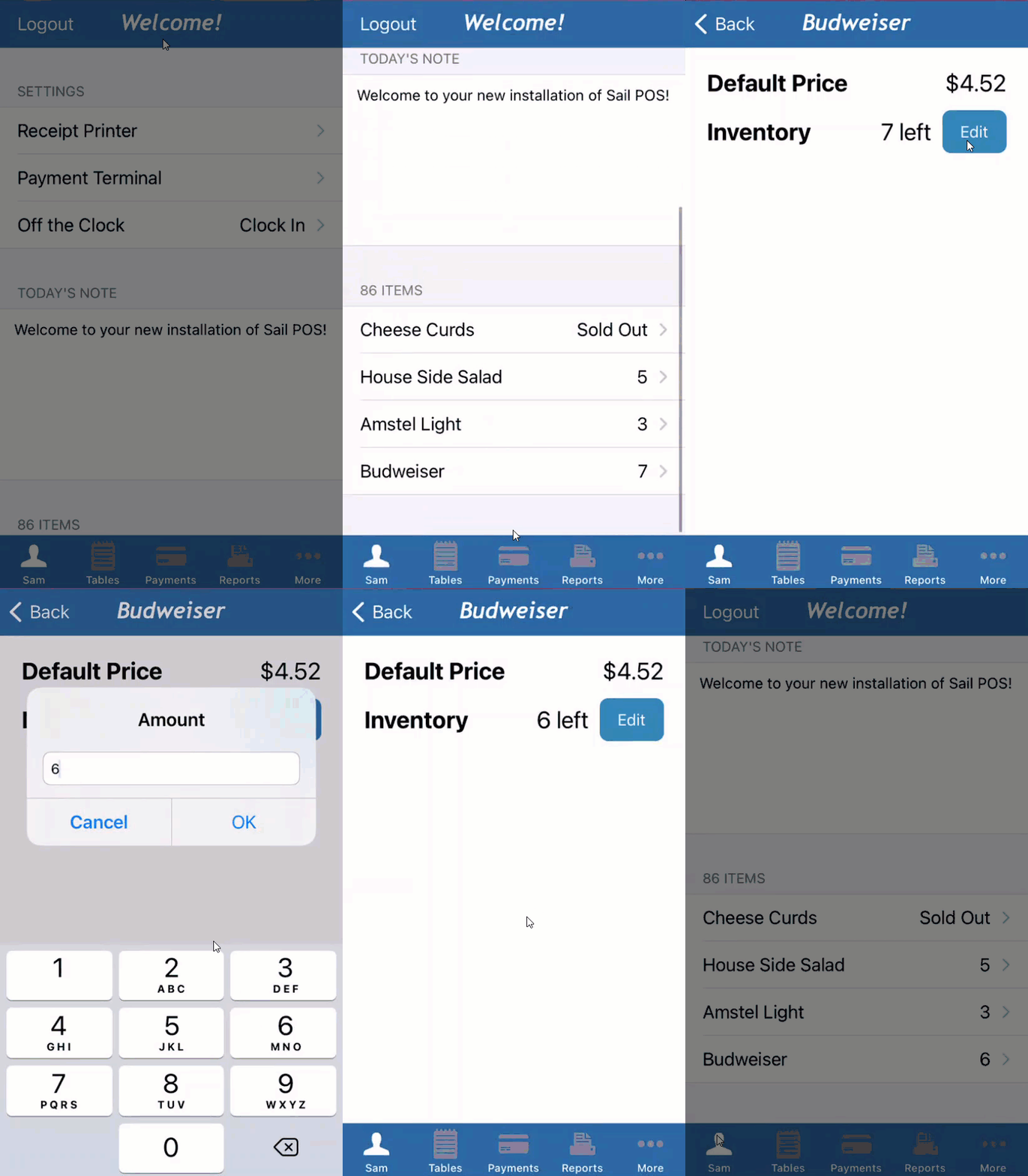
Removing an Item from the 86 List
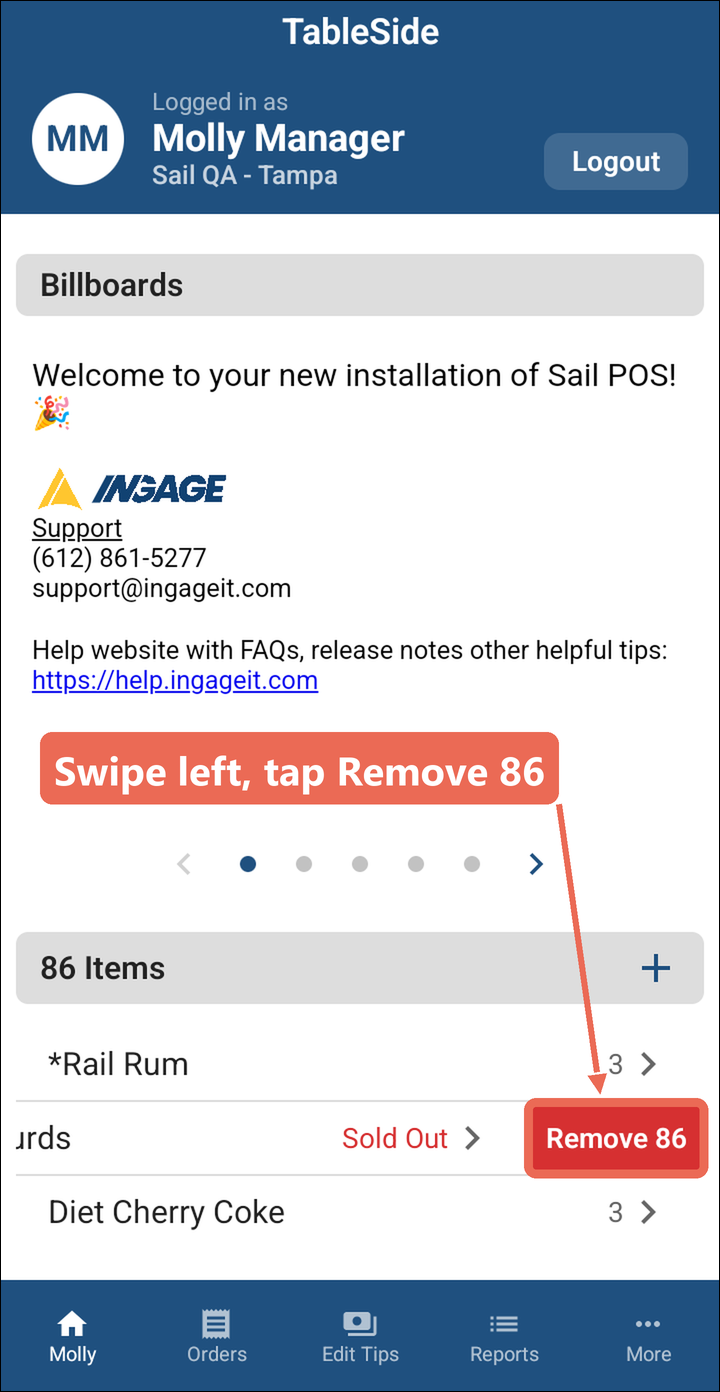
When the item is back in stock, swipe it to the left in the 86 Items list and tap Remove 86. The item comes off the list and can be rung in as usual.
Pro tip: You can also remove it after tapping Edit inventory: clear the number with the back arrow key and tap OK.
Note: Don't see the + or Edit inventory? Your job role doesn't have permission to change the 86 list - ask your manager.