
Release 2026.10.1 "Yellow Submarine"
Notes: This release consists of 1 Improvement.
**This release will NOT require a handheld update**
If you would like any additional information or help setting up any of these new features, please contact support at:
Support@ingageit.com or call (612) 861-5277
Improvements
1. Edit your order screen layout right from the terminal
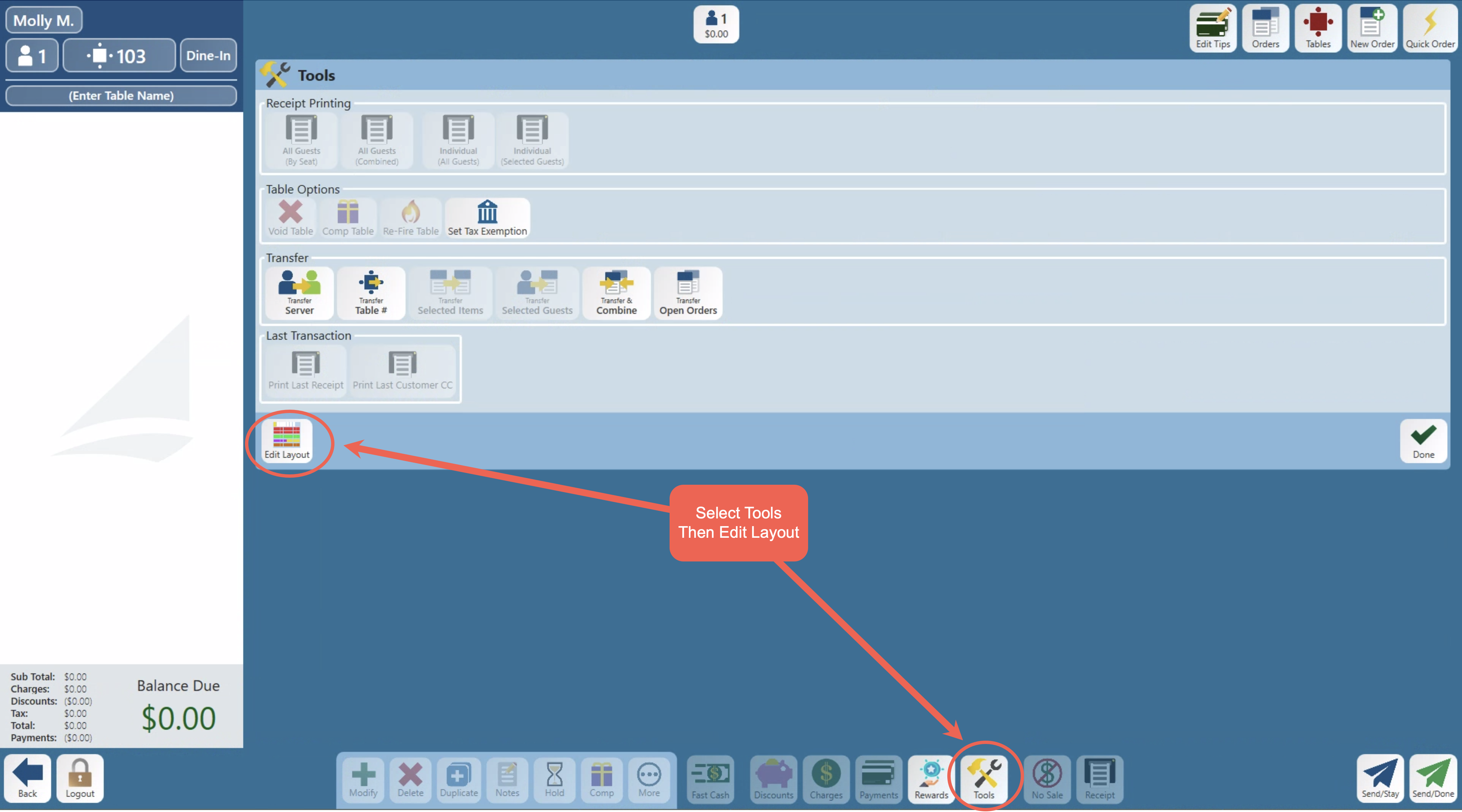
- Managers can now edit the terminal's order screen layout directly on the terminal — no back office required. Tap Tools from the order screen, then Edit Layout to open the editor.
- From the editor, you can add and arrange tabs, sections, speed rails, and buttons; rename and recolor them; add icons; and drag them into order. Changes appear on the real screen as you make them, and nothing saves until you tap Save.
- A new Freeform layout option lets you drag buttons and sections anywhere on the screen for a fully custom arrangement, in addition to the standard Flow layout.
- Button sizing is now adjustable directly from the
editor — a frequently requested feature.editor. Use Adjust Sizing in the toolbar to scale button and font size for item buttons, modifier buttons, speed rails, and more. You can save a size as the store default for all terminals, or set a different size for just one terminal.
Click here to read the full document on How to edit the Terminal order screen Layout. Complete with Videos!
Fixes
Something was fixed