How to clock in and out
This document will show how to clock in and out.
Clocking In
-
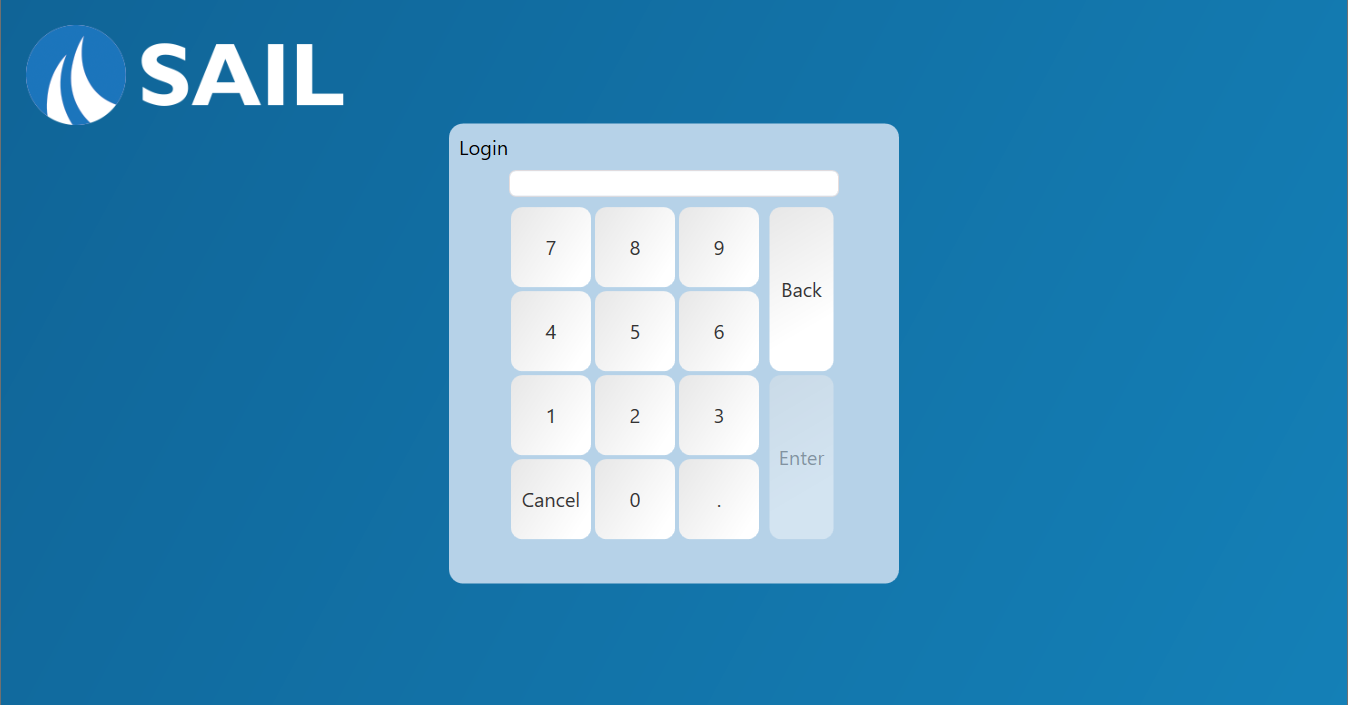
Log into the terminal with your personal password.


-
If you are clocked out a pop up will appear asking you if you would like to clock in. Select yes to log in at this screen.


-
If you have multiple job roles the system will prompt you to select what position you are clocking into after you agree to clock in.
Note: The job role you clock in as can decide where the terminal starts for you - the screen it opens after you log in, and the order type and table section you start with.


Clocking Out
Servers and bartenders should make sure they have closed out all of there open orders and run their server report before clocking out.
-
When you are ready to clock out tap the “Clock Out” button that is located on the launch screen.

-
A prompt to enter your cash tips will populate.


-
After your tips have been entered the terminal will automatically go back to the log in screen. You are now clocked out.