How to clock in and out
This document will show how to clock in and out.
Clocking In
-
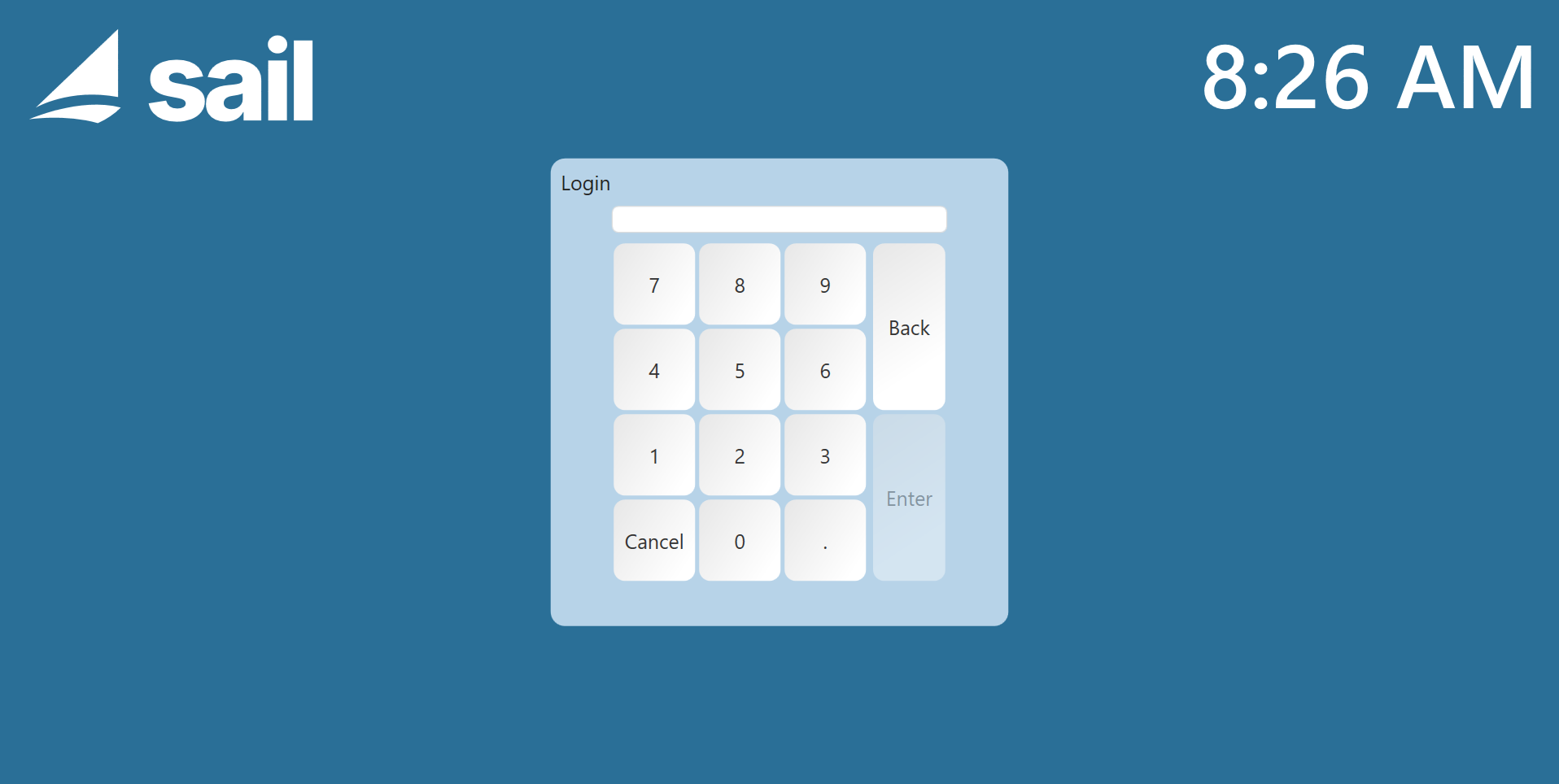
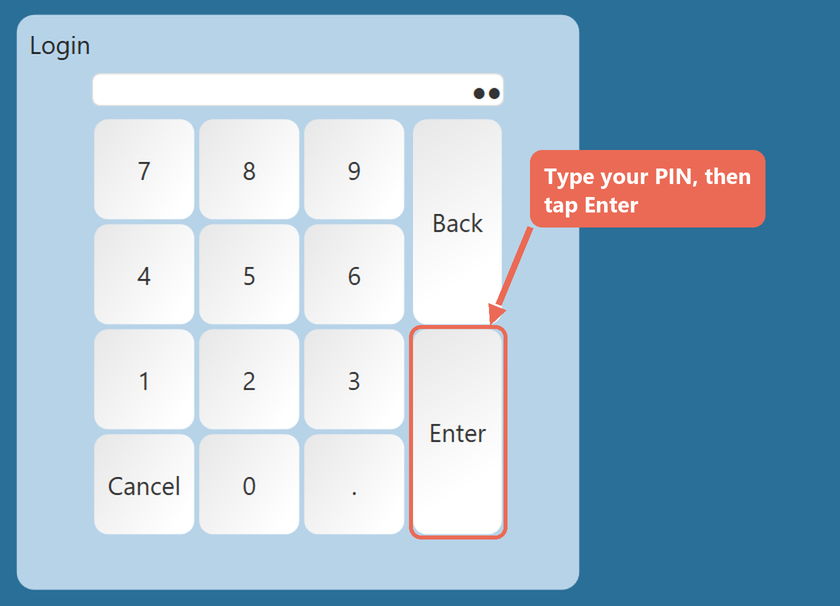
Log into the terminal with your personal
password.PIN.
-
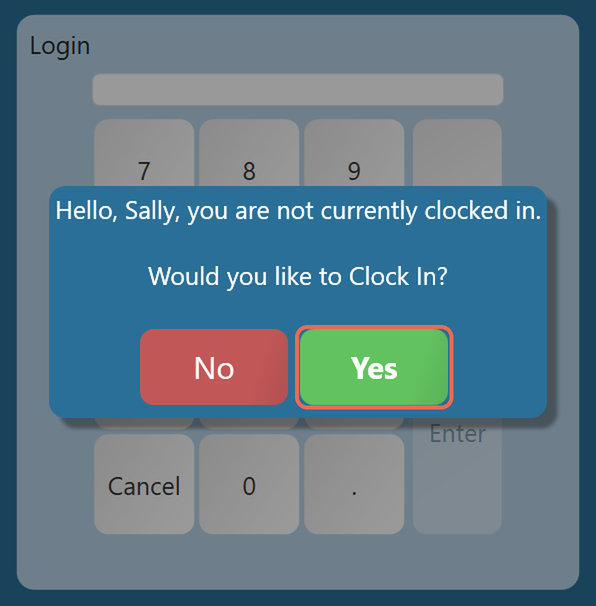
If you are clocked out a pop up will appear asking you if you would like to clock in.
SelectTapyes to log in at this screen.Yes.
-
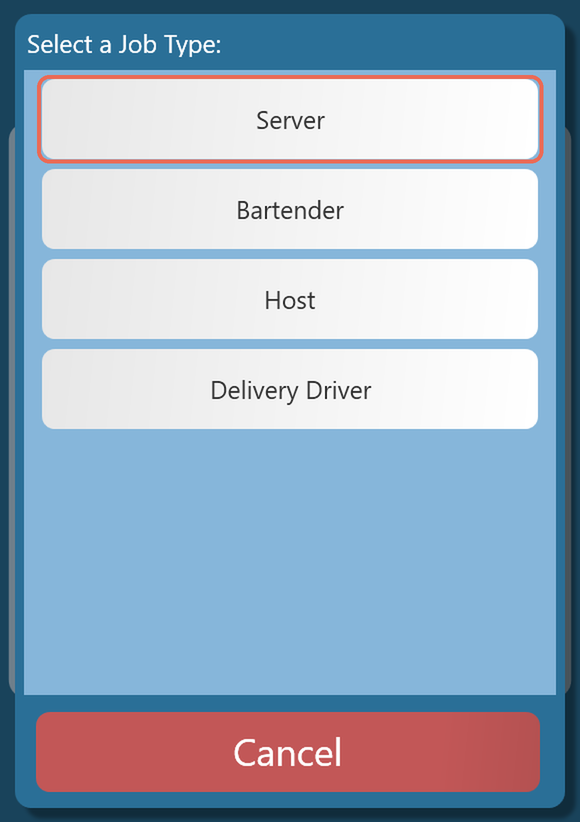
If you have multiple job roles the system will prompt you to select what position you are clocking into after you agree to clock in.
Note: The job role you clock in as can decide where the terminal starts for you - the screen it opens after you log in, and the order type and table section you start with. Click here to learn more.

-
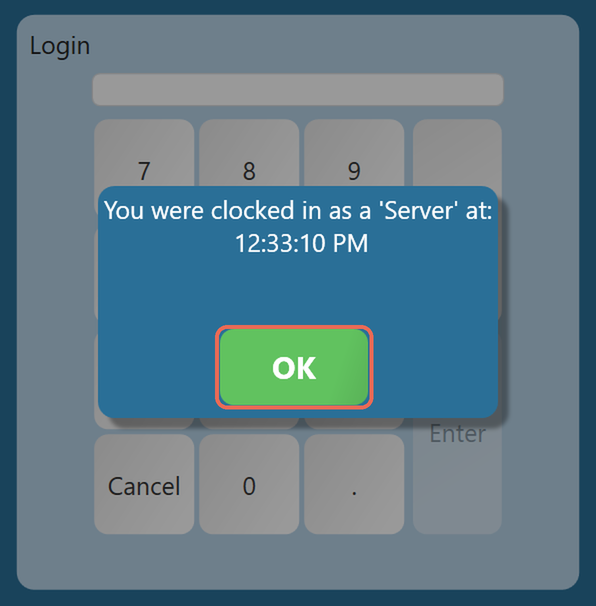
A message shows the job role and the time you clocked in. Tap OK. The terminal goes back to the log in screen - log in again to start working.
-
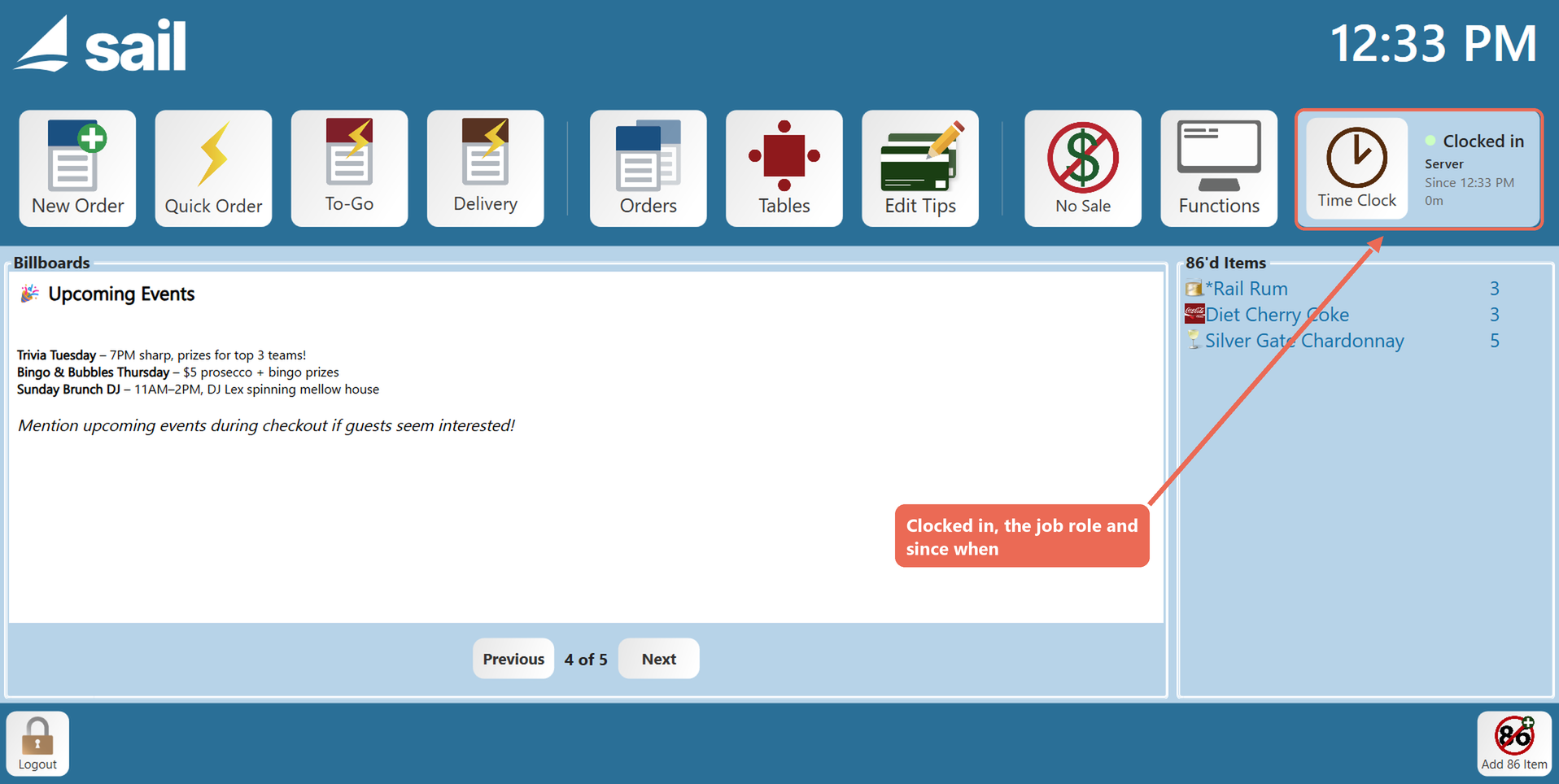
The Time Clock button on the home screen now shows that you're clocked in, your job role and when you clocked in.


Clocking In from the Time Clock button
If you tapped No when you logged in, you can clock in later from the home screen.
-
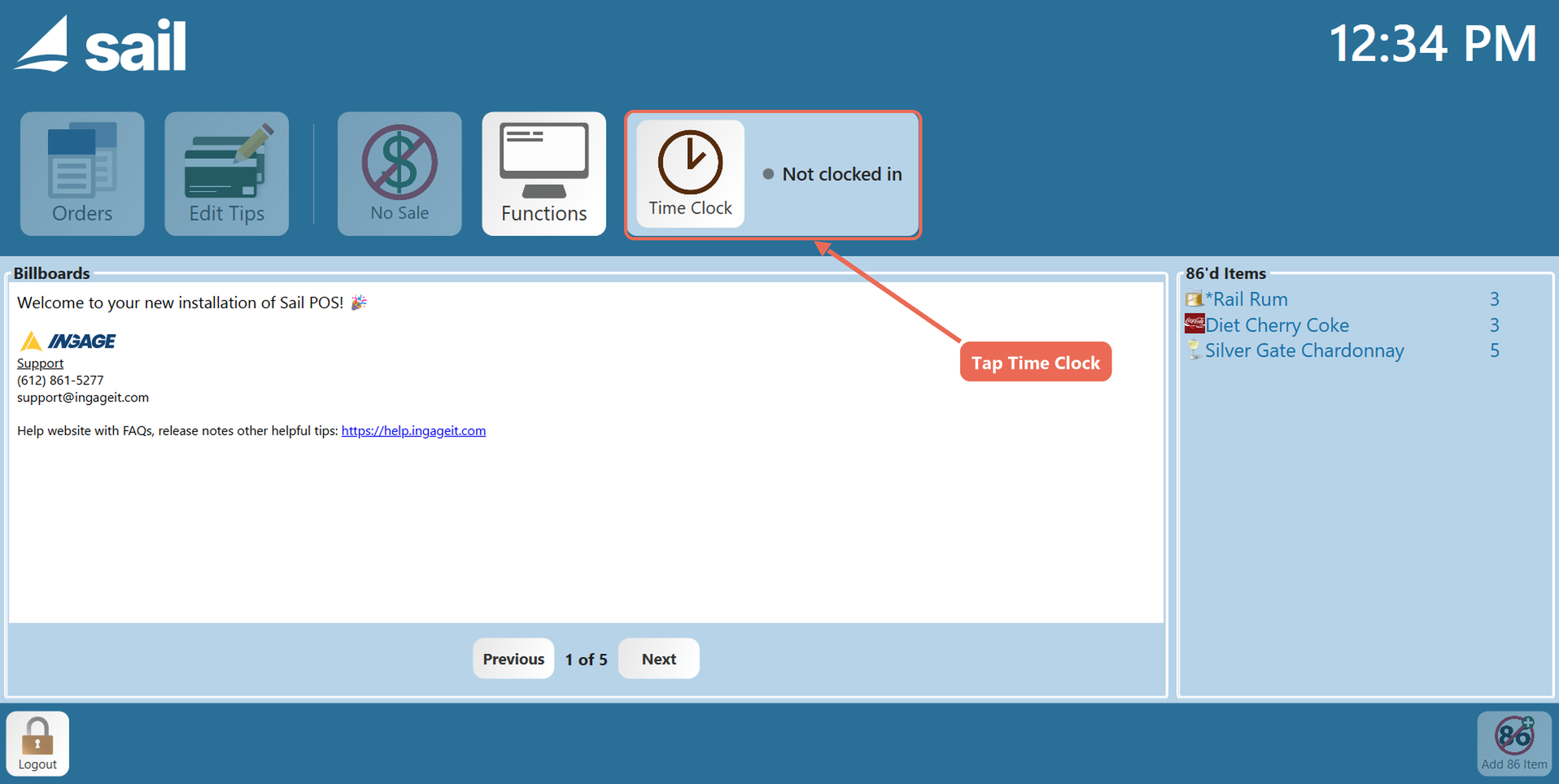
Tap Time Clock on the home screen. It says Not clocked in.
-
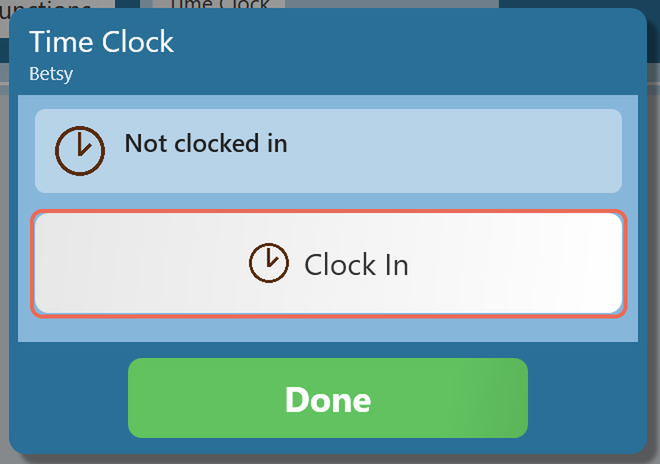
Tap Clock In. If you have multiple job roles, the window shows a button for each one instead - tap the job role you are clocking into.
-
A message shows the job role and the time you clocked in. Tap OK. You stay logged in and can start working.
Clocking Out
Servers and bartenders should make sure they have closed out all of theretheir open orders and run their server reportclose before clocking out. If your business requires it, the terminal won't let you clock out until you have.
Click here to learn more about closing a server.
-
When you are ready to clock out tap the
“Time ClockOut”buttonthat is locatedon thelaunchhomescreen.screen, then Clock Out.
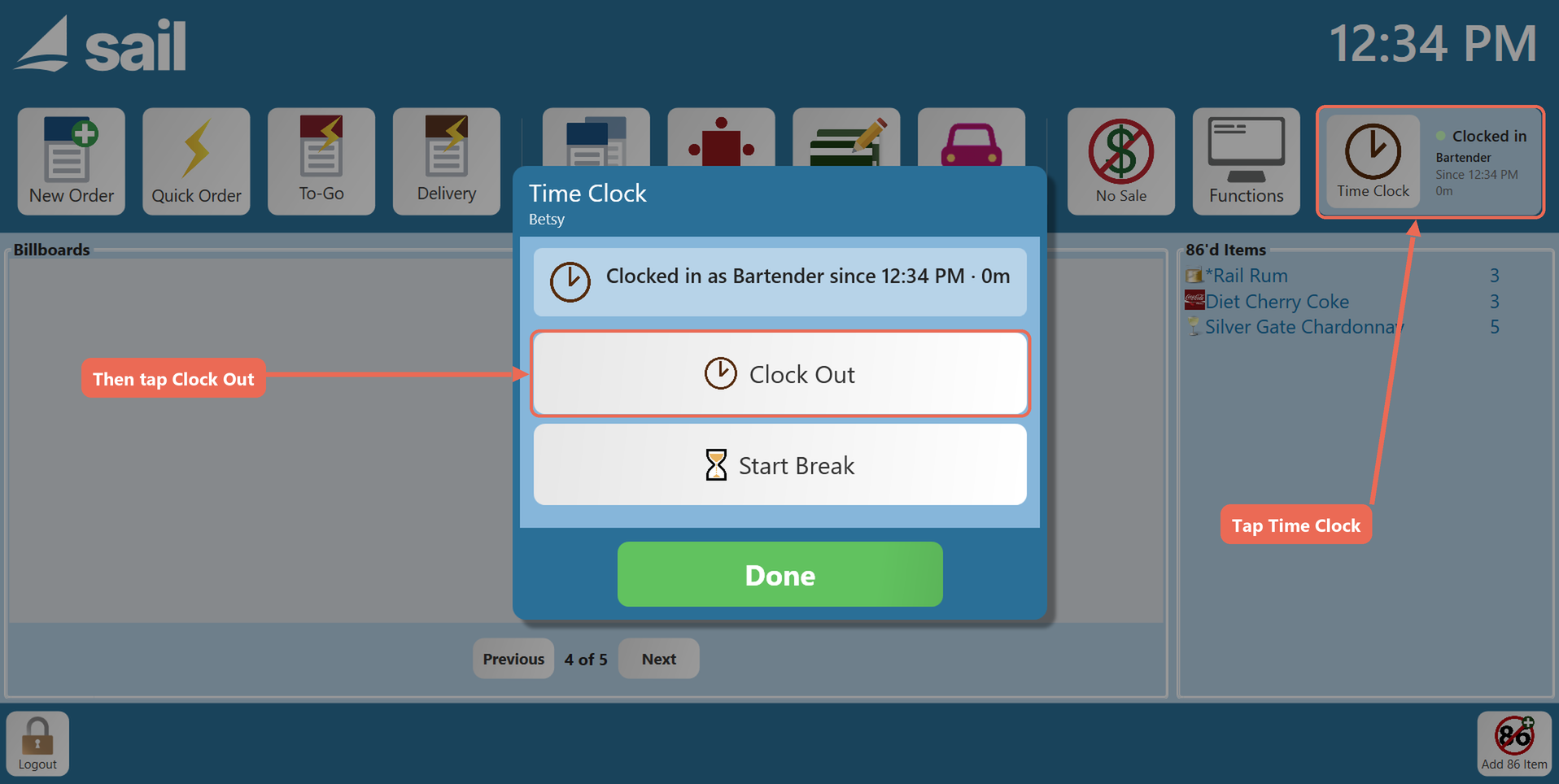
-
If you were due a break during your shift, the terminal asks about each one first: tap Taken or Waive, then Done.
-
A prompt to enter your cash tips will populate. Type the cash tips you made and tap Enter.

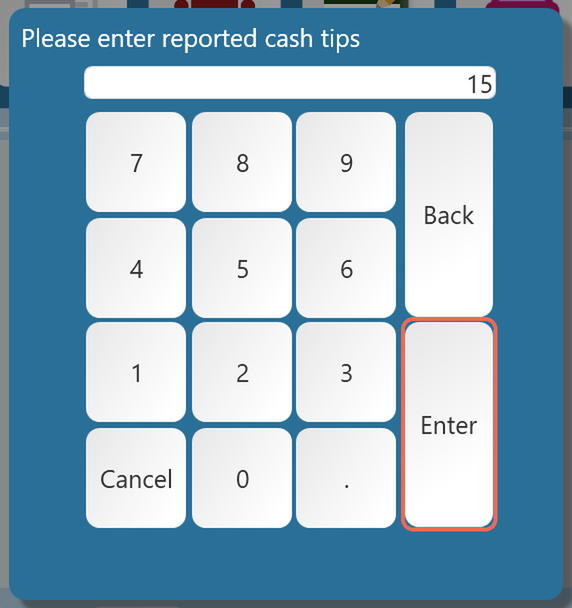
-
AfterA message shows the time you clocked out and yourtipshours.haveTapbeenOK.entered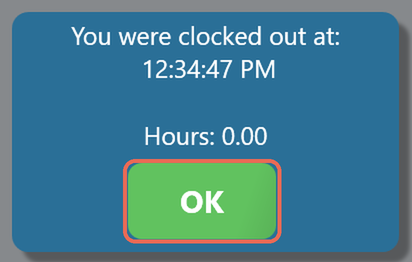
the -
The terminal
will automatically gogoes back to the log in screen. You are now clocked out.