
How to Invite Employees to Ingage Scheduling
Whether youyour location is new to Ingage schedulingScheduling or youyou’re haveonboarding a new employee starting, you will need to invitehire, employees tomust be invited before they can access the Scheduling system.
An employee’s goal status is Joined, which means they have accepted the invitation and can log in to Scheduling.
To
Check an Employee’s Invitation Status
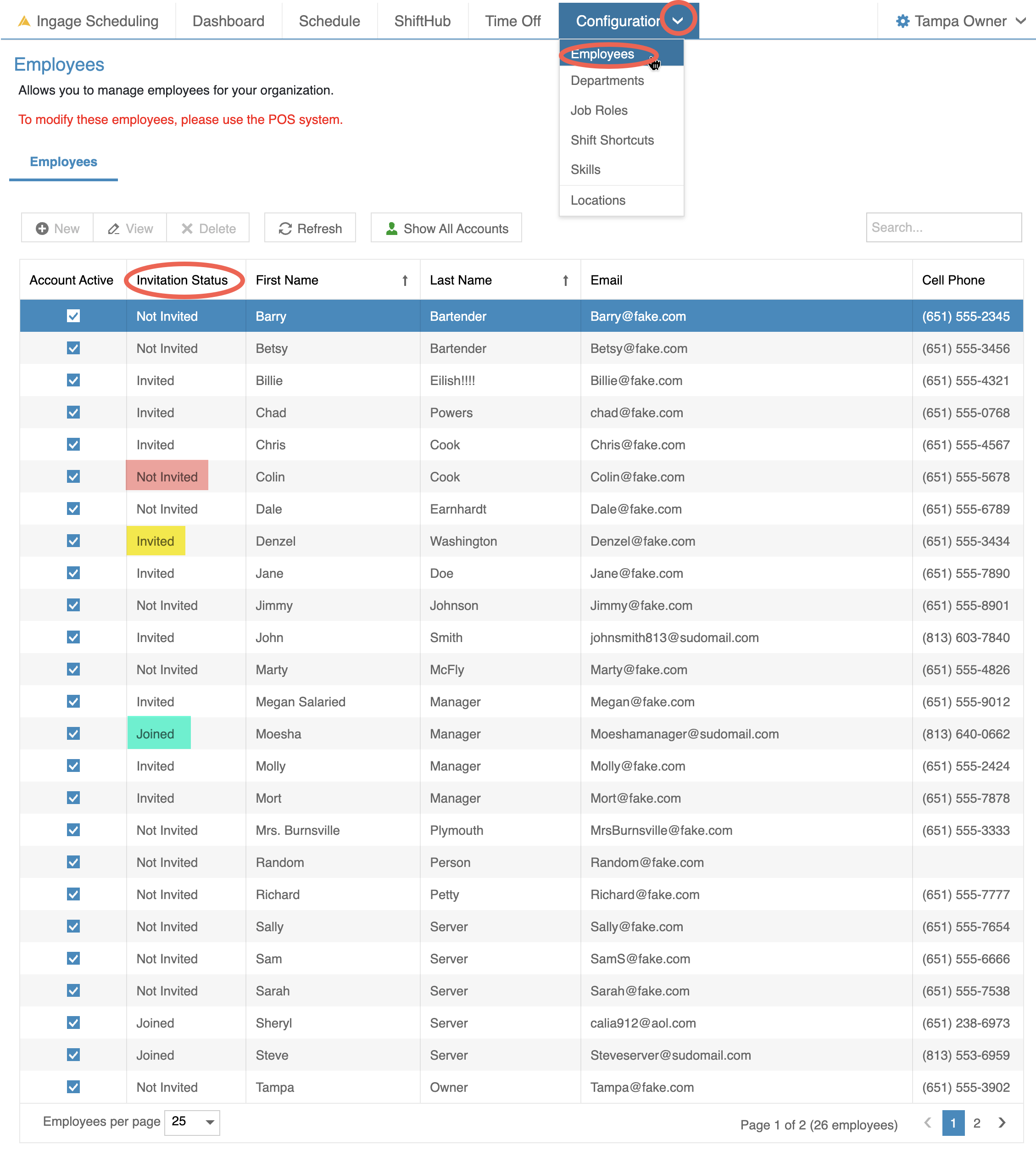
You can view the invitation status for all employees in one place.
-
Go to Configuration → Employees
-
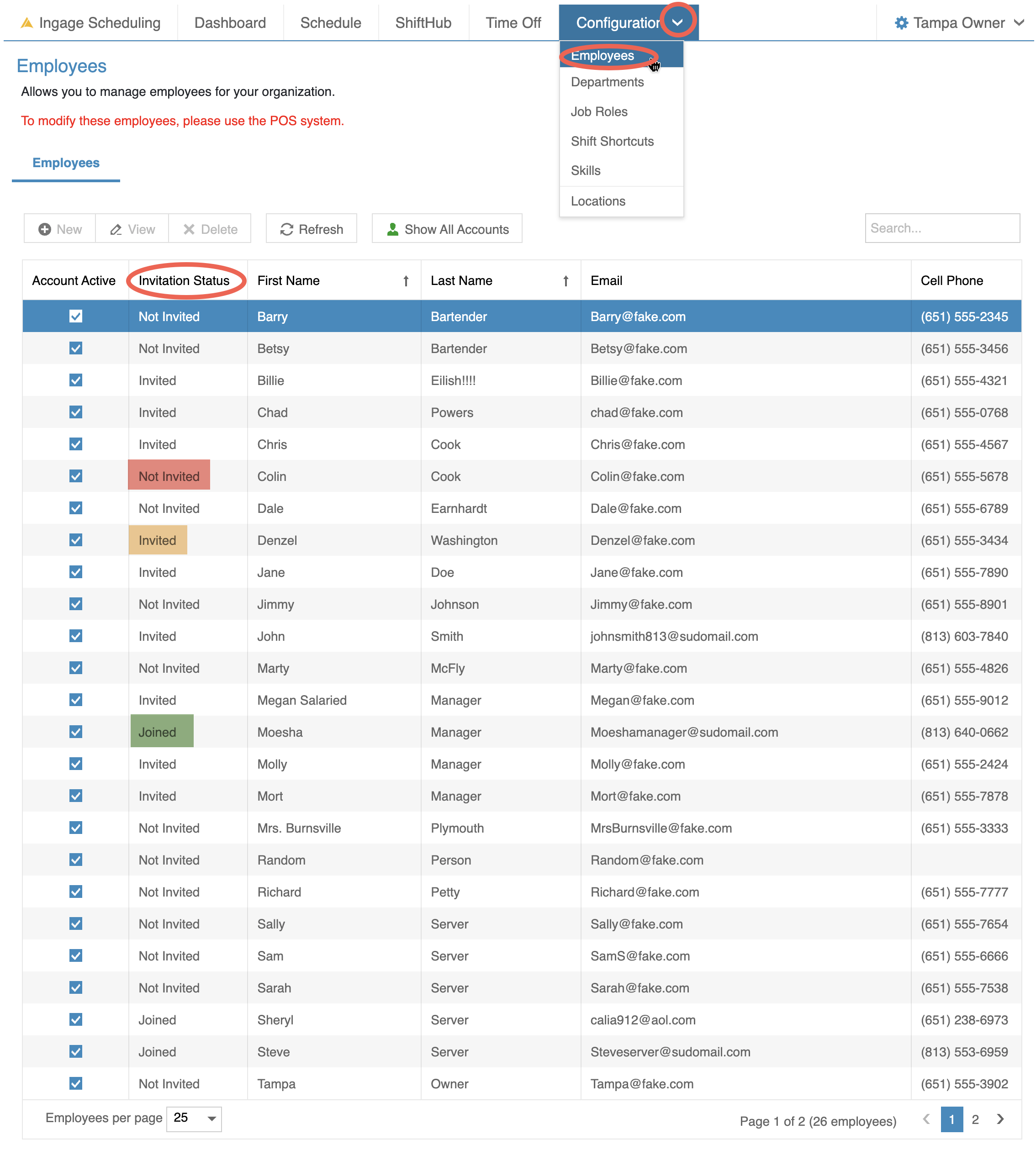
Look at the Invitation Status column
Each employee will show one of the following statuses:
TogotNot
ConfigurationInvited-->–EmployeeThe employee has not been sent an invitation-
Invited – The
secondinvitationcolumnhaswillbeenletsentyoubutknownoteachyetemployeesacceptedstatus -
Joined – The
goalemployeeishasto have all employees "Joined"accepted thesysteminvitation and joined Scheduling
Send an Invitation (Individual Employee)
To sendinvite and invitation (Foran individual employees)employee:
DoubleClickGo
onto Configuration → Employees-
Double-click the
Employeesemployee’s name -
Scroll
all the wayto the bottom of the Details tabto -
Locate the
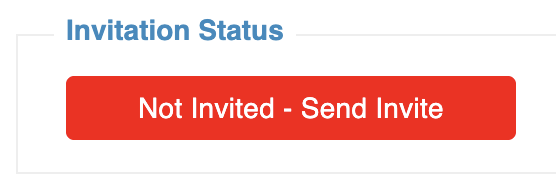
"Invitationstatus"Status section IfanNot Invited – Send Invite (Red)
-
The employee has not
yetbeen invitedyouyetwill see a red box that says "Not invited - Send Invite" ByclickingClick this
boxbuttonit willto send theemployeeinvitationthe invite viaby emailand-
theThe status will update to
invitedInvited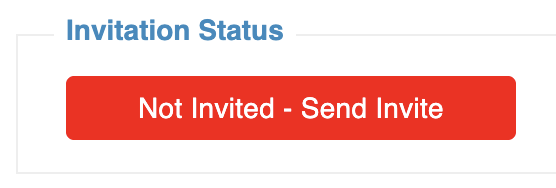
change-
OncetheInvited
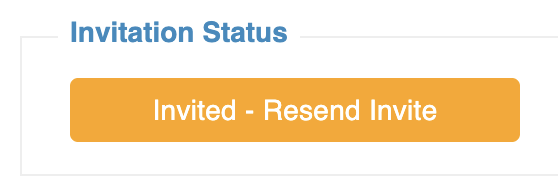
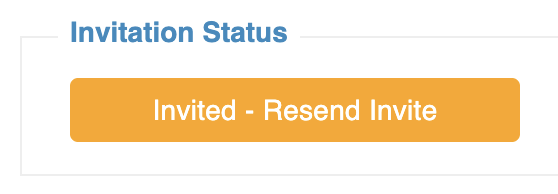
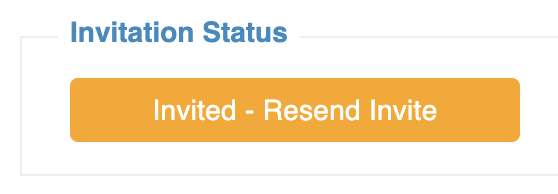
employee– Resend (Orange)-
The invitation has been
invitedsenttherebutwillnotbeyetanacceptedorange box that says "Invited - Resend" Itwill stay thisThis status remains until the employee
has openedopens the email andclicked onclicks the link to joinScheduling.-
If the employee
doesn'tdidjoin,notorreceiveyoutheneed to send them this link again,email, you can clickthat buttonResend togive themsend the invitationagain.again-
-
OncetheThe employee has
openedathevalid emailandaddressclickedenteredJoinintheBackofficestatus will change to "Joined"-
The
statusemailbuttonwaswillnotthenfilteredstayintogreentheirandspambeorgreyedjunkout because it can't be sent again.folder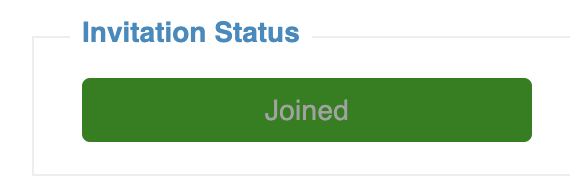
-
Invitation Statuses Explained
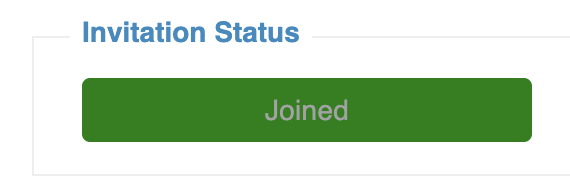
Joined (Green, disabled)
-
The employee has accepted the invitation and joined Scheduling
-
This status cannot be changed or resent
What Happens After an Employee Joins
Once an employee clicks the link in their email:
-
Their status updates to Joined
-
They can log in to Scheduling
-
They can view their schedule and receive notifications based on their settings
Coming Soon
WeA future update will eventuallyallow have the abilitymanagers to send the inviteinvitations to all employees at oneonce, timemaking it easier to help withonboard new locations goingwithout liveinviting withemployees Scheduling for the firs time. So that you don't need to click into each individual employeeindividually.