
How to refresh cache on a handheld
This document will show how to refresh cache on your handheld.
If you'd like to see how to do a Terminal Sync, please click the link.
Refreshing cache on a handheld pullsclears what the currenthandheld versionhas saved and pulls a fresh copy of Sailyour menu, employees and settings from the serverserver. ontoUse yourit handheld.when This can be used to push any informationsomething entered intoin backBackoffice officedoesn't toshow up on the handheld.
-
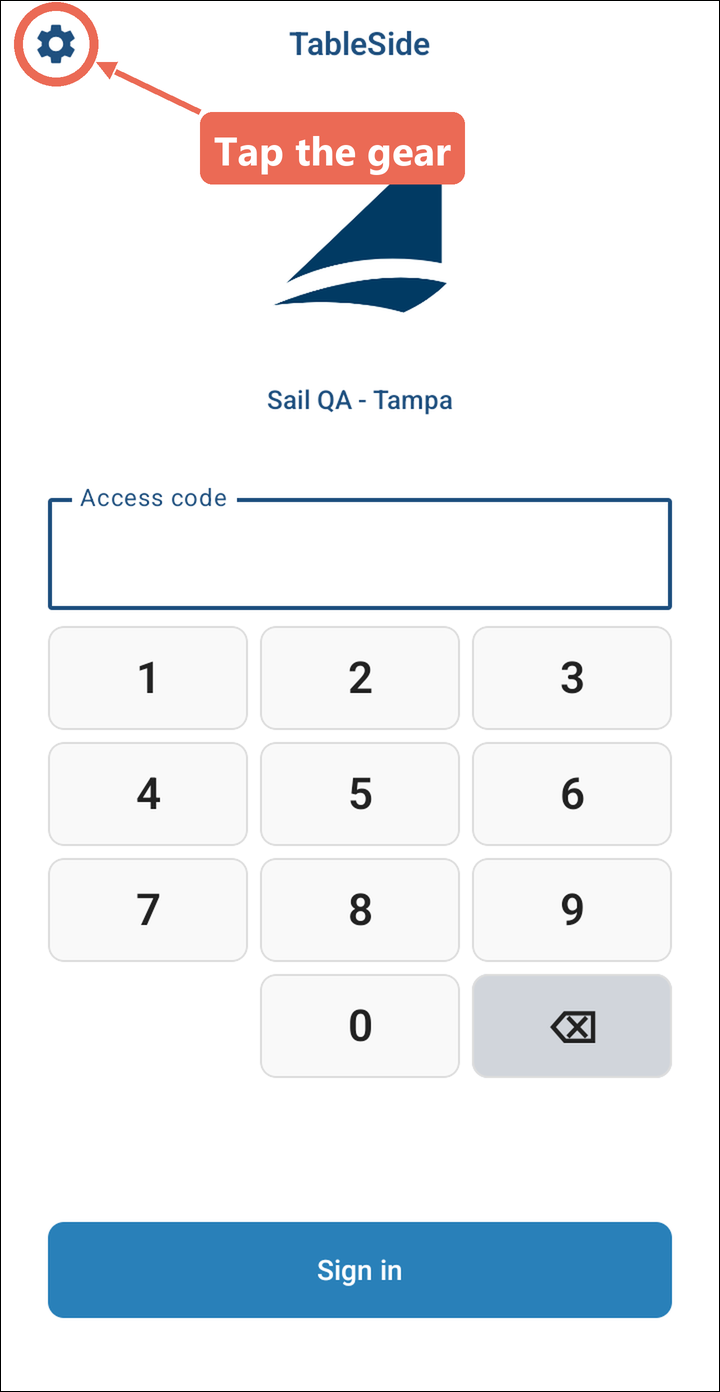
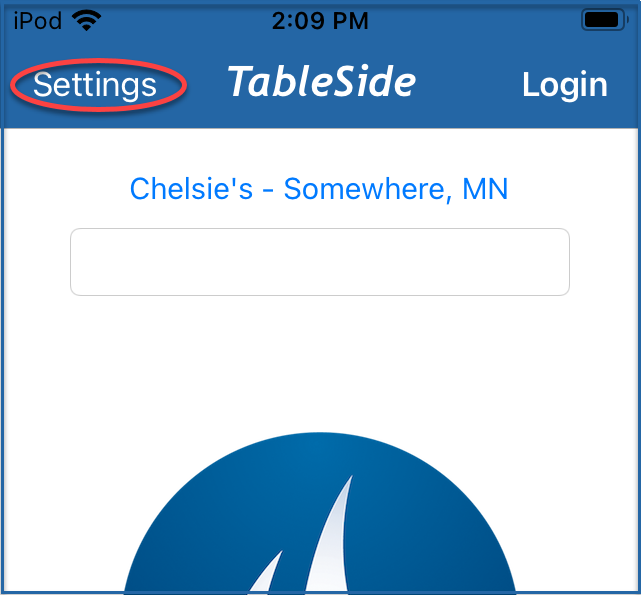
From the login screen
presstap thesettings buttongear in the upper left corner.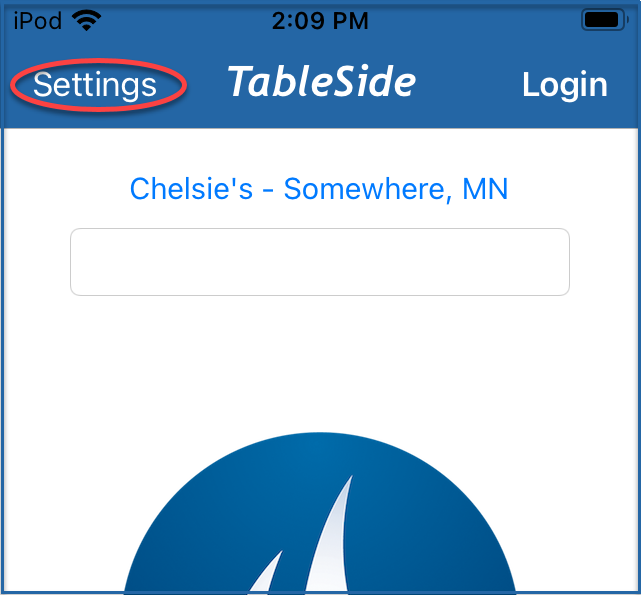
-
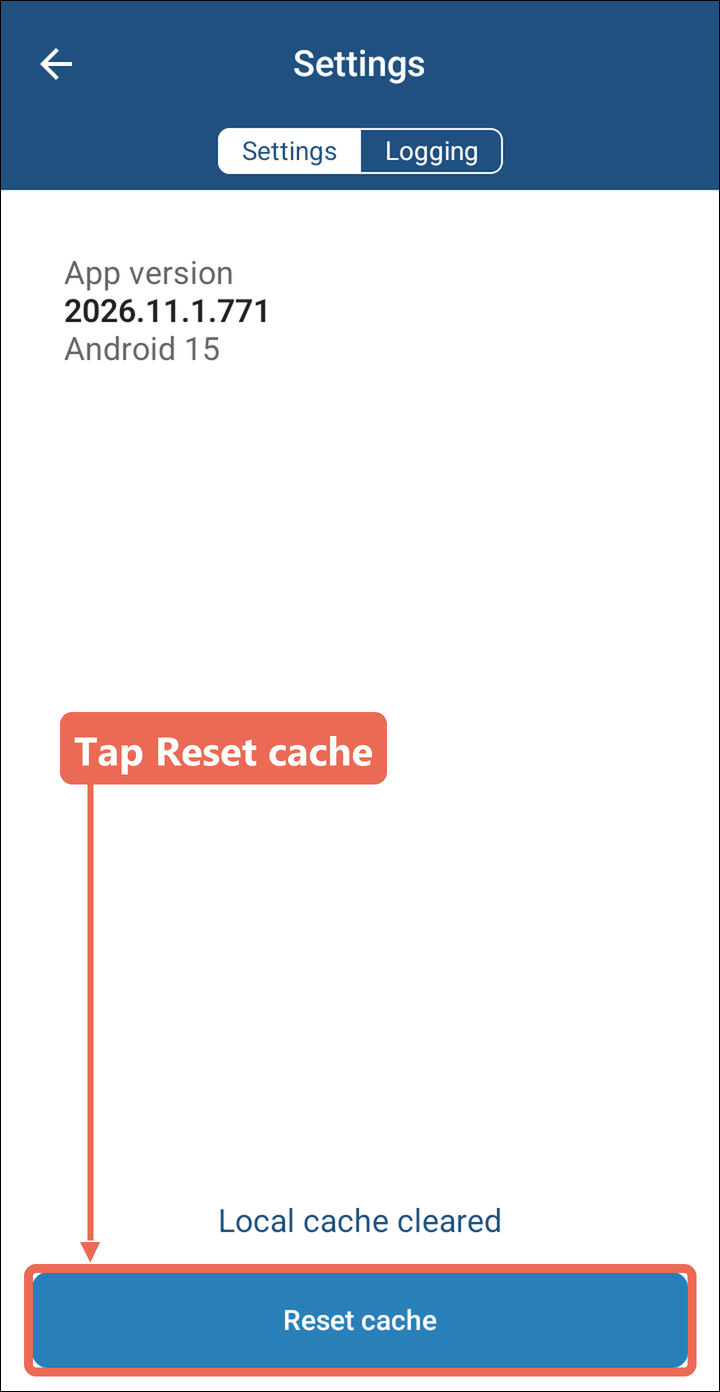
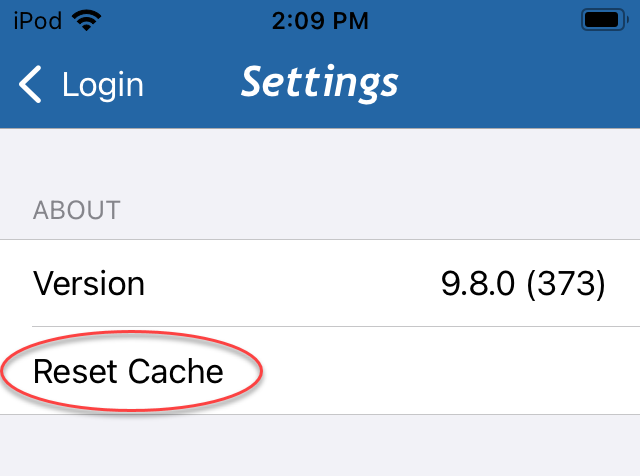
SelectTaprefreshResetcache.cache at the bottom of the Settings screen. Local cache cleared shows above the button.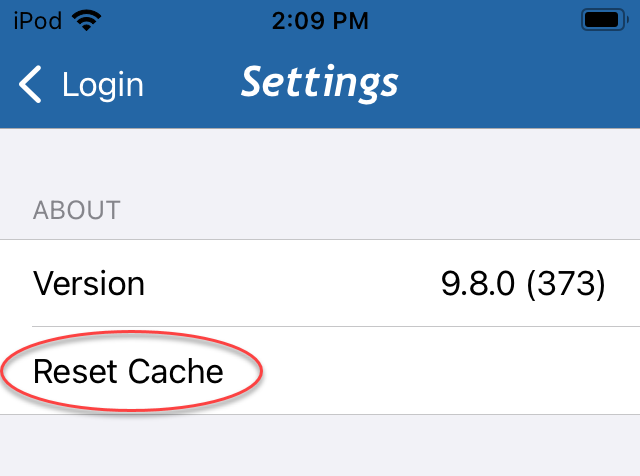
-
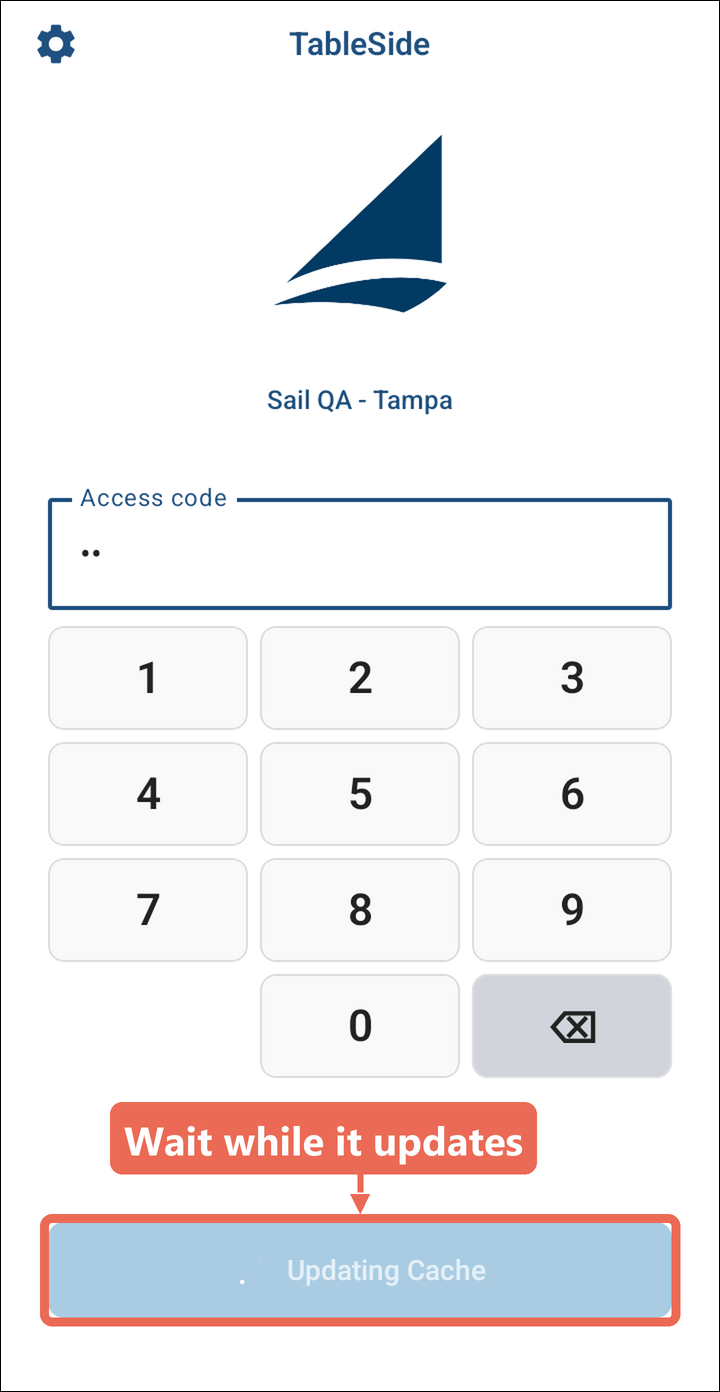
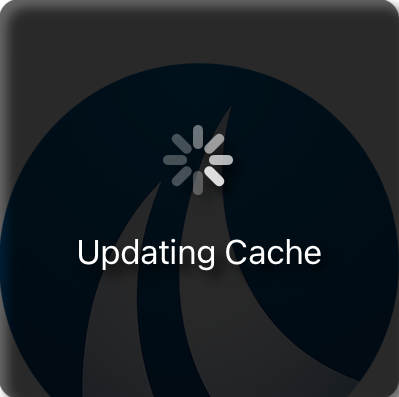
The next time someone tries to log intoTap thedevicebackitarrowwillandrefreshenter your login number. The handheld refreshes before loggingin.in, and the Sign in button shows Updating Cache. This should only take 30 seconds to 1minuteminute.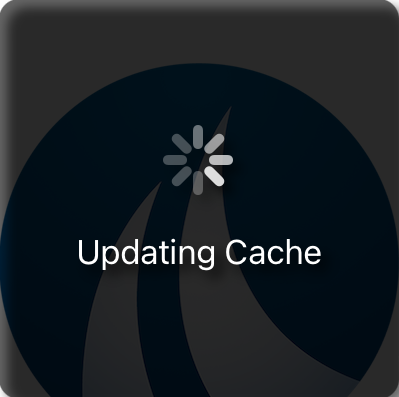
Note: If logging in says "You may need to reset cache or update your app version," follow these steps to refresh the cache, then log in again.