
How to check a gift card balance
This document will show how to check the balance of a gift card on the terminal.
If you'd like to see how to check the gift card balance balance on a a handheld or in Backoffice, please click the link
From the Launch Screen
-
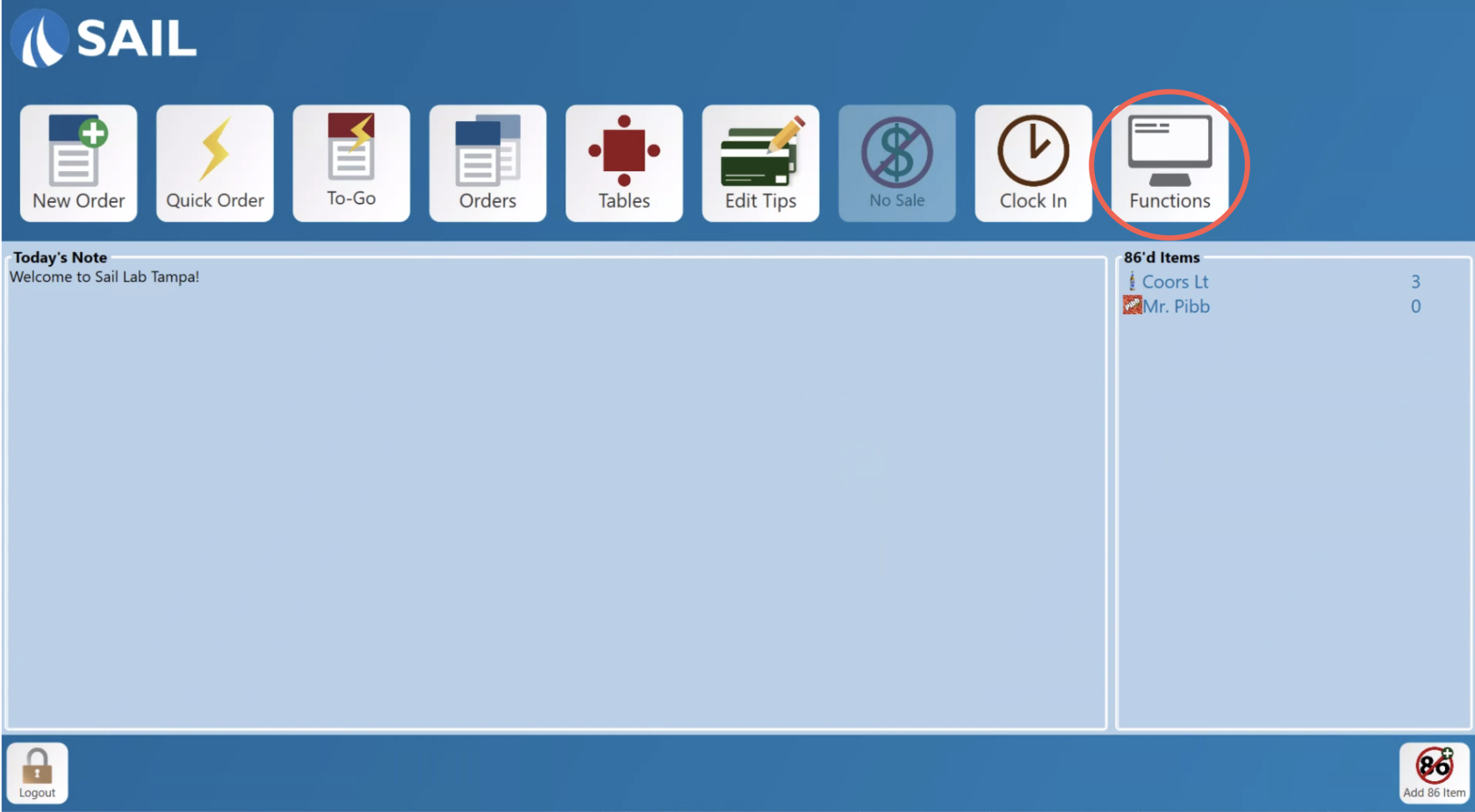
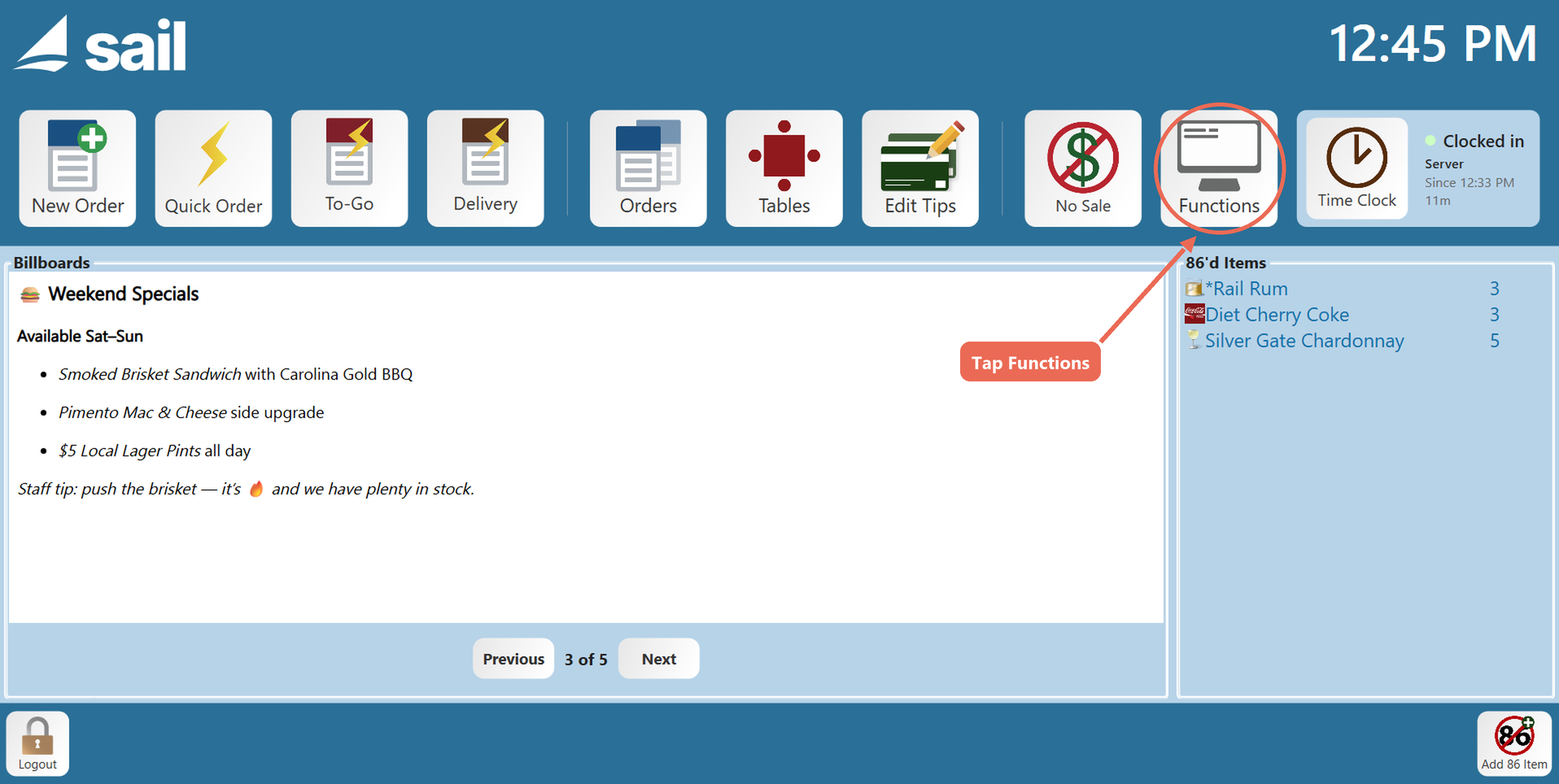
Navigate to the Functions screen from the launch screen.
-
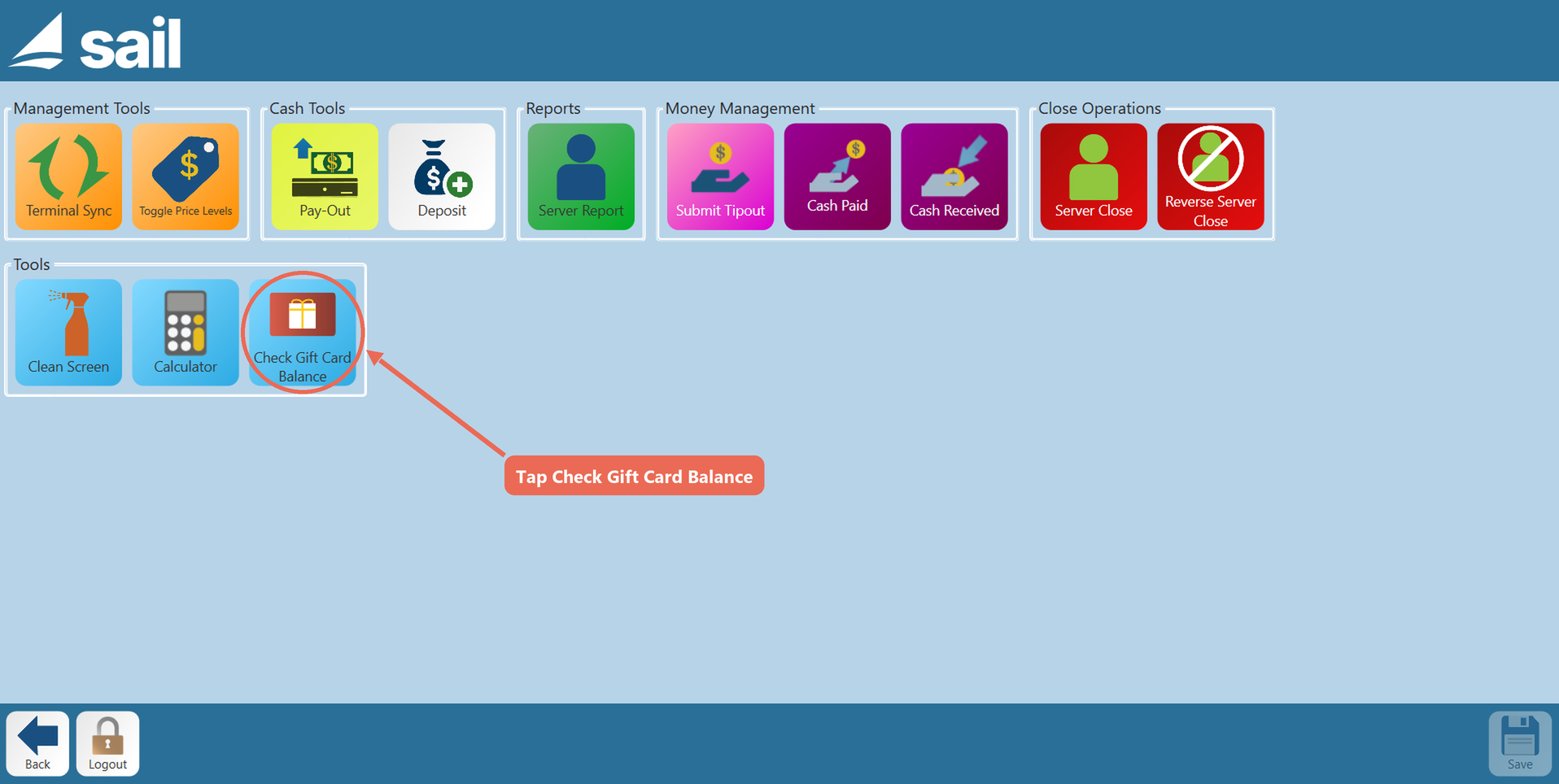
Select the Check Gift Card Balance
button.button under Tools.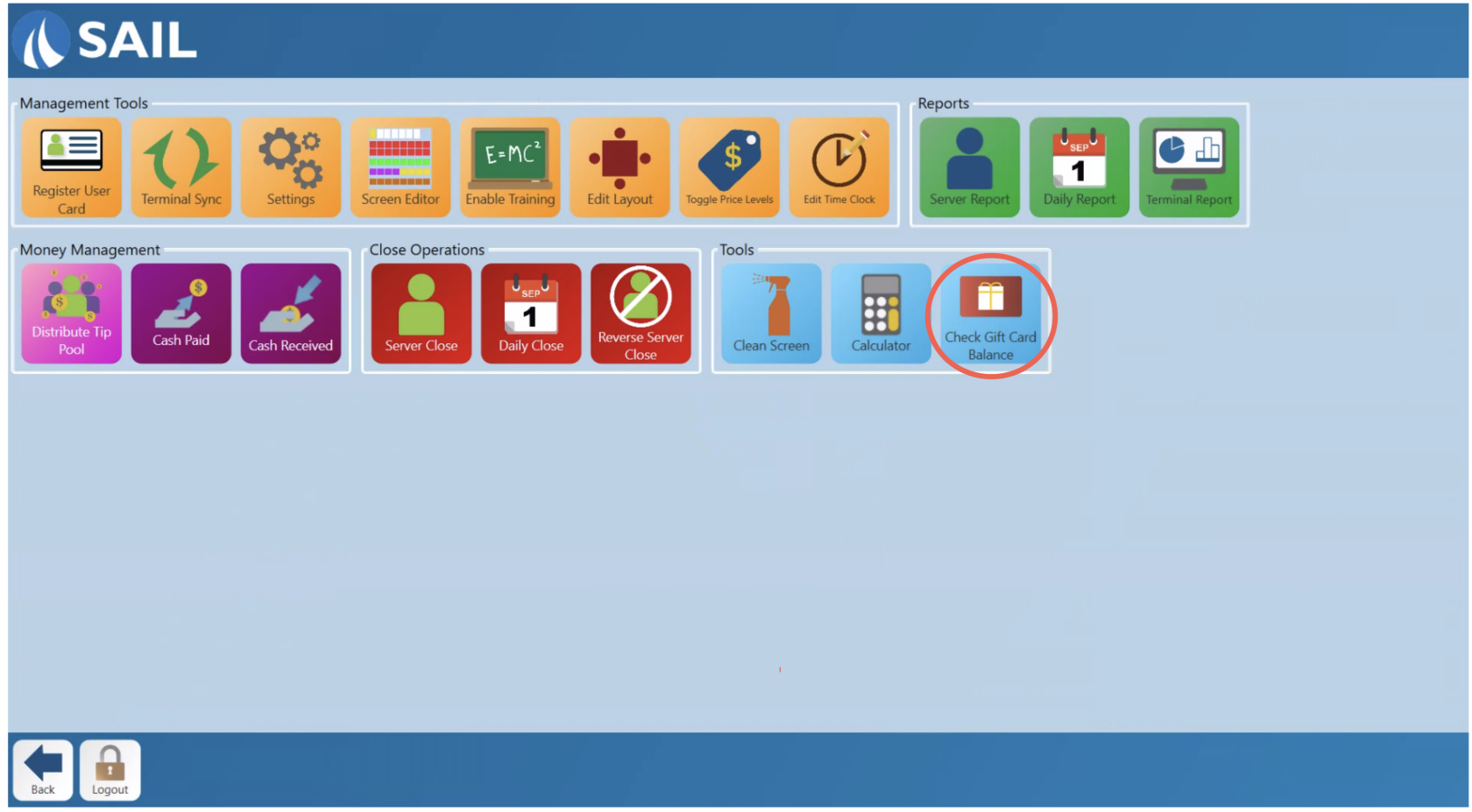
-
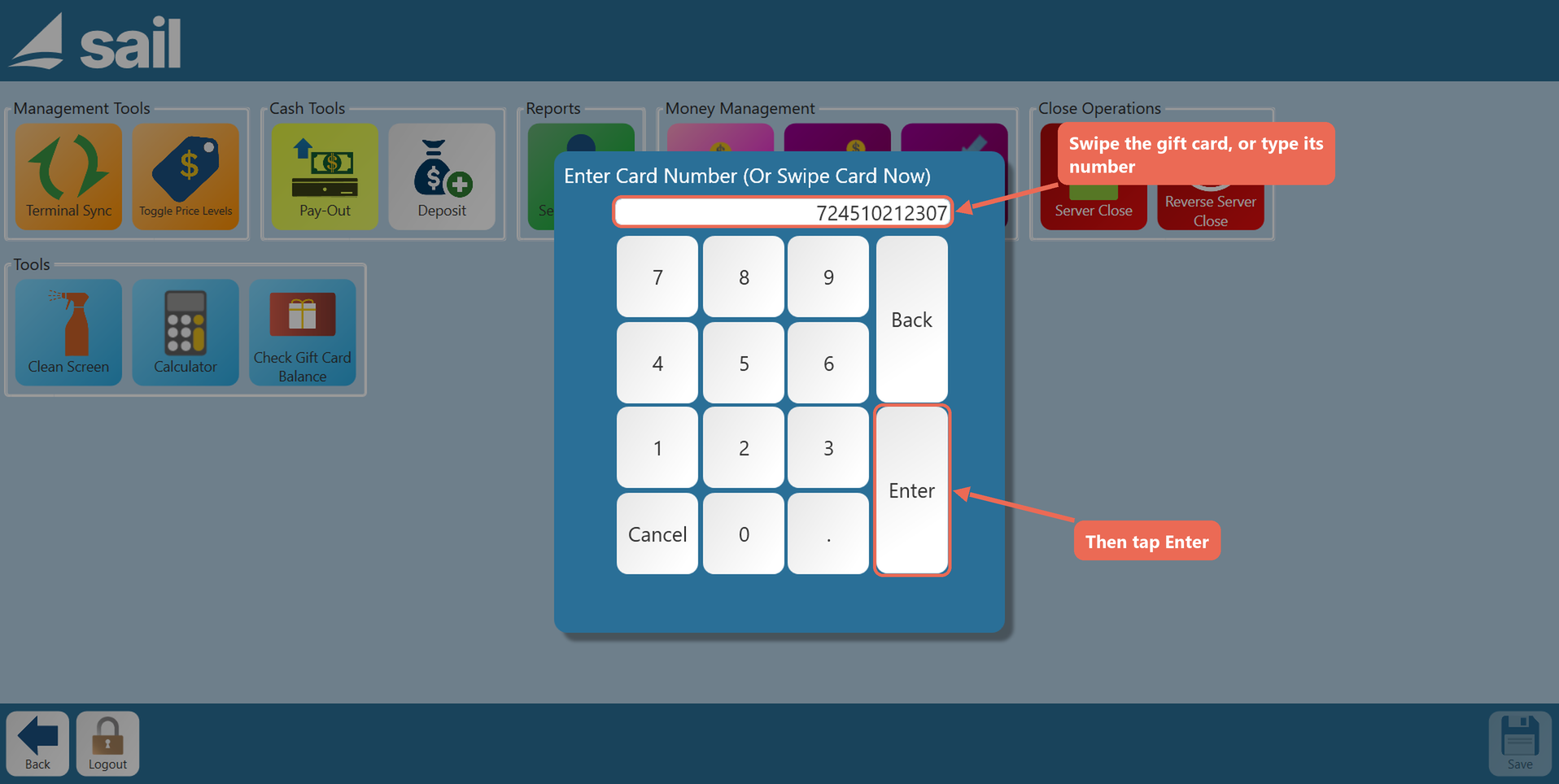
Swipe the gift card or type in the gift card
number.number, then tap Enter.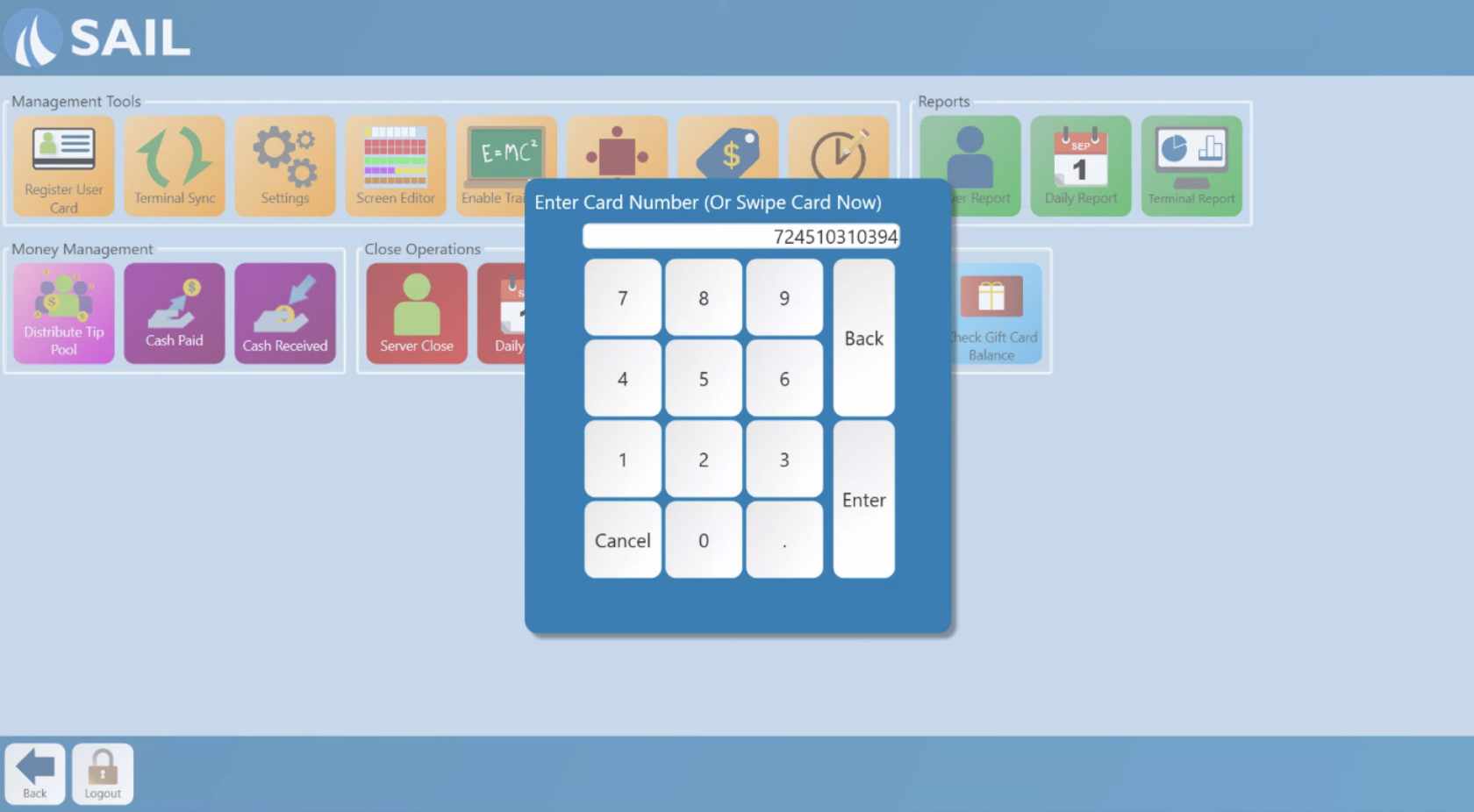
-
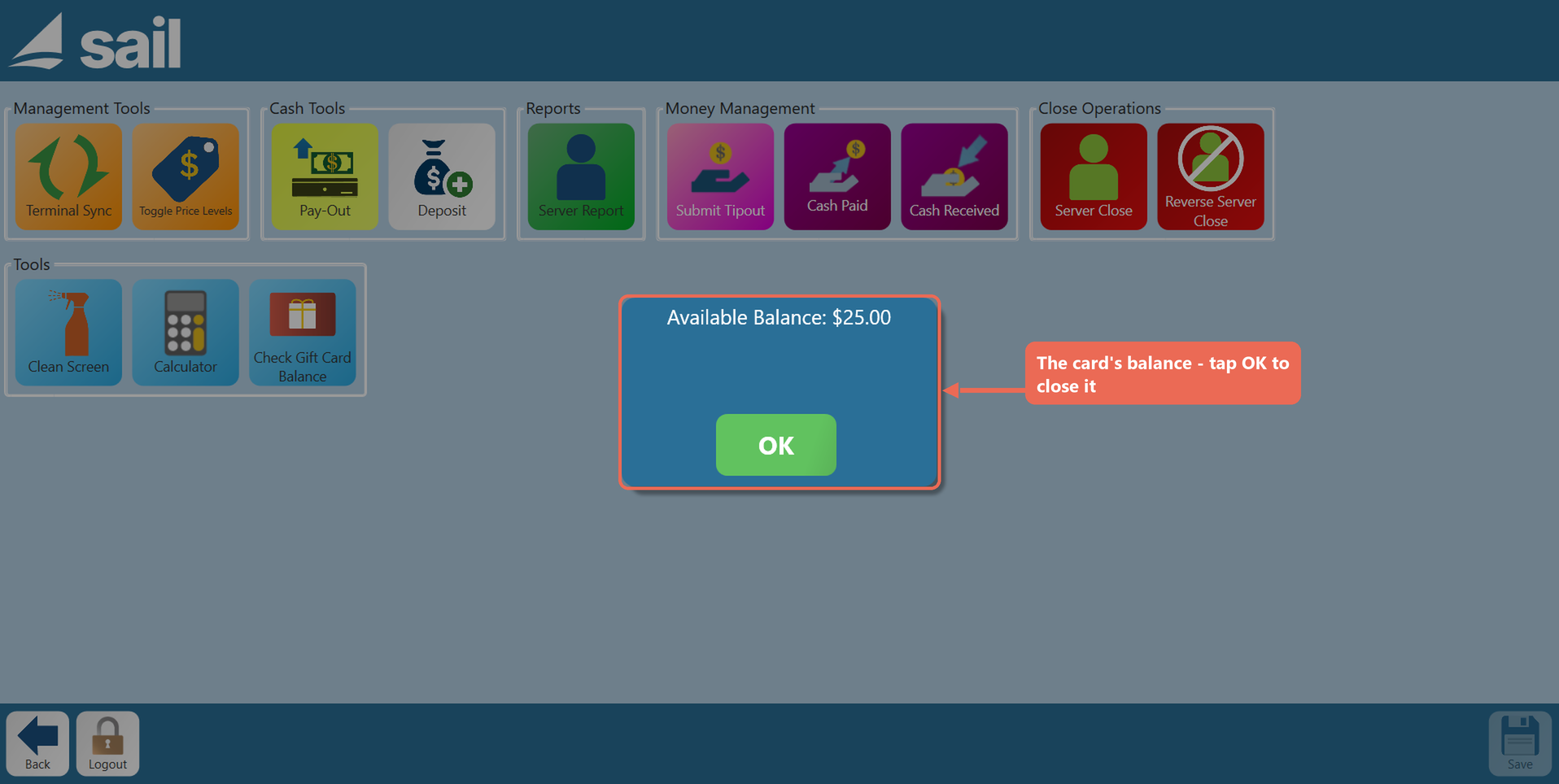
It will then display the gift card
balancebalance.andIfprintyou swiped the card, it also prints out aslip.slip with the balance. Tap OK to close it.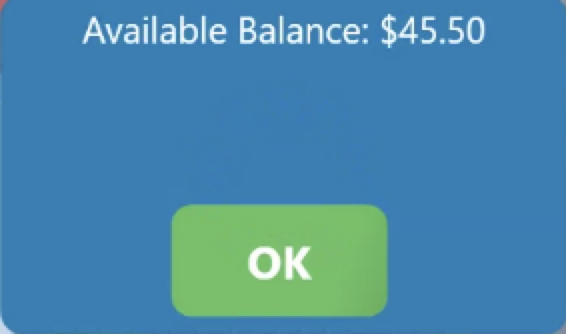


From the Order entry screen
-
Alternatively the gift card balance can be checked from the order entry screen.
-
You can either swipe the card directly on this screen
-
or
Gogo to the paymentsscreenscreen: tap Payments at the bottom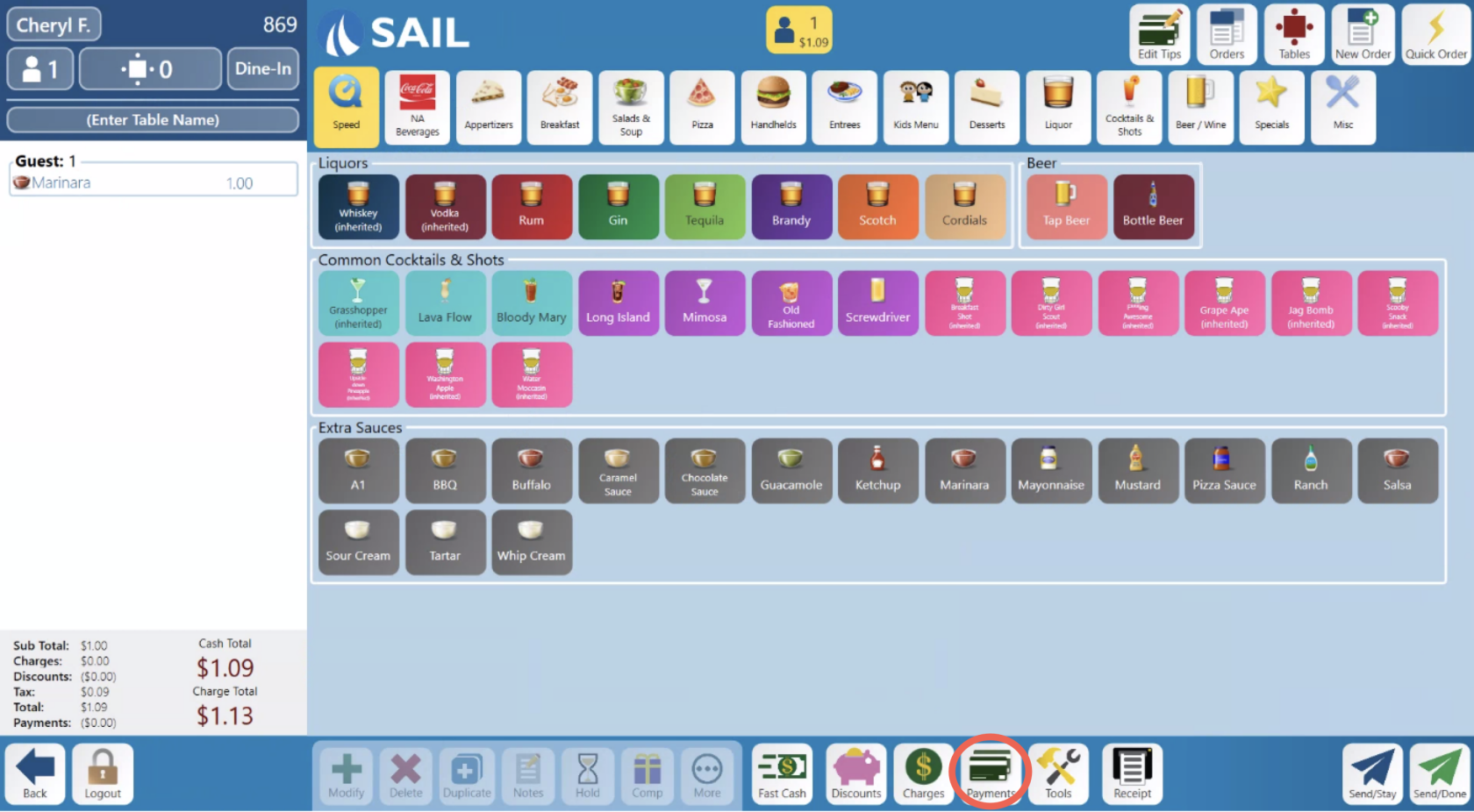
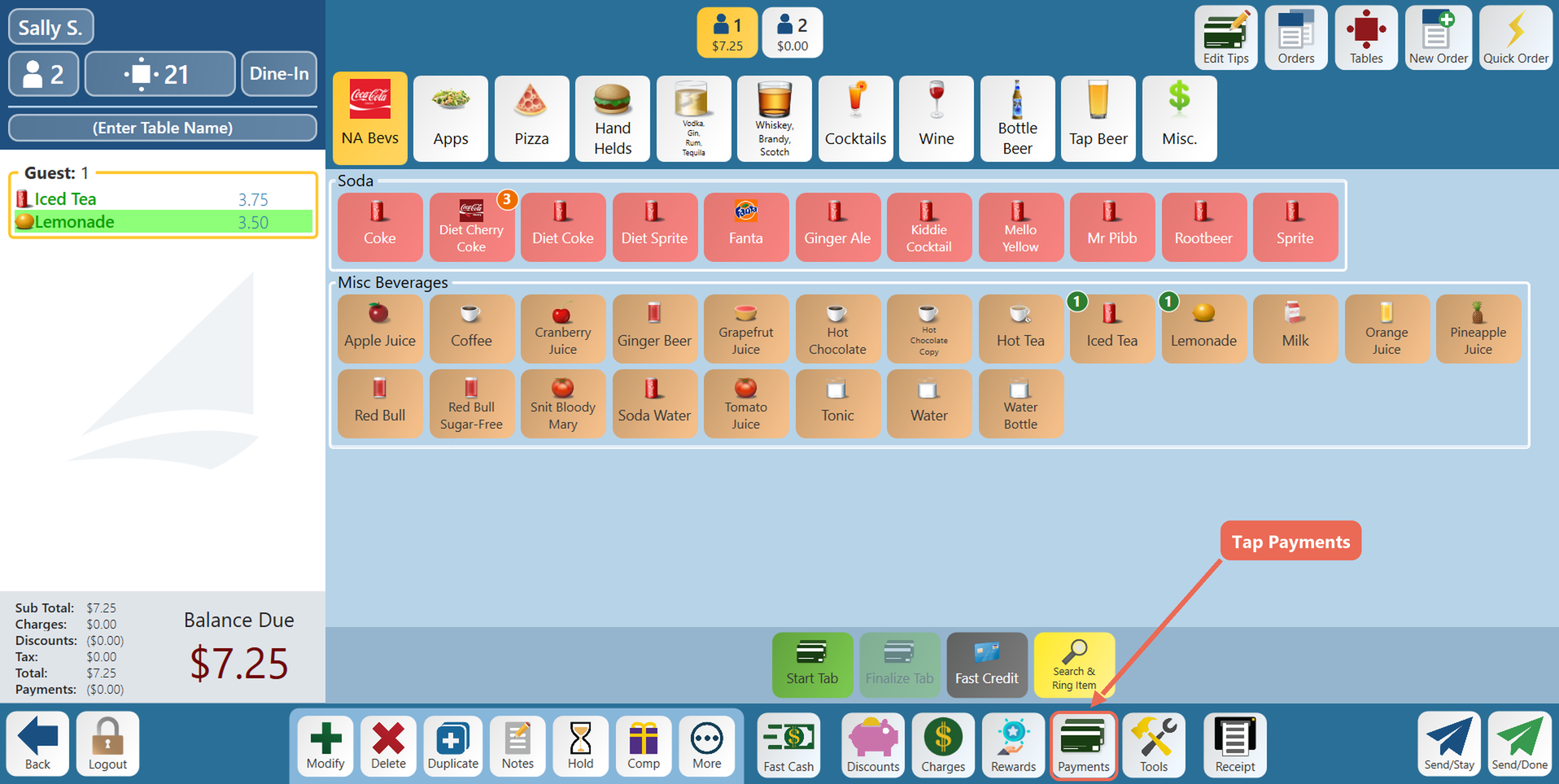
-
-
Select Gift
GardCard from the paymentoptions .options.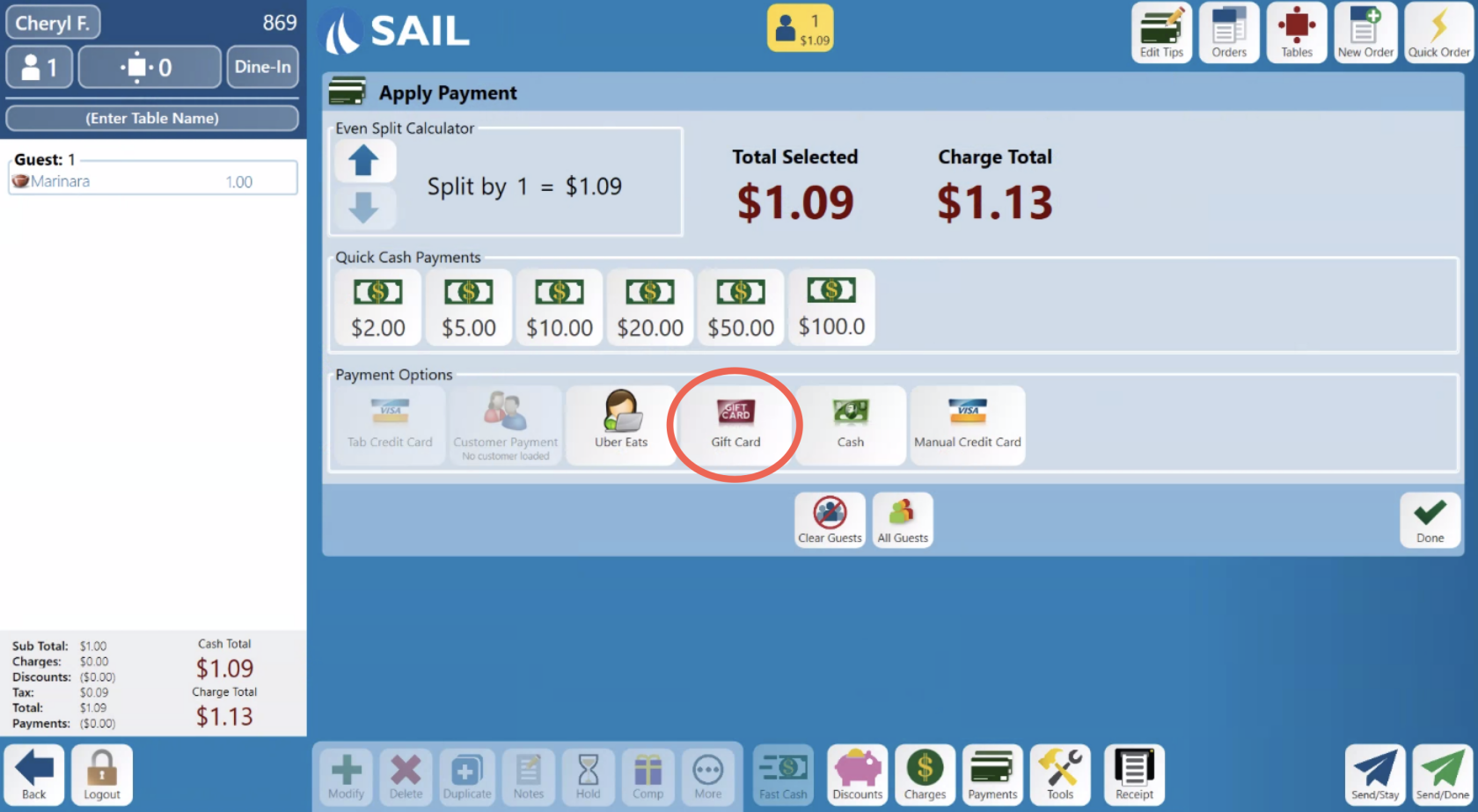
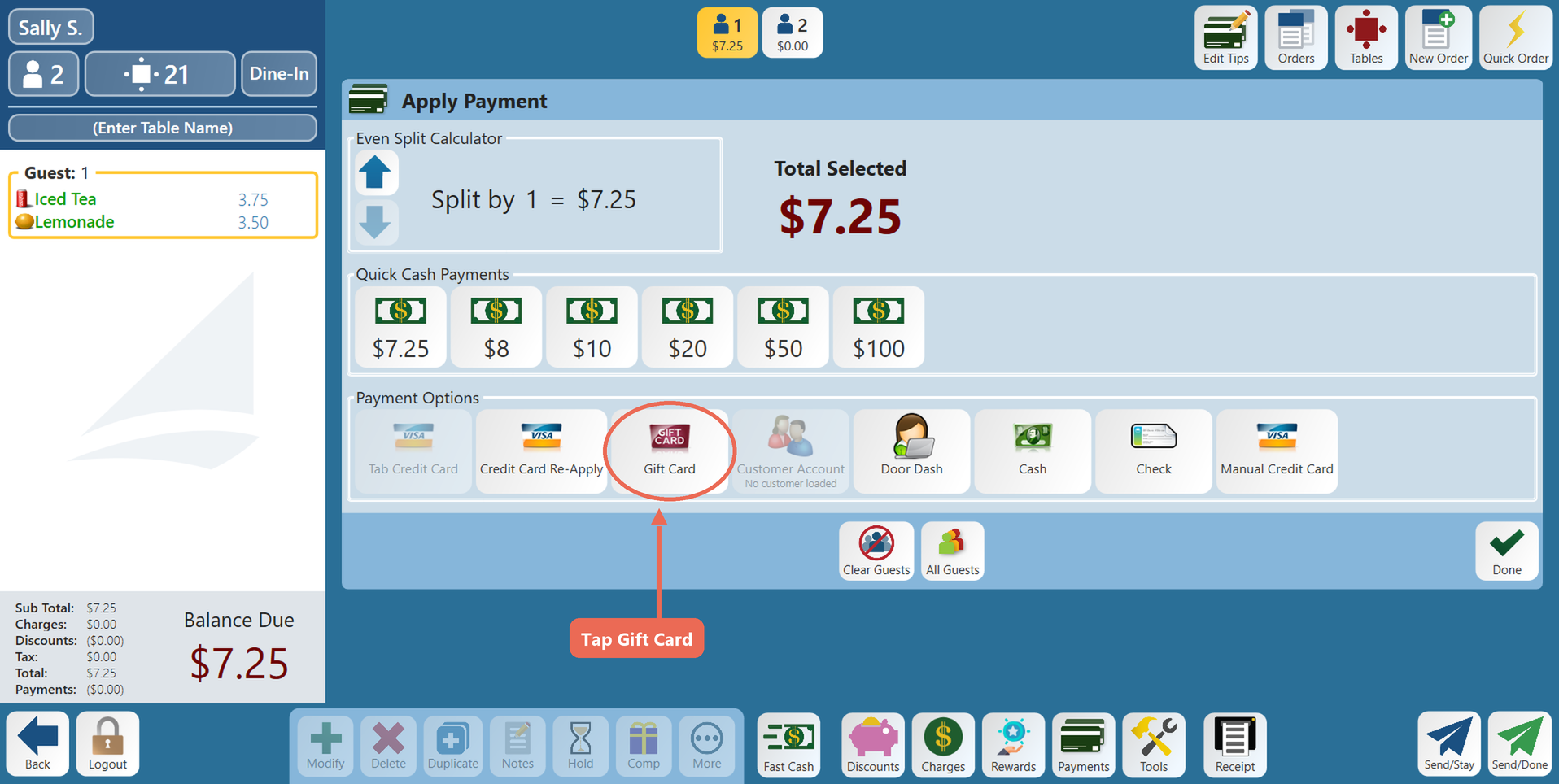
-
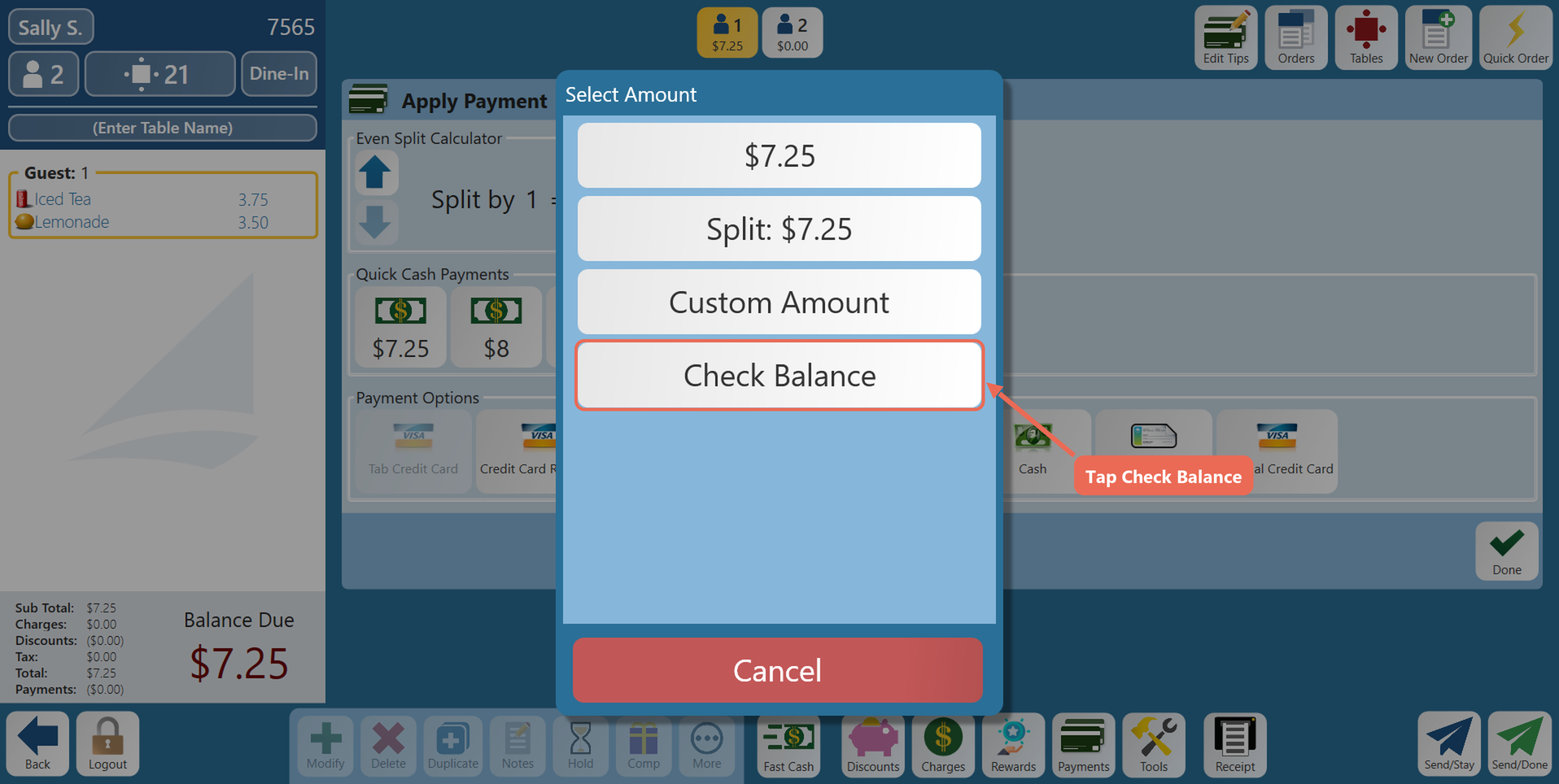
Select
checkCheckbalanceBalance from the prompt.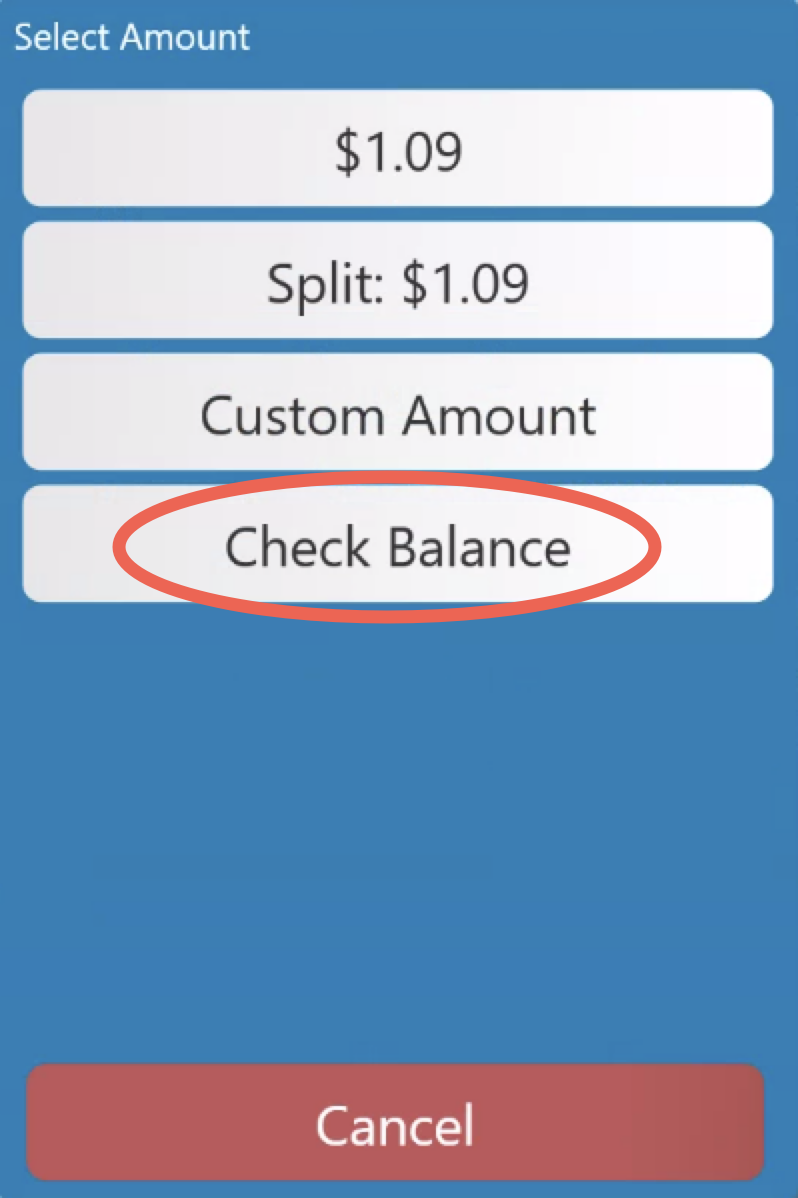
-
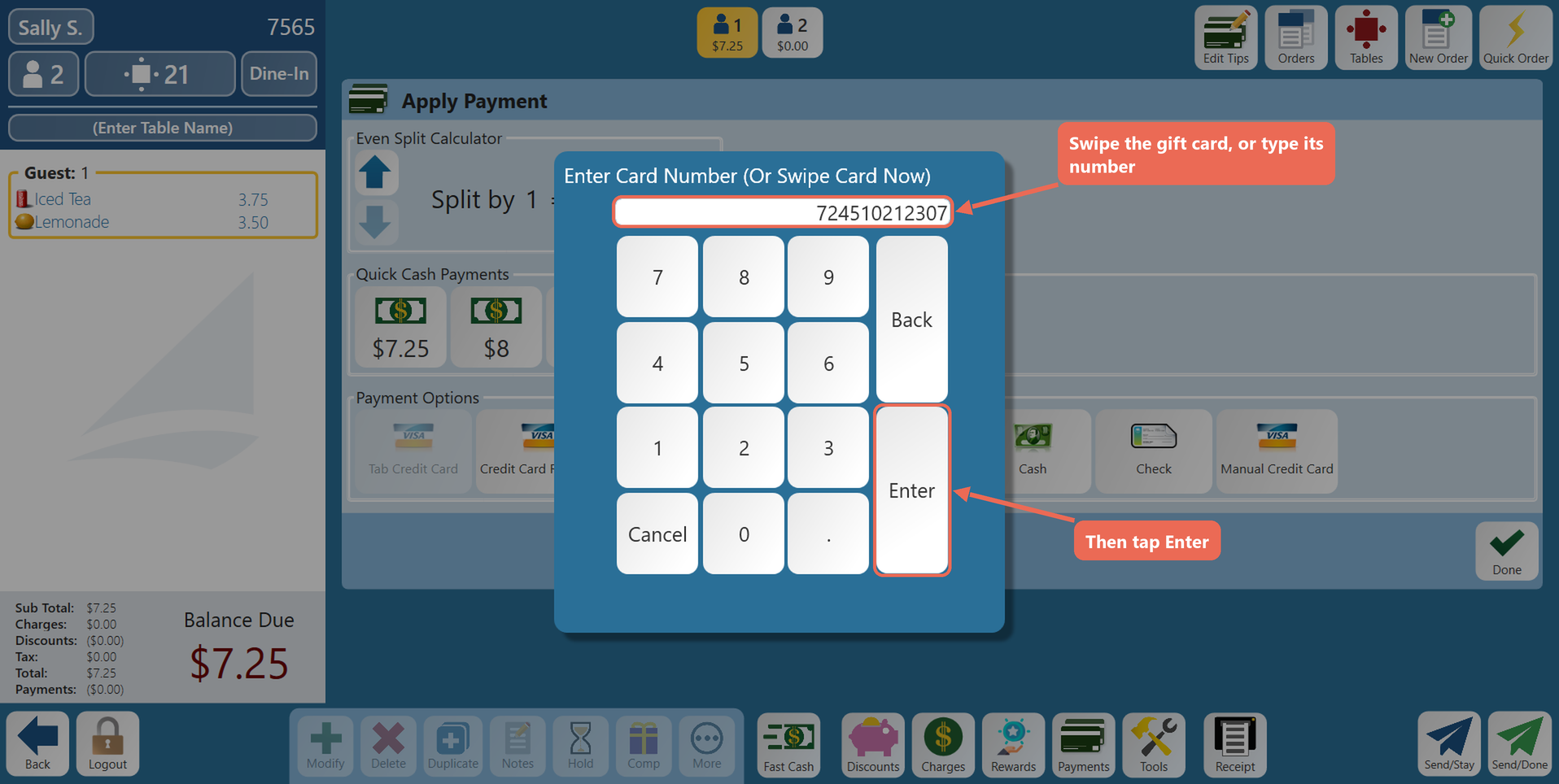
Swipe the gift card or type in the gift card
number.number, then tap Enter.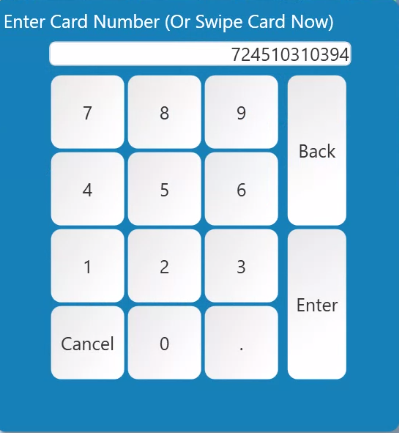
-
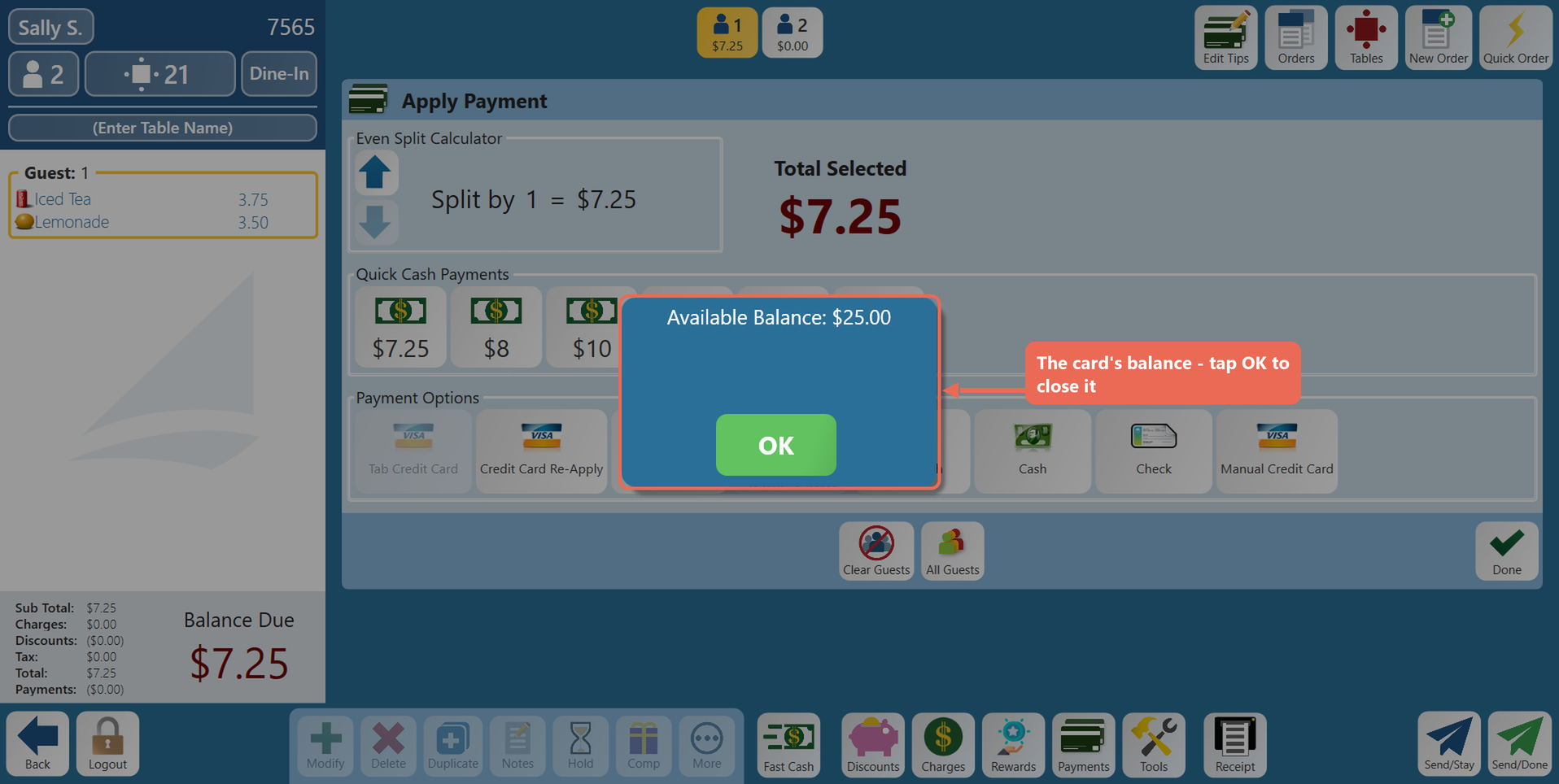
It will then display the gift card
balancebalance.andIfprintyou swiped the card, it also prints out aslip.slip with the balance. Tap OK to close it - nothing is paid, and you're back on the payment screen.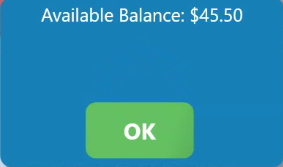


Note: Don't see Check Gift Card Balance on the Functions screen, or Check Balance in the prompt? Your job role doesn't have permission to check gift card balances - ask your manager.