How to enable training mode
This document will show how to enable training mode.
-
Log in and navigate to the Functions screen.
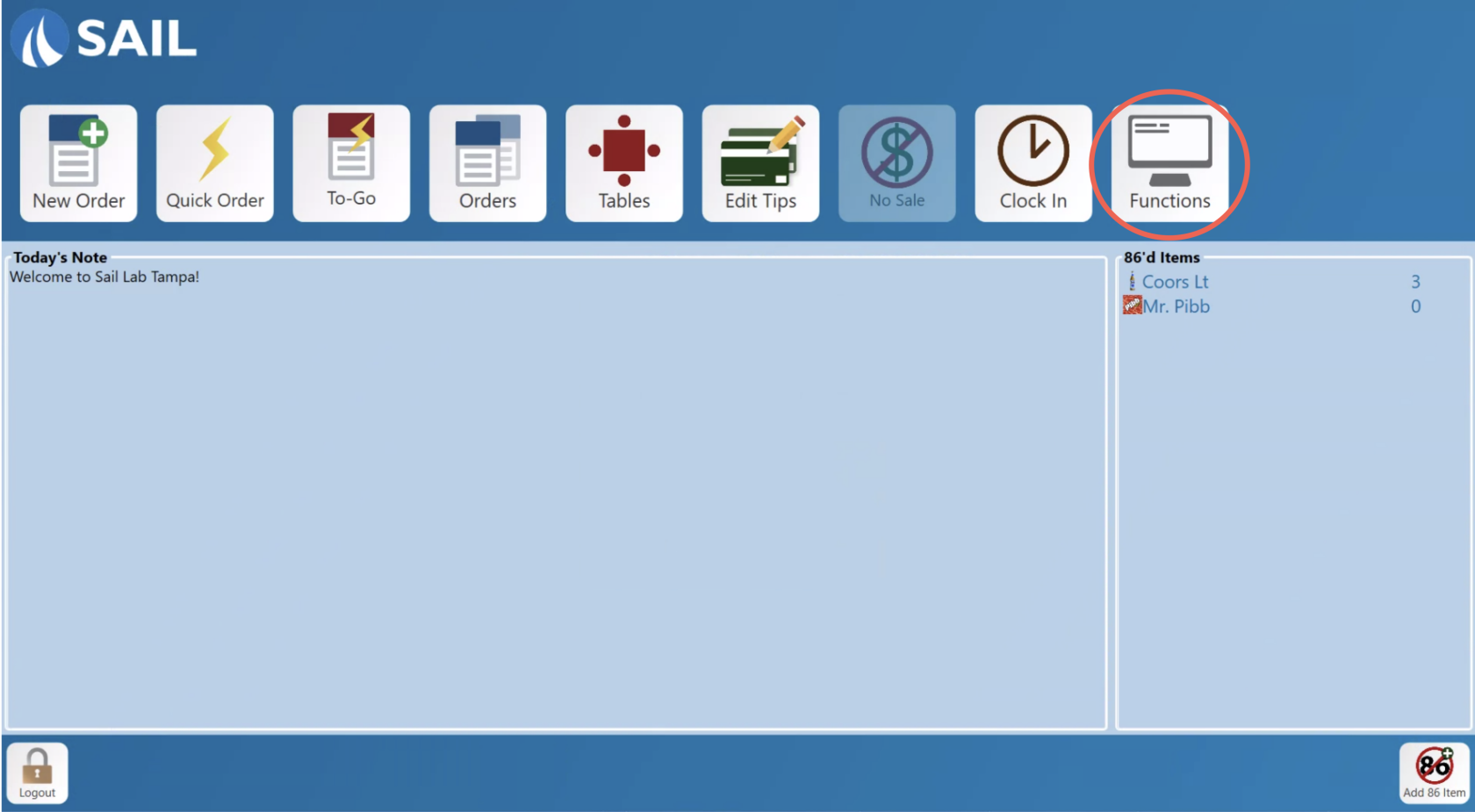
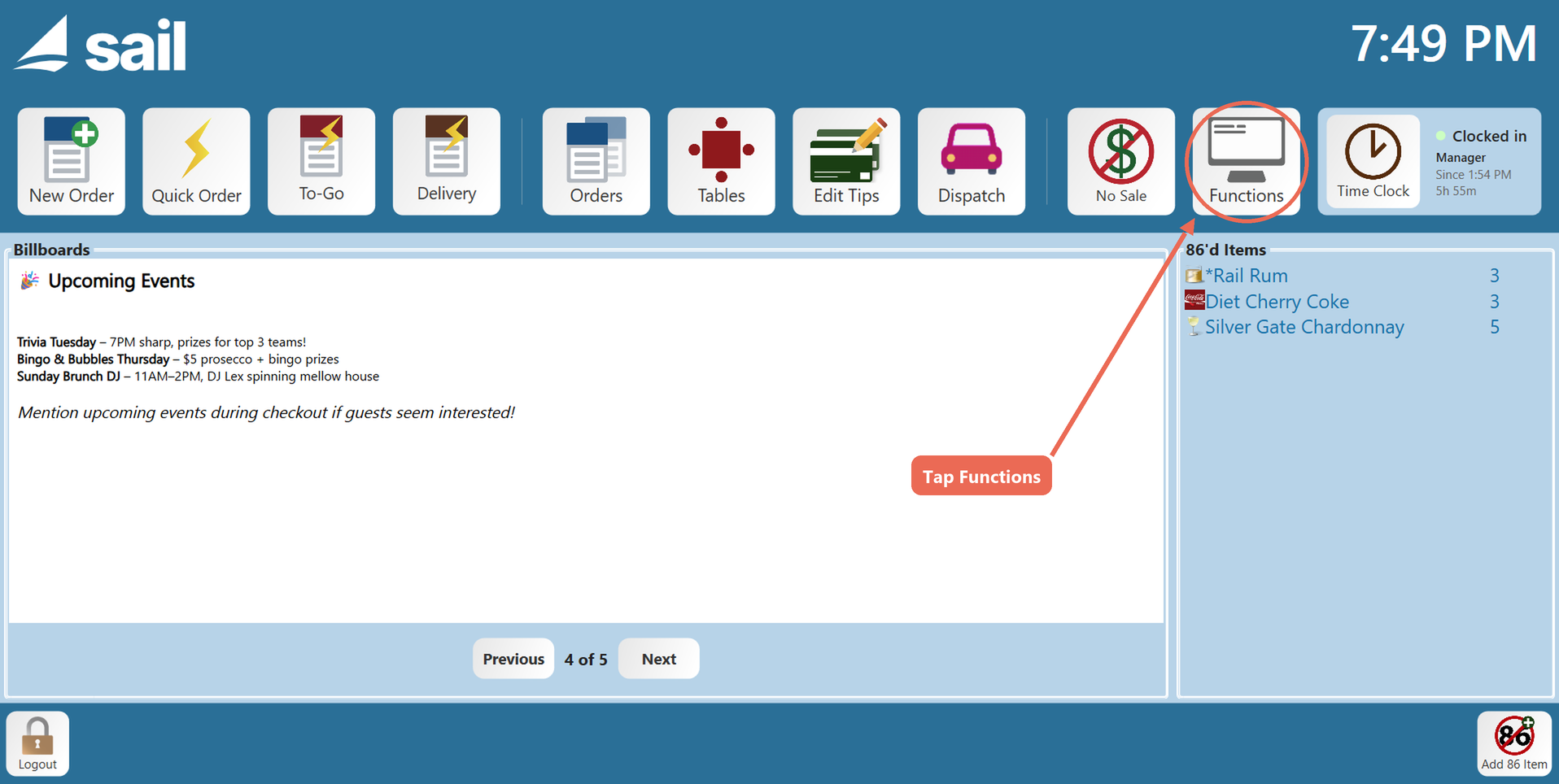
-
Select Enable Training. Training mode will stop the system from
enteringsendingpaymentsorders andprintingenteringticketspayments, so nothing prints to thekitchen,kitchenso thatand you can show someone how the system works without affecting the system.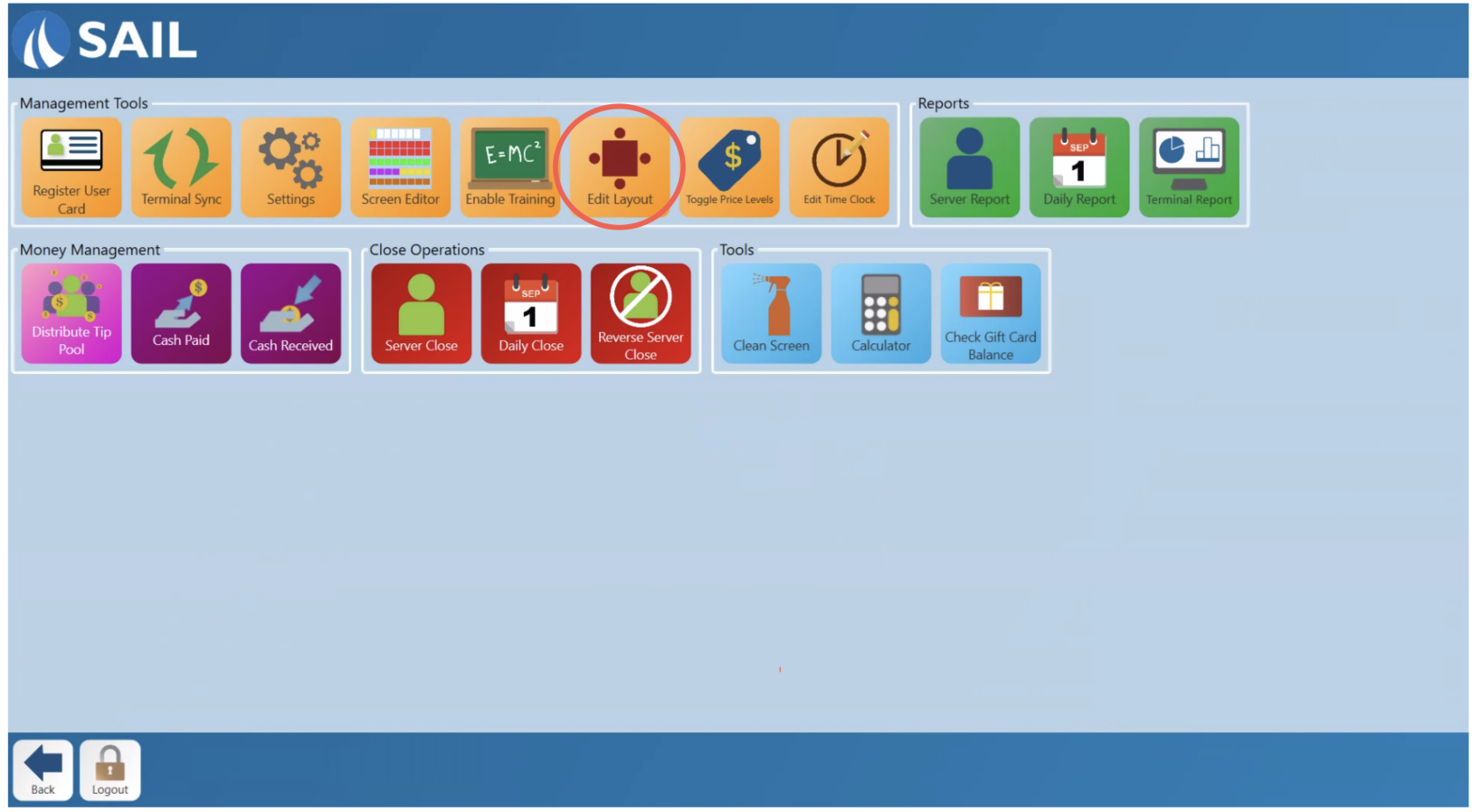
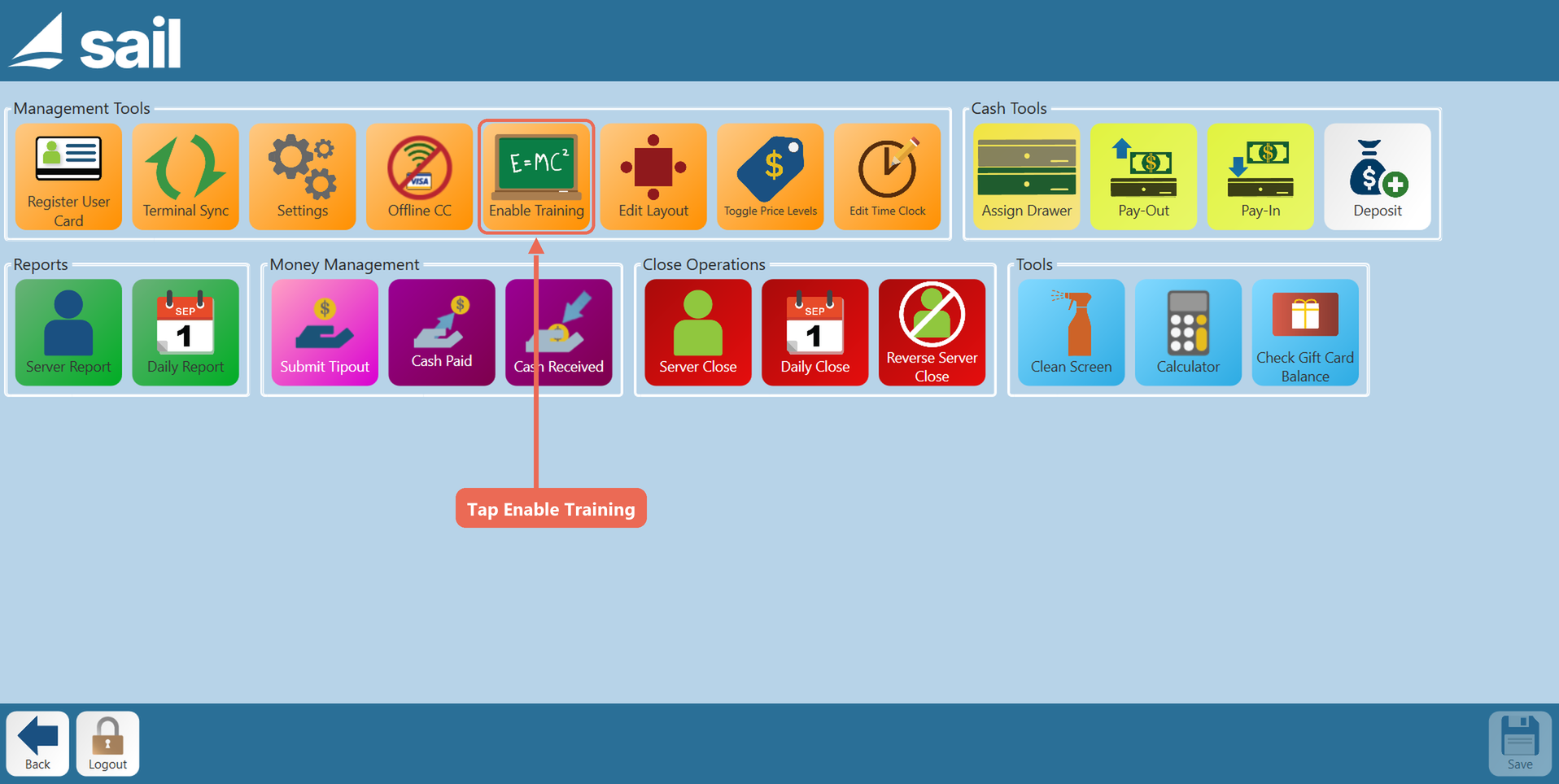 employees whose job role has the Enable Training Mode task.
Note:
TheforEnableshowsTrainingonlybutton -
Training will stay enabled on this terminal, for everyone who logs in, until it is
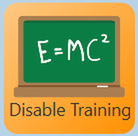
Toggledtoggled back off by pressingdisableDisabletrainingTraining.mode.It also turns off if Sail is closed and opened again.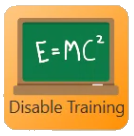
-
Once disabled the button will return to Enable Training.




While training mode is on
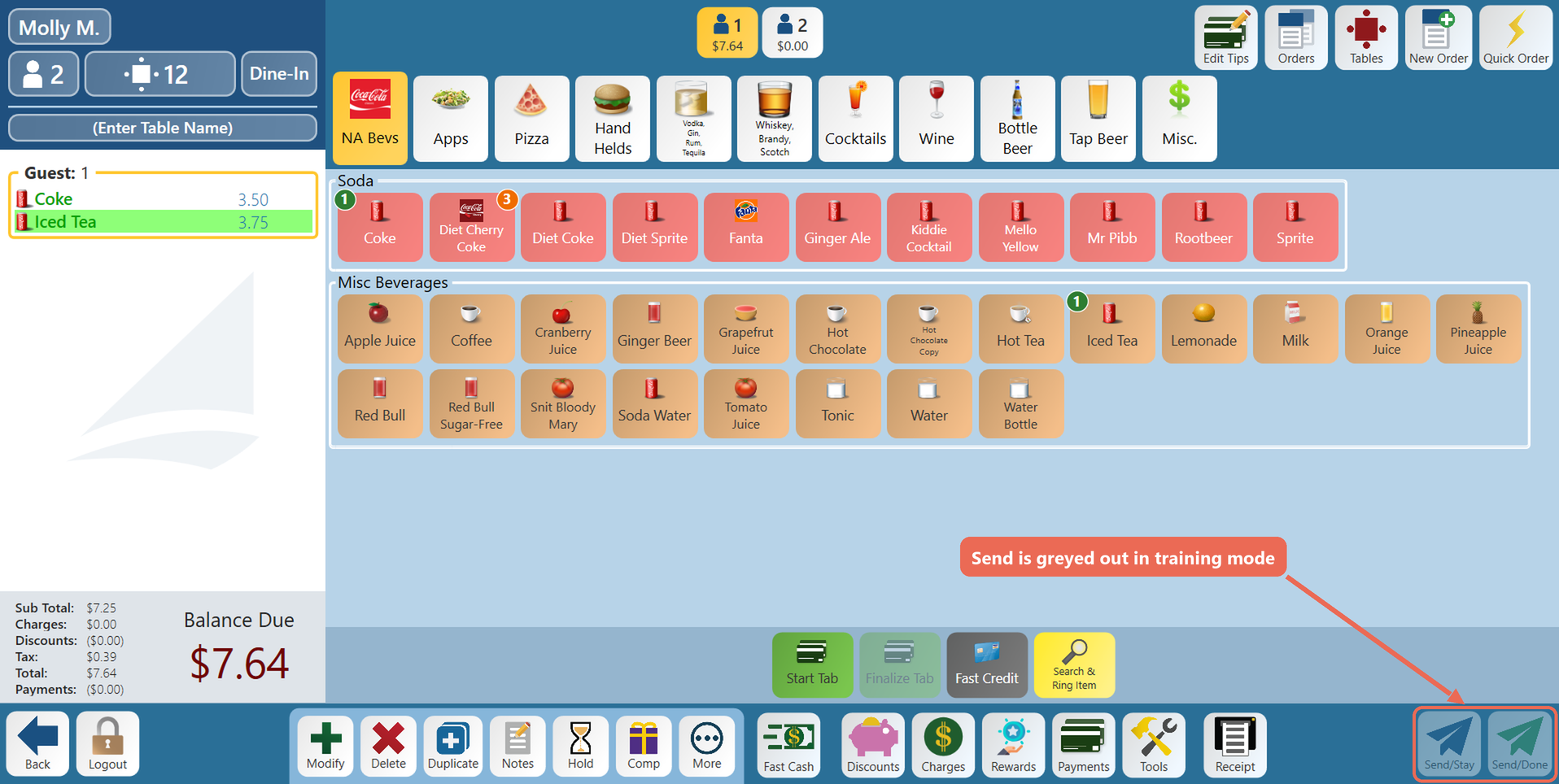
You can start an order and ring in items as usual, but:
-
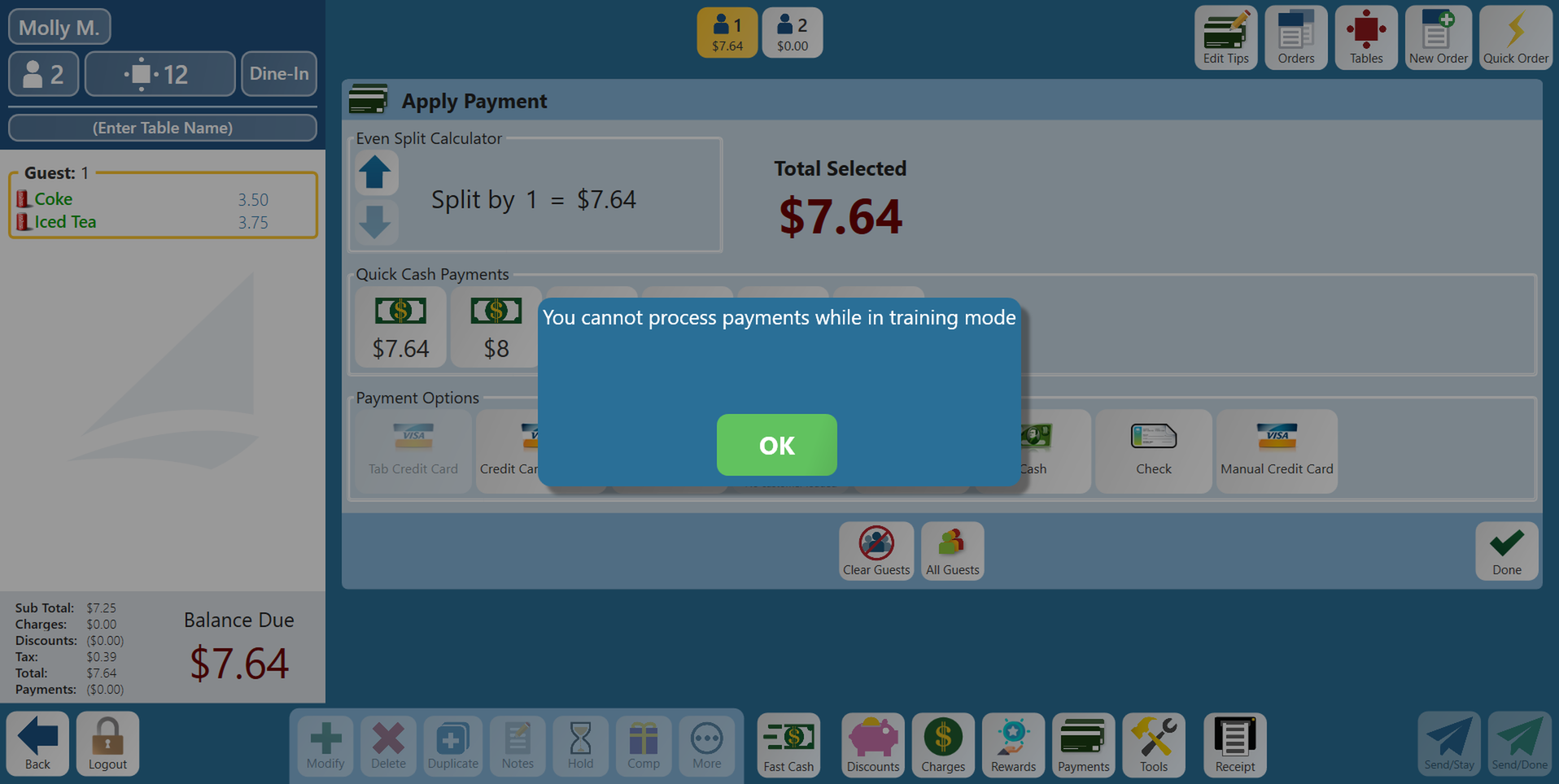
Send/Stay and Send/Done are greyed out, so the order can't be sent to the kitchen.
-
Payments can't be taken. Choosing a payment shows "You cannot process payments while in training mode" - tap OK.
-
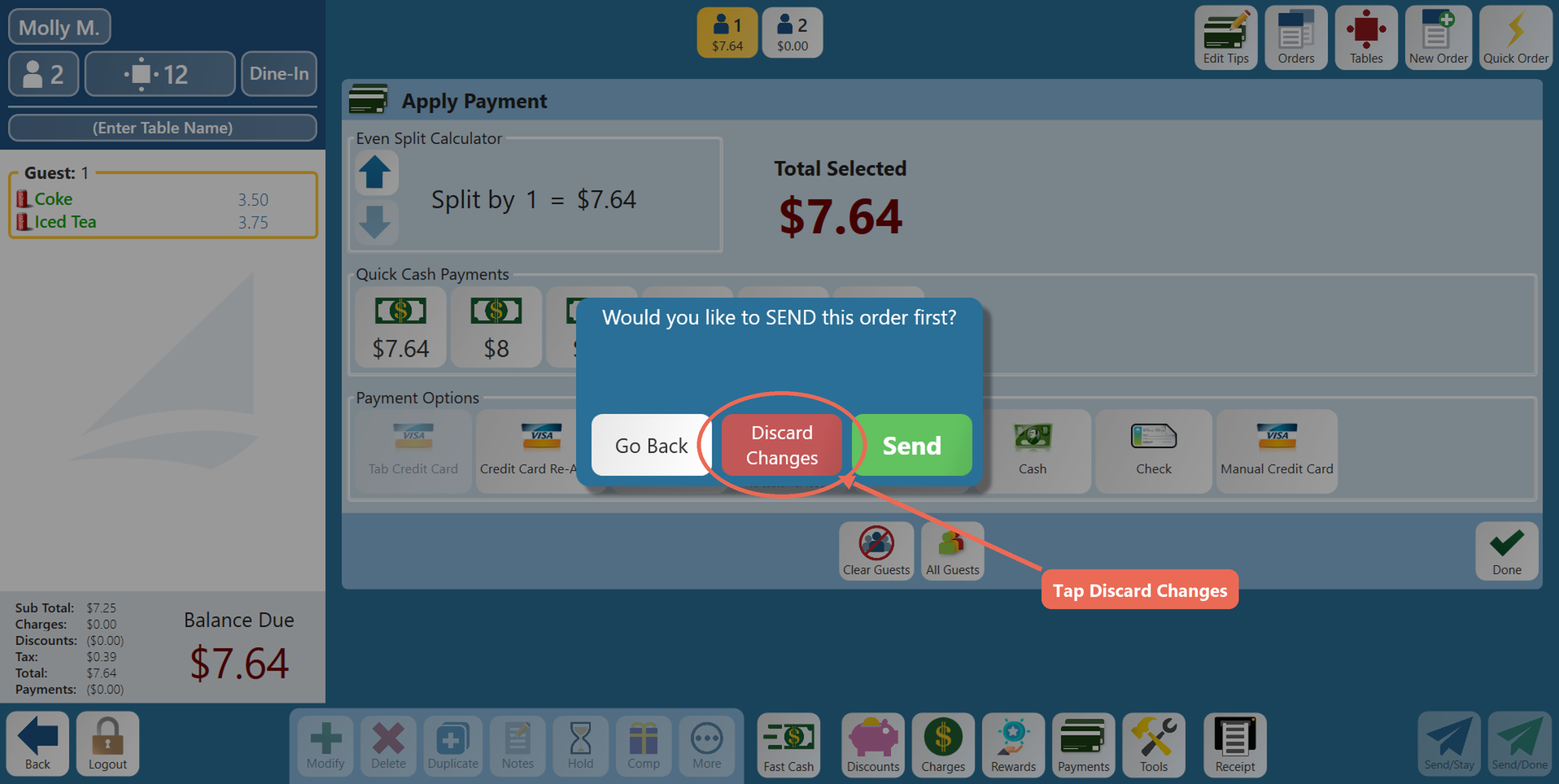
When you leave the order, the terminal asks "Would you like to SEND this order first?" Tap Discard Changes - the practice order isn't saved.