How to open an existing order
This document will show how to open an order that was placed earlier.
There are 2 ways to find orders on the terminalterminal:
Orders Screen
-
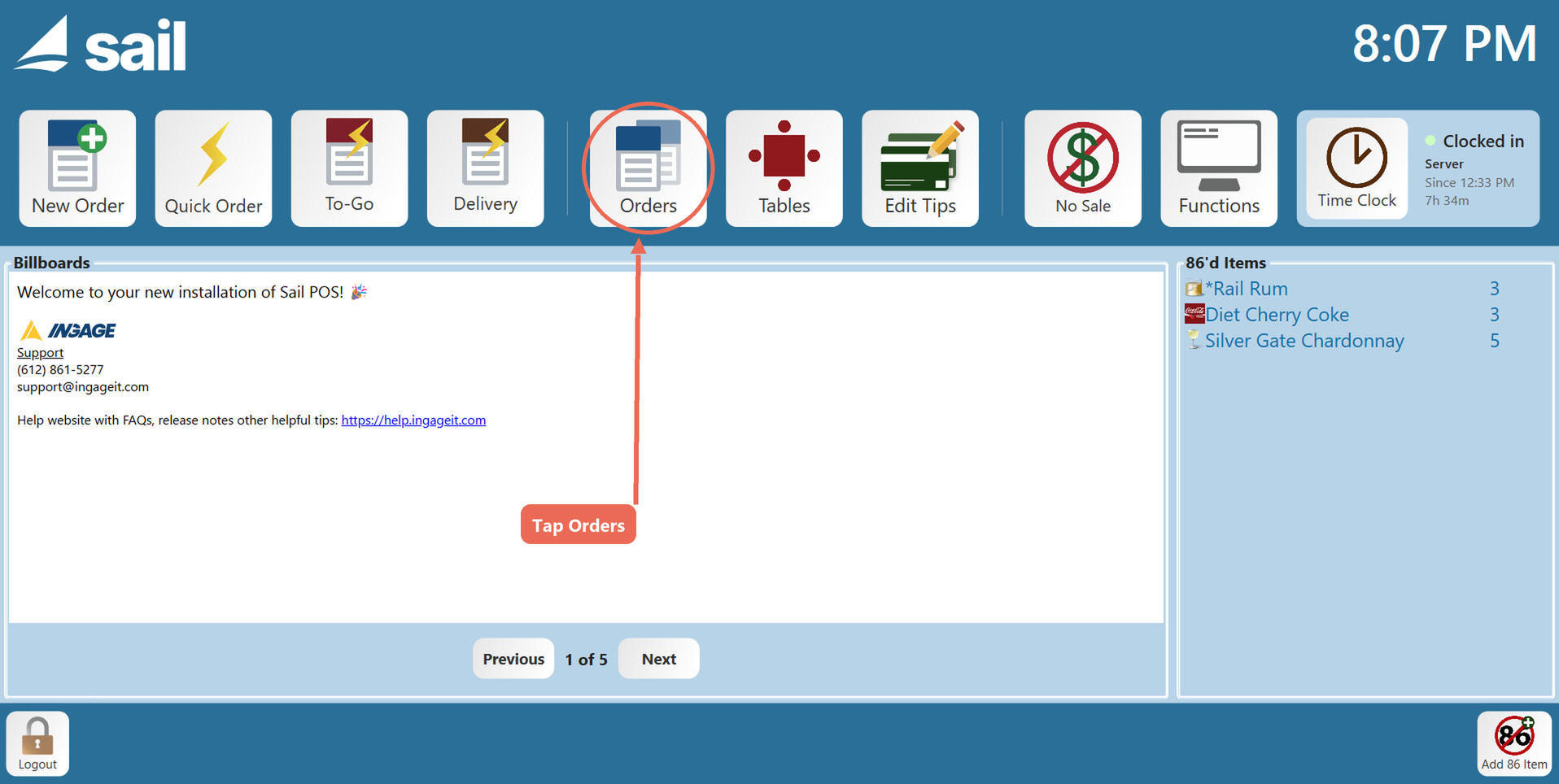
Go toOn theordershomescreen.screen, tap Orders.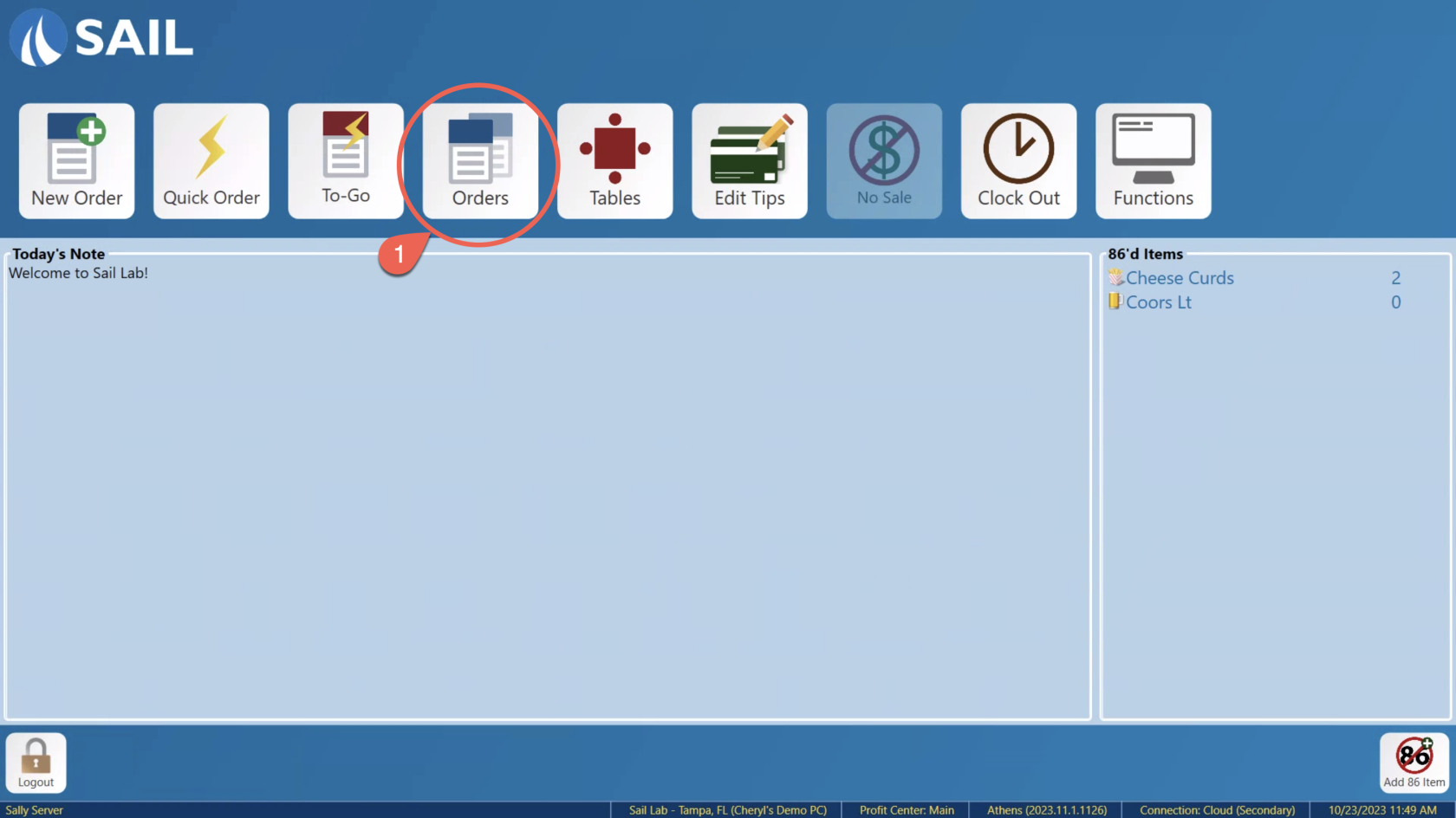
-
Look for
and selectthe order you would like toopen.open, and double-tap it (or press and hold it). The order opens.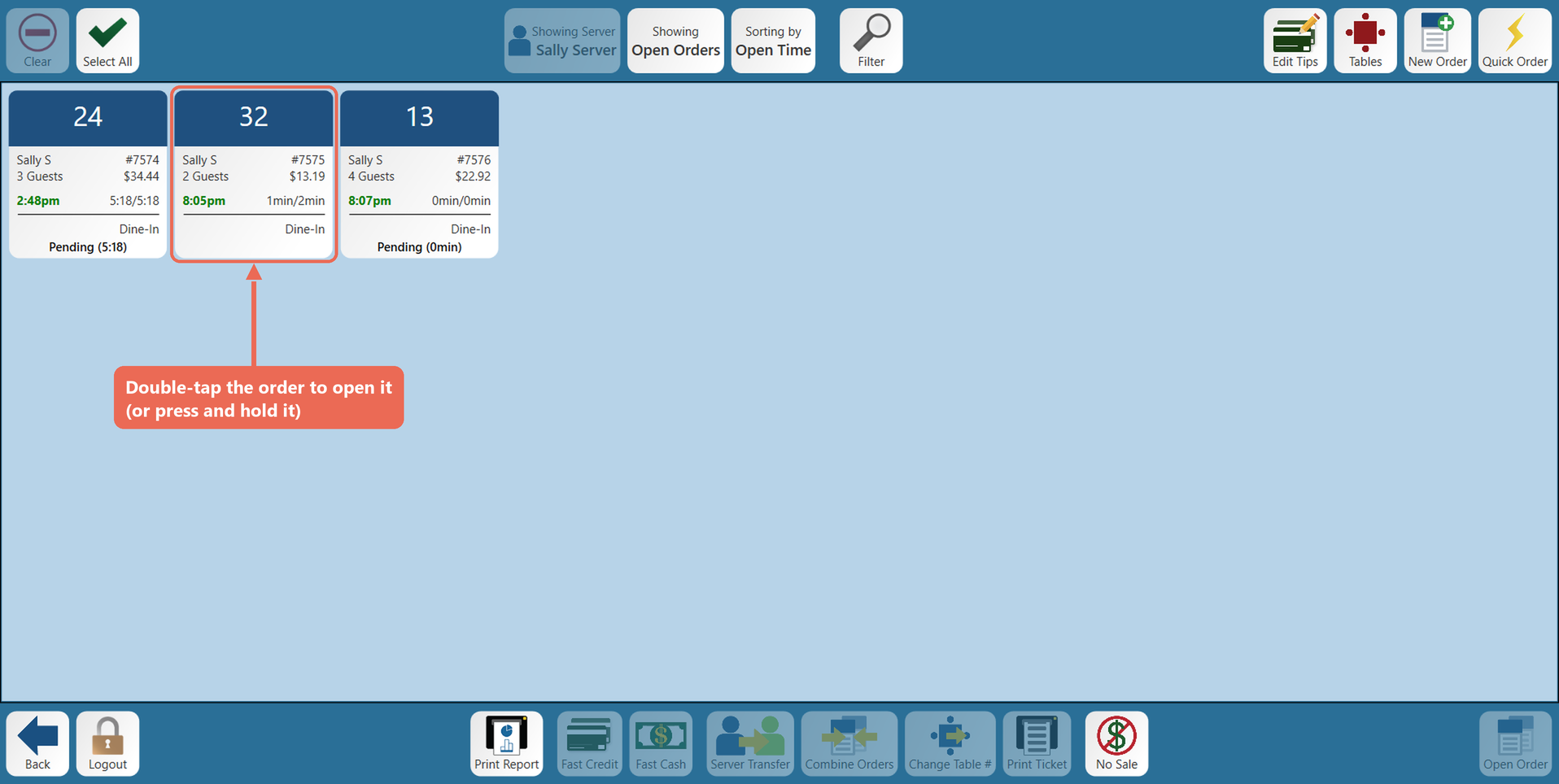
Note: If
itthe order is notthere you might want tothere, make sure you are looking at open orders vs closed orders.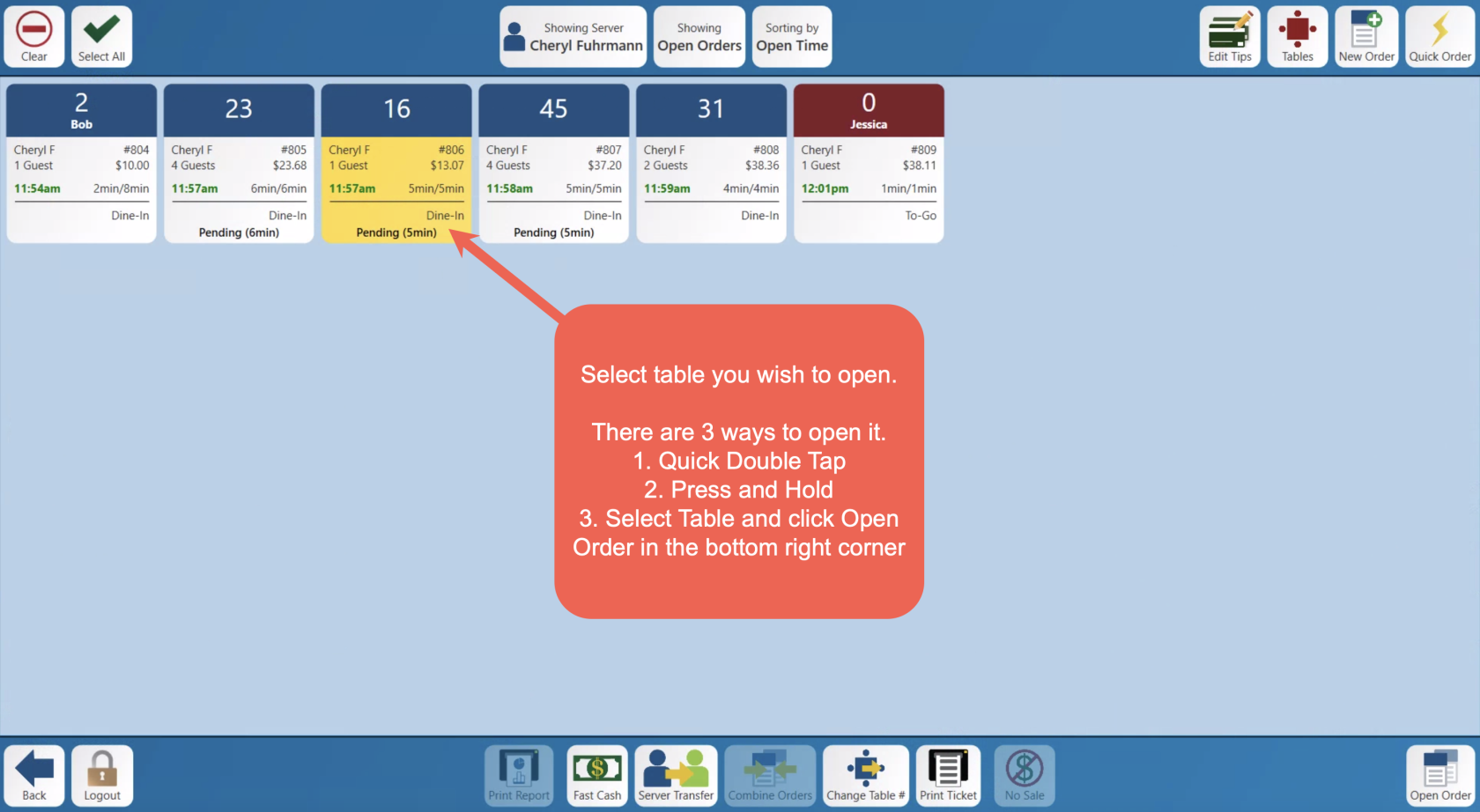


Table View
Screen
-
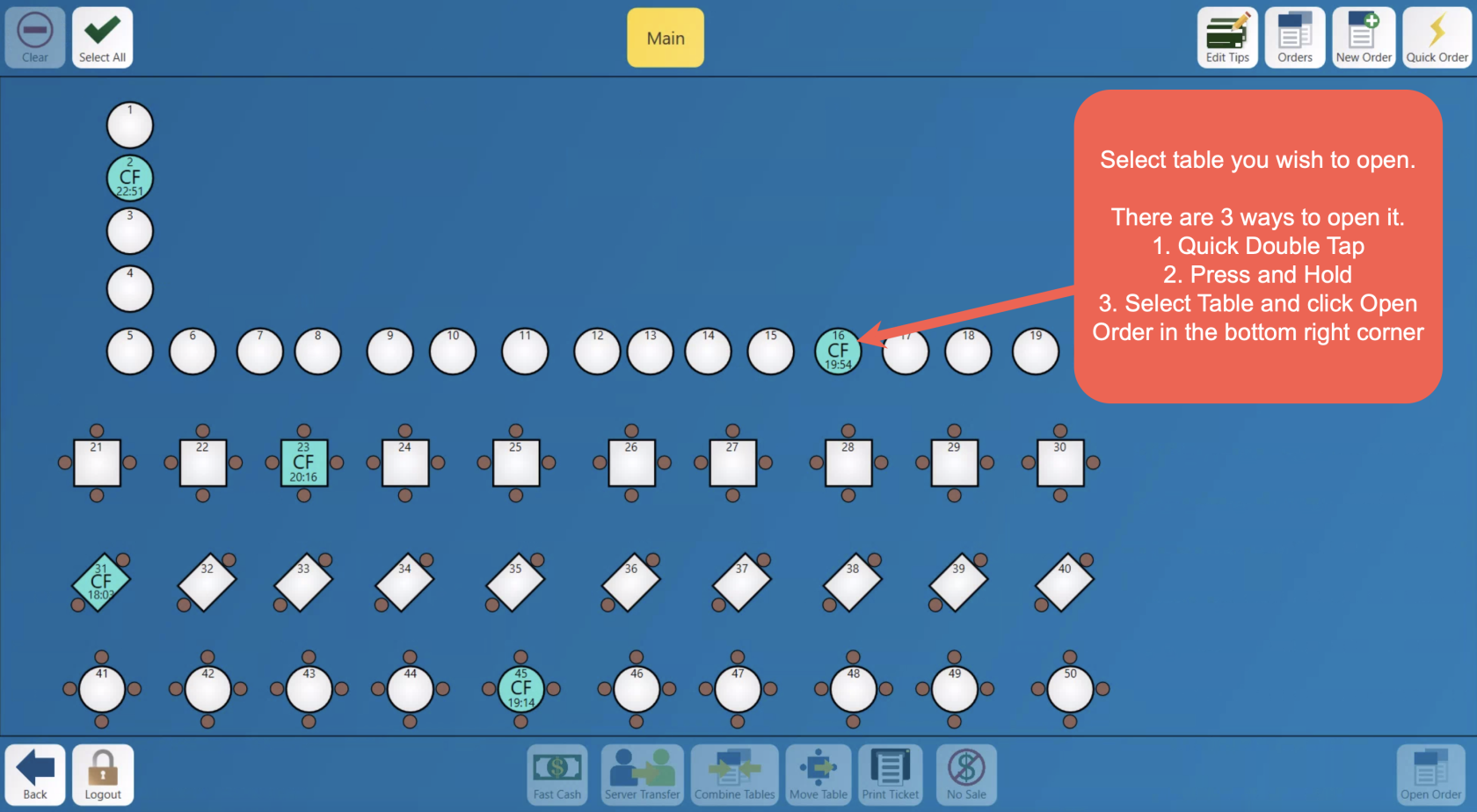
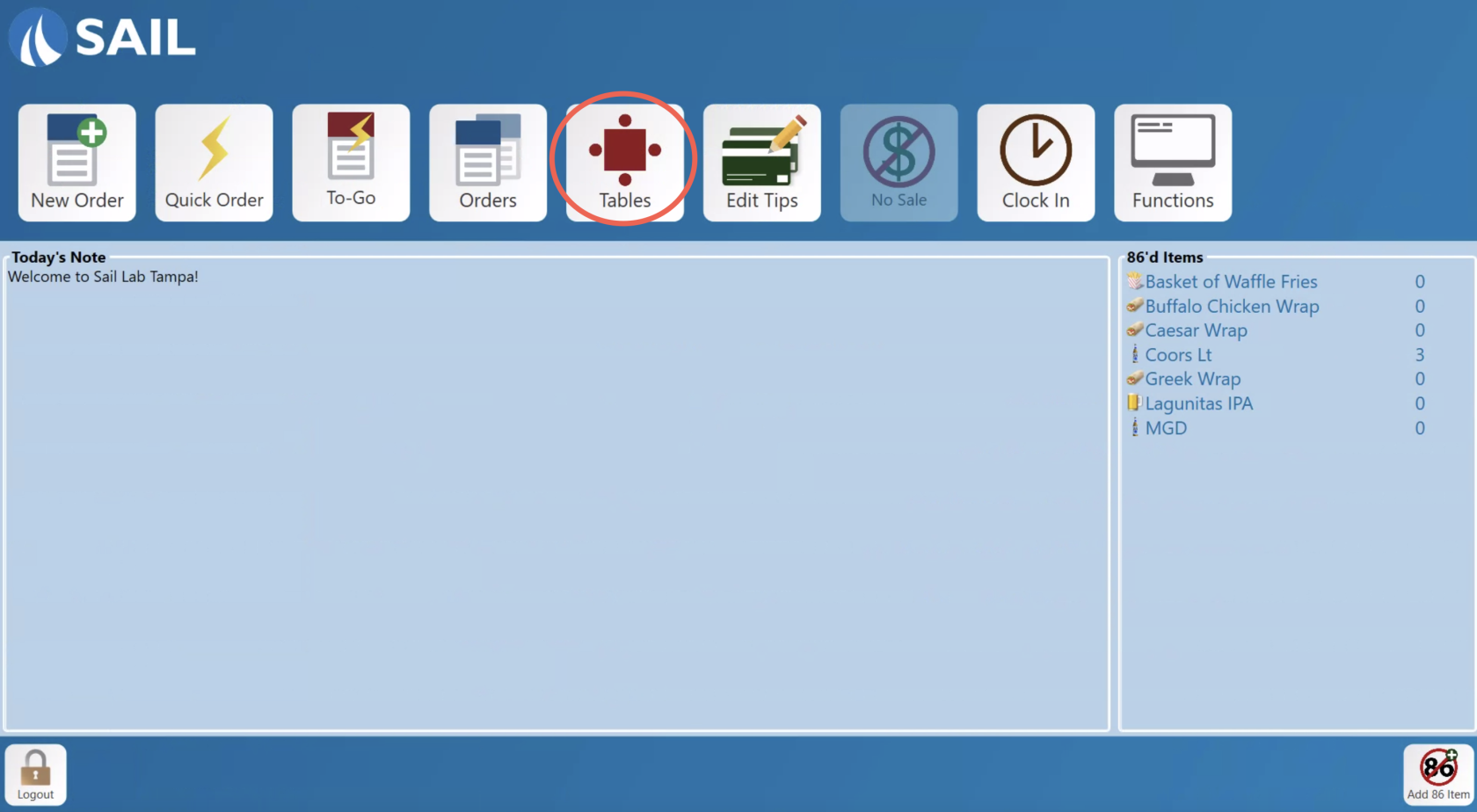
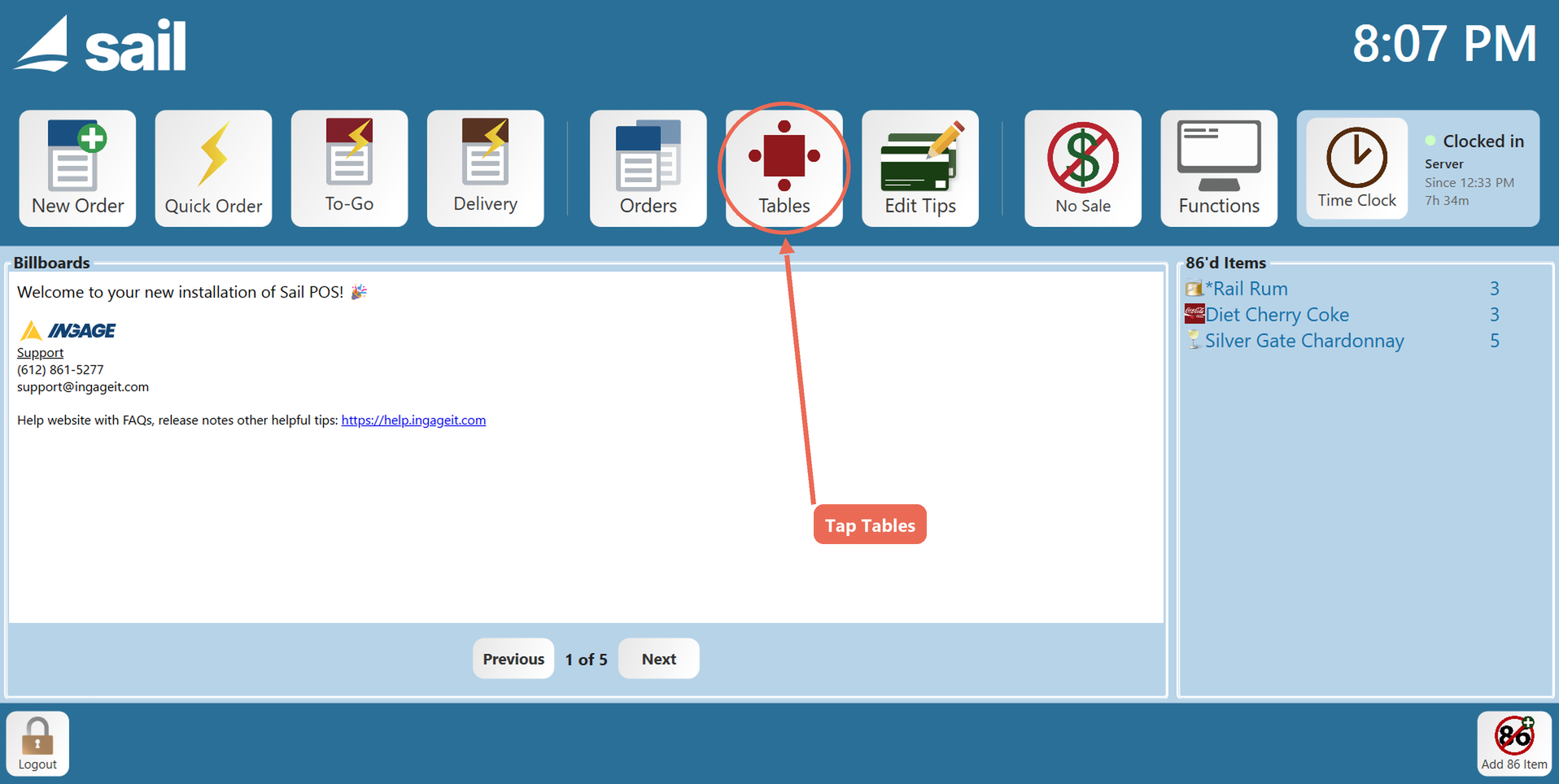
Another way to find orders is to use the Table View Screen. On the home screen, tap Tables.
-
Find
onand selectthe table your order ison.andIfdouble-tap itis(or press and hold it). The order opens. Tables with an open order are green and show the server's initials and how long the order has been open.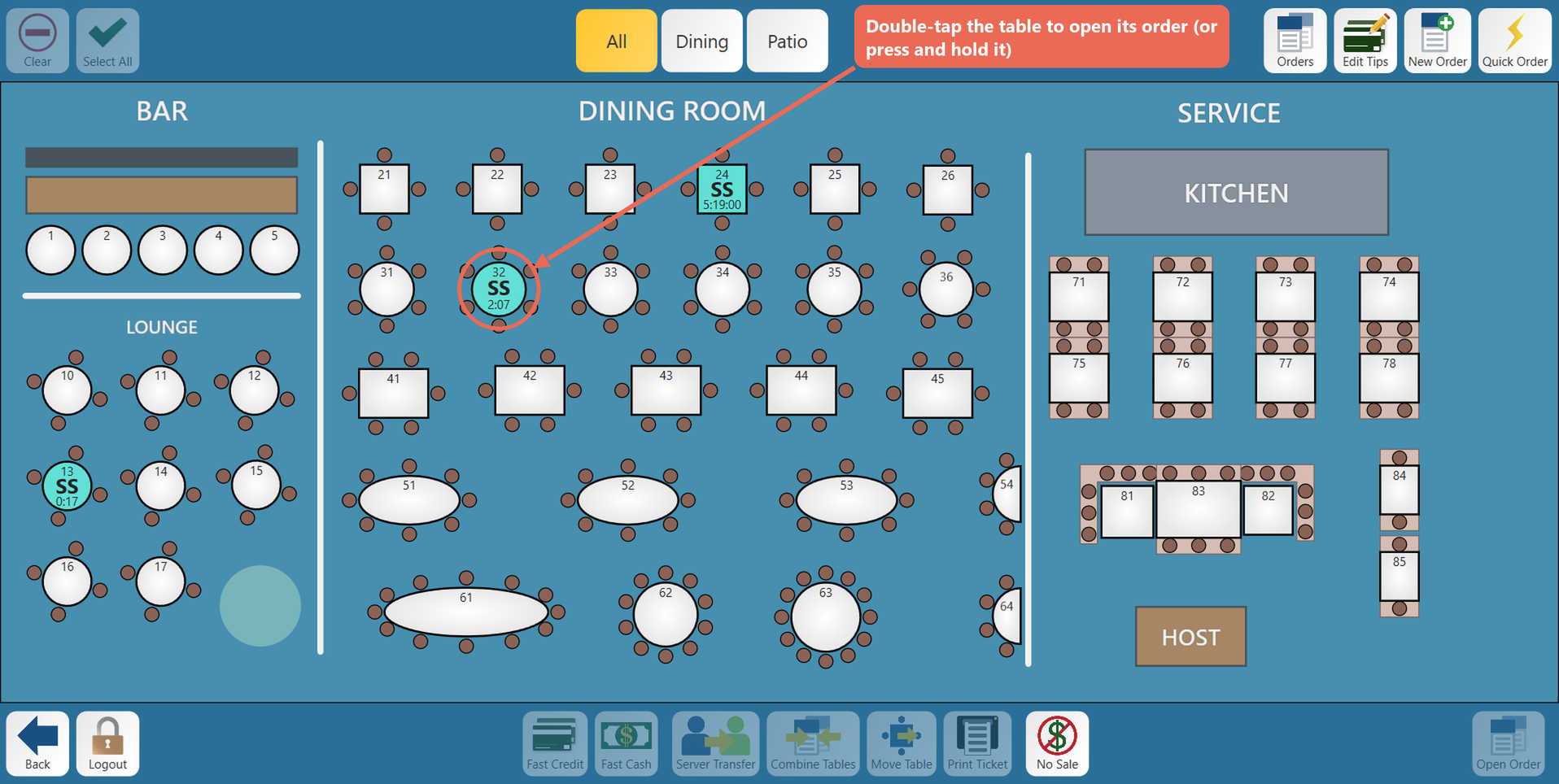
Note: If you don't see the table, tap All at the top to see every section. If it's still not
therethere, look on the OrdersViewScreen