
How to register a reward member
Click the Rewards button

Click the Lookup button

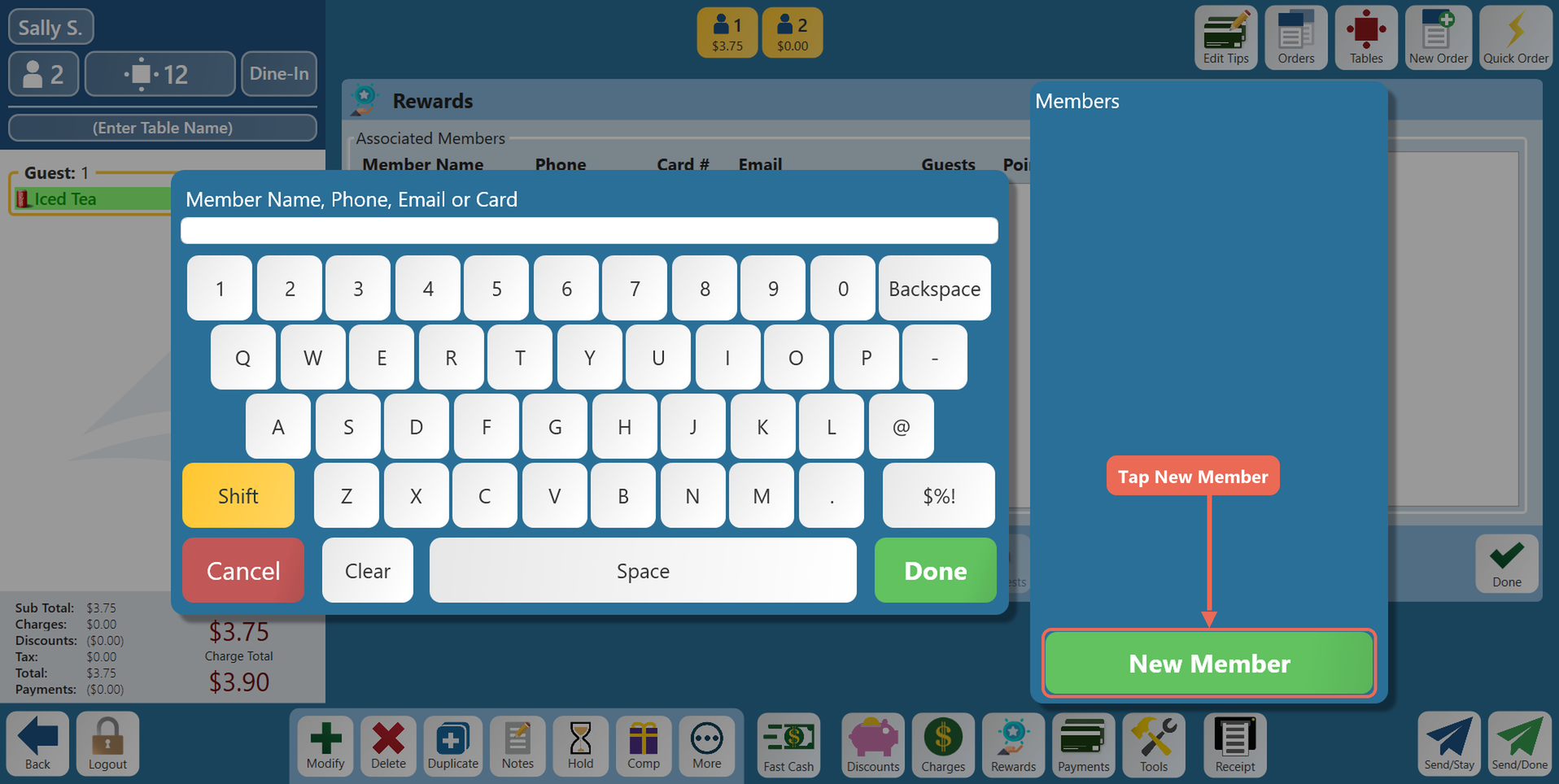
Click the New Member button
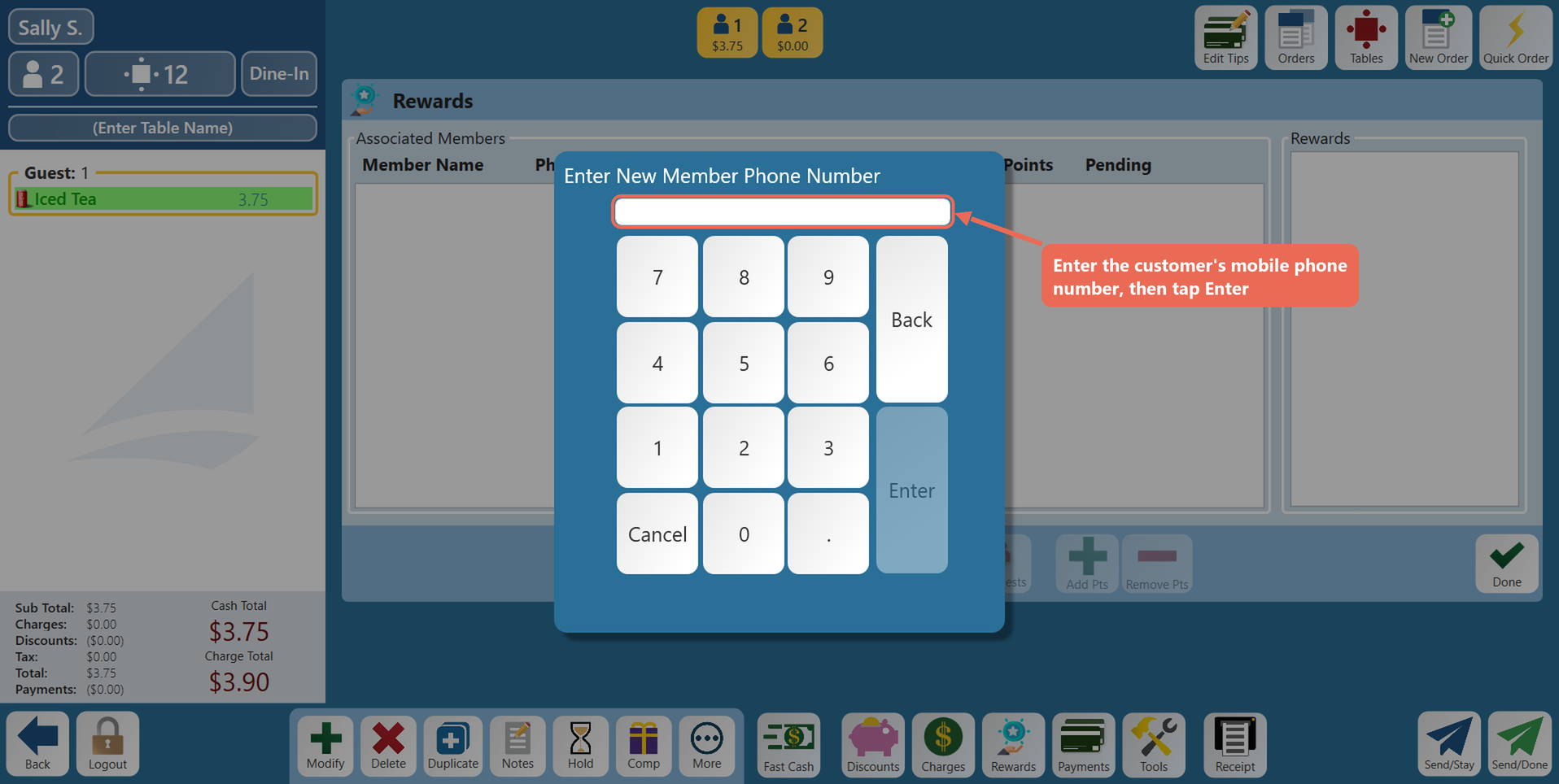
Enter inthe card number orcustomer's mobile phone number and click Enter
NOTE: You must have a mobile phone number to register

If your store uses member cards, swipe or enter the member card next, or skip it. The new member is added to the order
If a member already has that phone number, a message asks whether to use that account. Click Use Account to add that member to the order, Try Again to enter a different number, or Cancel
Register from a search
You can also type the customer's mobile phone number (or member card number) in the Lookup window and click Done. If no member has it:
Click Yes – Would you like to register?

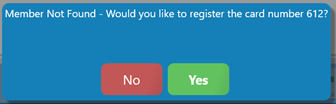
NOTE: Within a few mins a SMS text message will be sent to their mobile phone with a link where they can register themselves as a member.