
How to add a recipe to a menu item
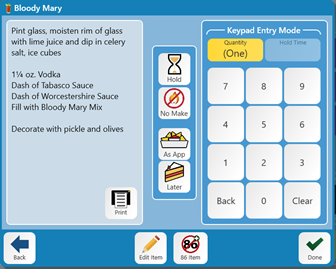
This will walk through how to add a recipe to a menu item in Backoffice. When pressing and holding on a menu item a recipe of the menu item on a terminal, the recipe shows and can be added and printed out. It shows on a handheld too.
Adding
recipe in Backoffice
BackofficeBackoffice.
ClickPOS at the POStop, Icon

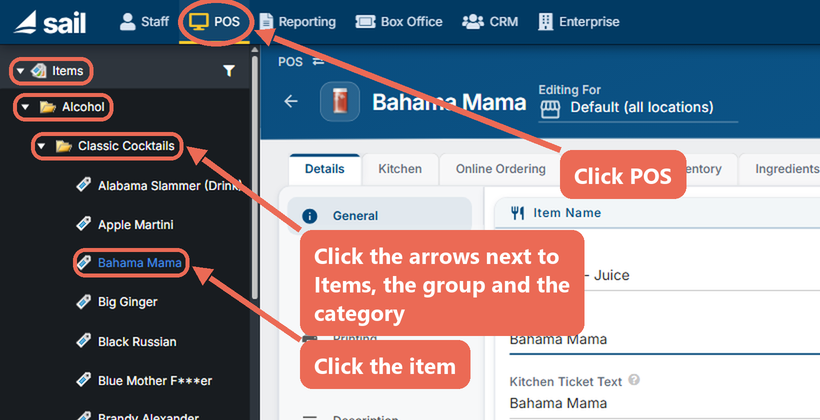
Click
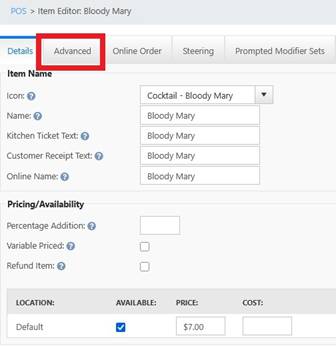
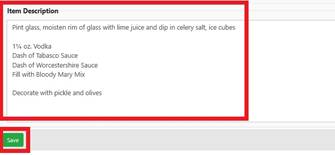
Scroll down to Item Description
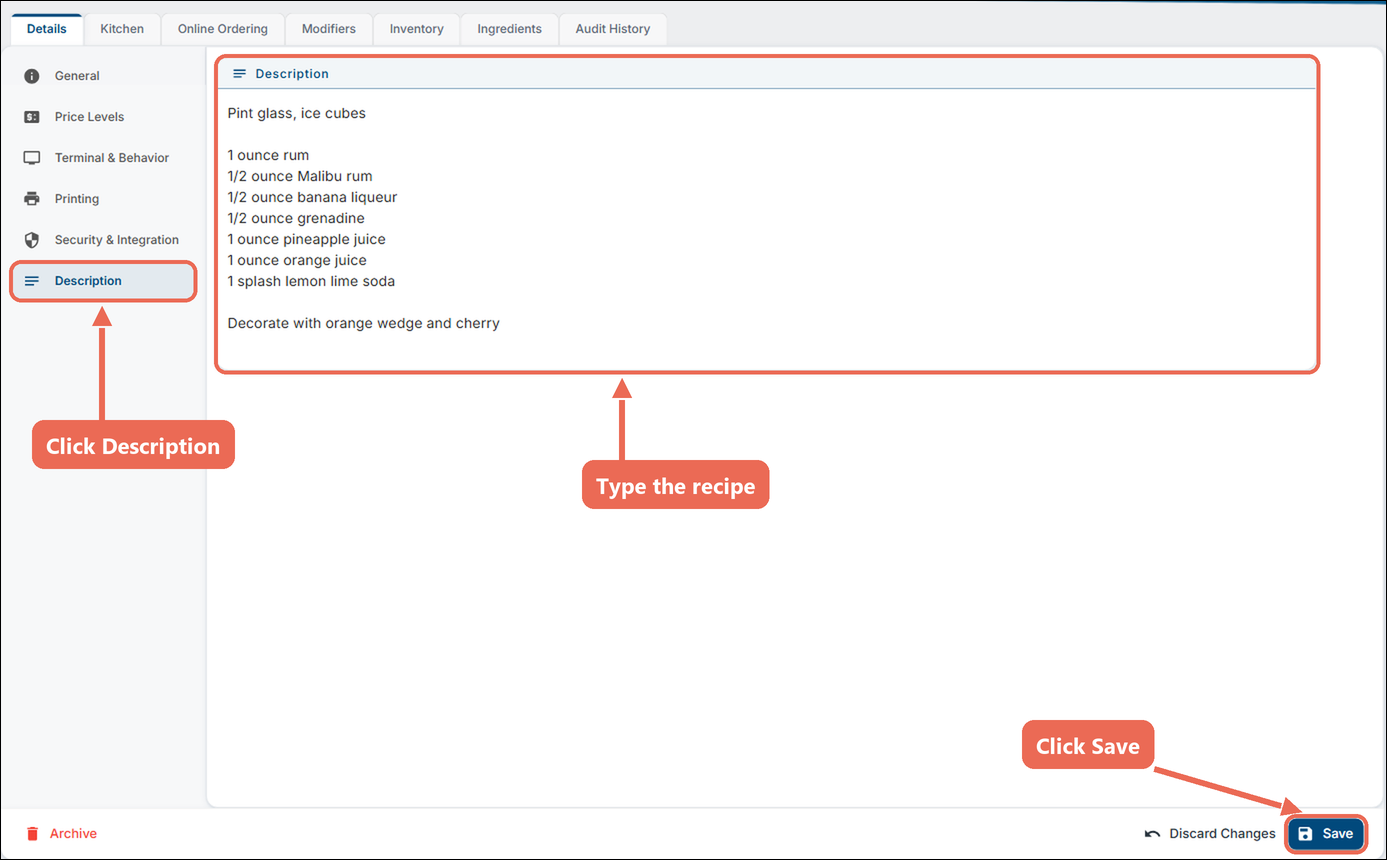
Type in the recipe and click saveSave.
Seeing and printing a recipe on a terminal
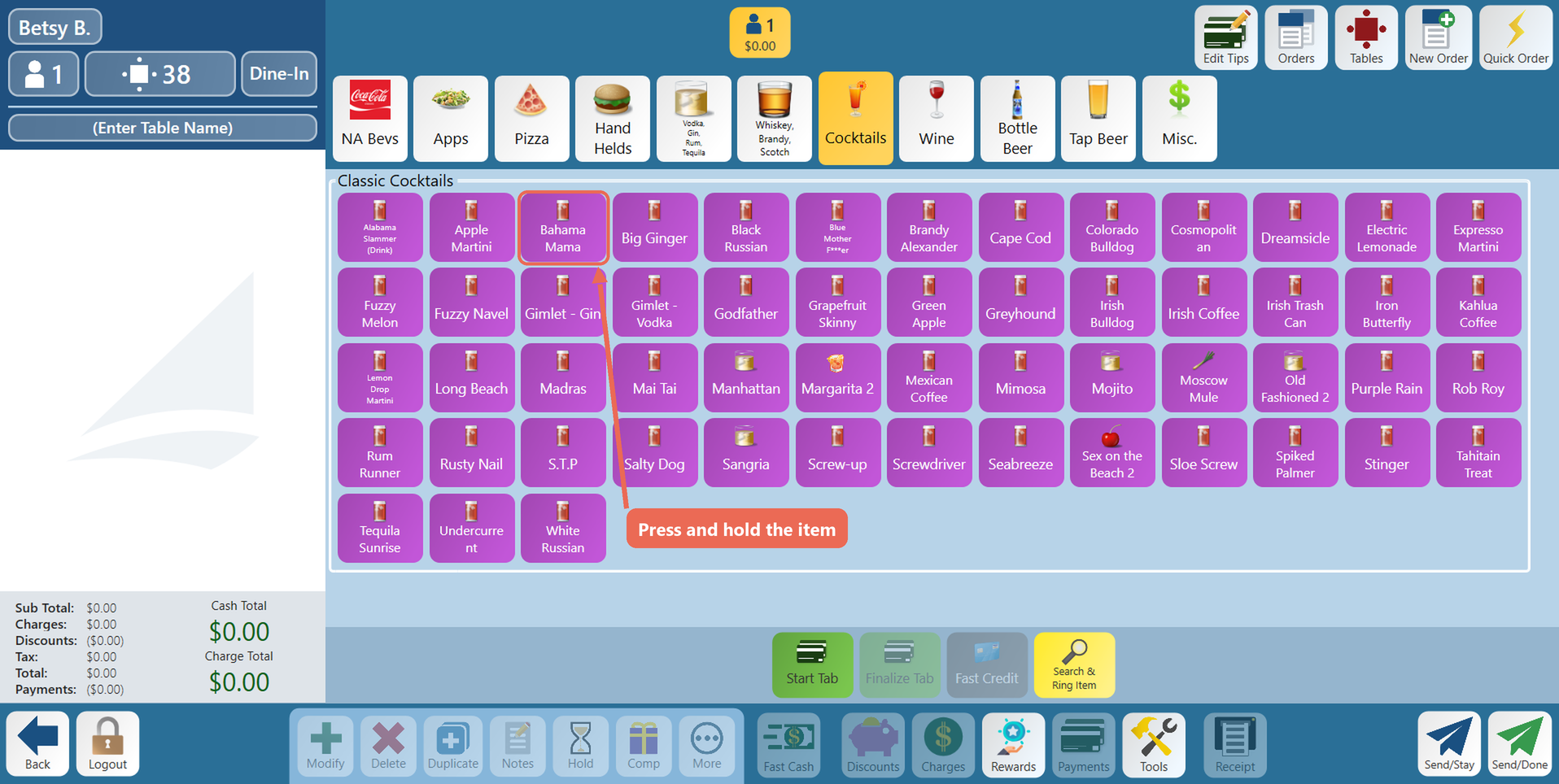
- On the order screen, press and hold the menu item.
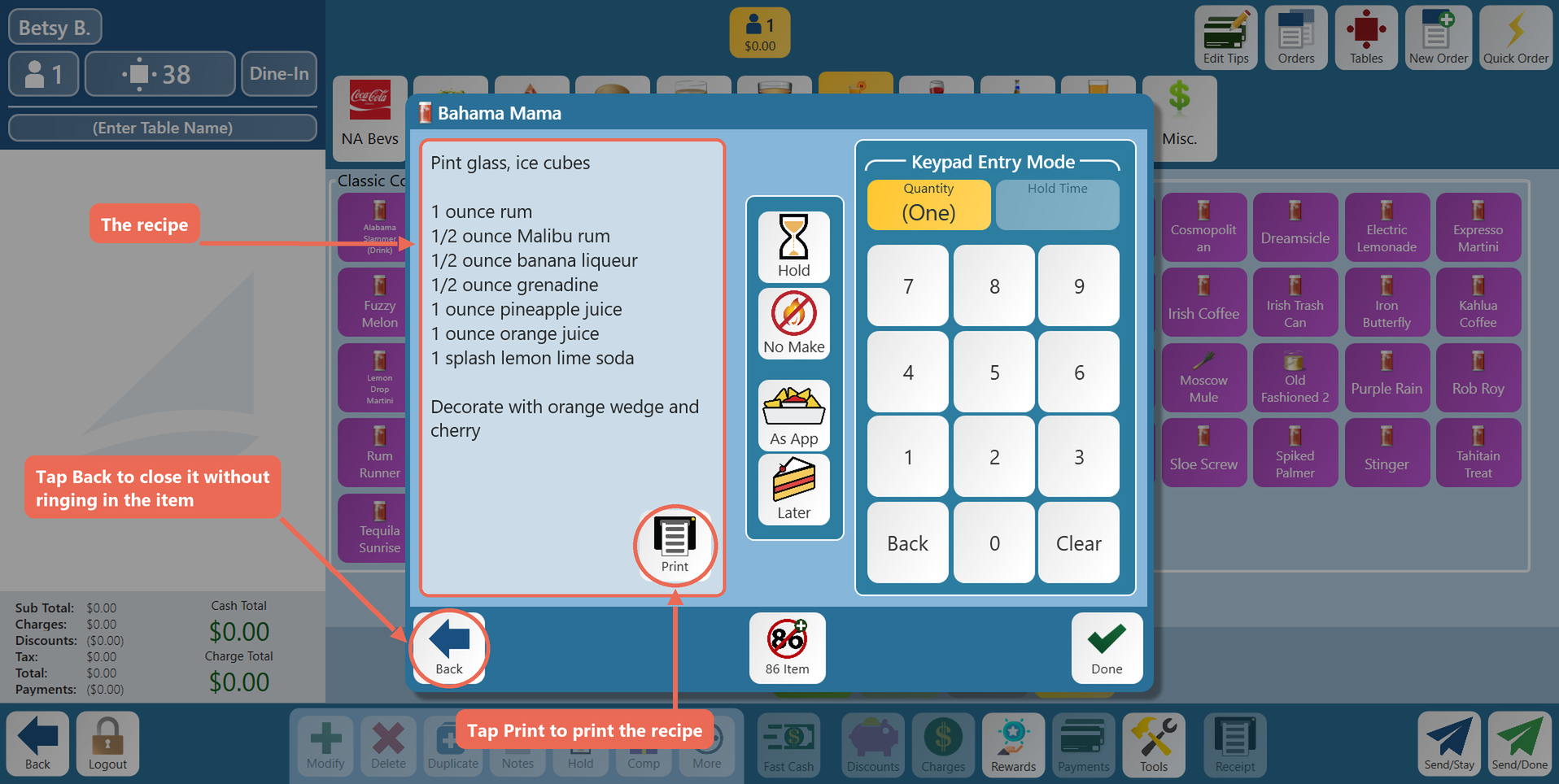
- The recipe shows on the left. Tap Print to print it on the terminal's receipt printer. Tap Back to close it without ringing in the item.
Seeing a recipe on a handheld
While adding an item, press and hold the menu item in the list. Its price and recipe show; tap OK to close it.