
How to change modifier prices
Changing a modifier price
Locate the Modifier item you want to update the price of
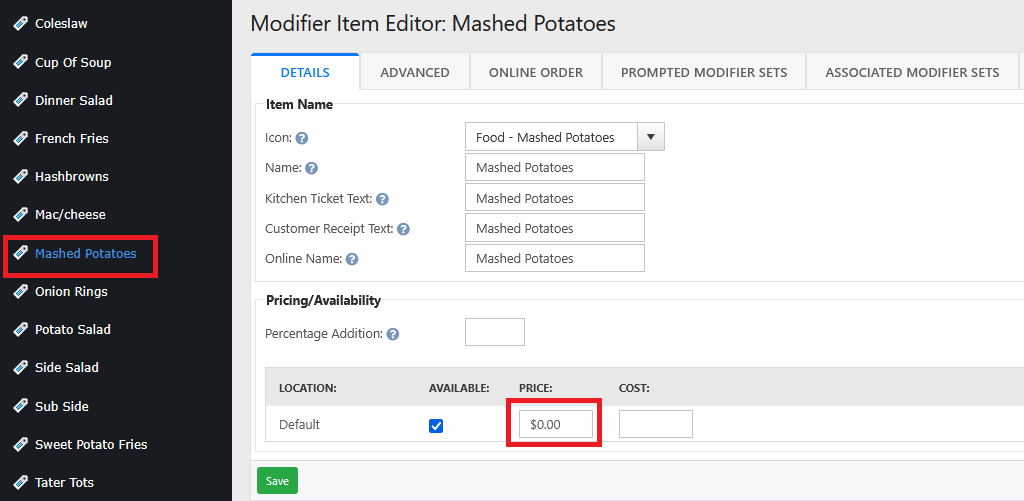
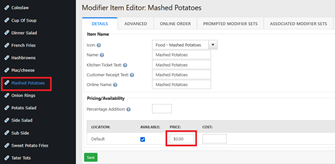
Enter in the new price of the modifier
Click Save
Note: If the modifier is in a modifier set with a price override, this change won’t affect that override price.
Changing a modifier price with an override price
In the modifier item
Click the Associated Modifier Set tab
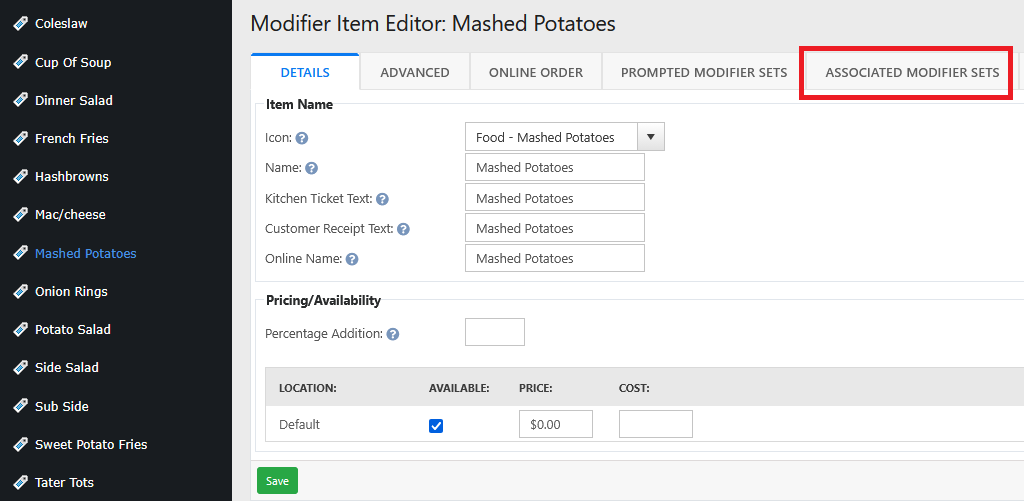
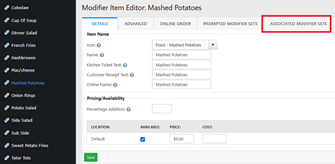
If there’s a price override, a value will appear in the override column.

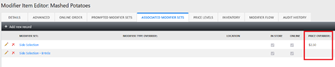
To change the override price
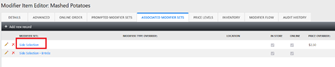
Click on the modifier set that’s associated with the override price

Click the Modifier Price Matrix tab
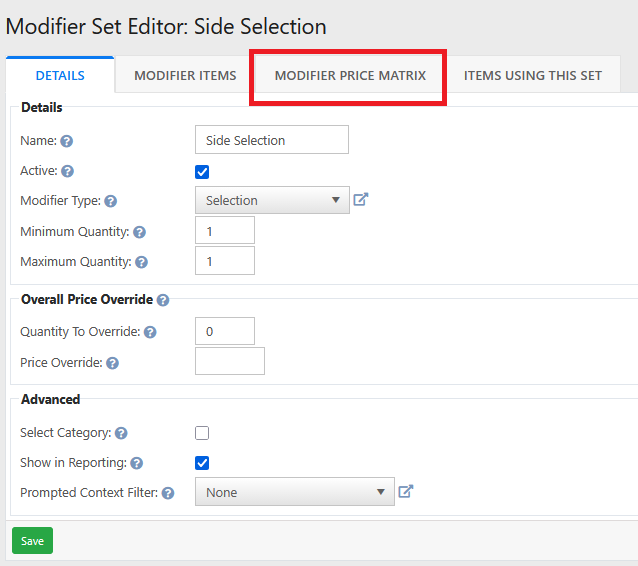
Change the override price
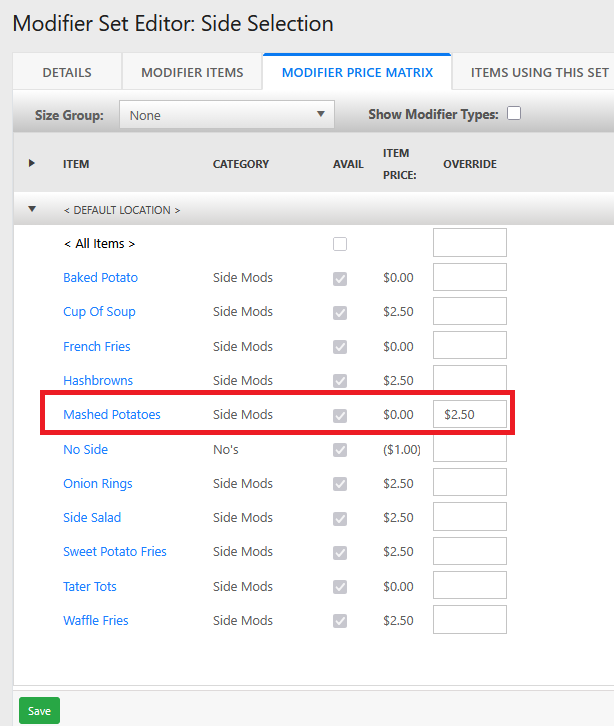
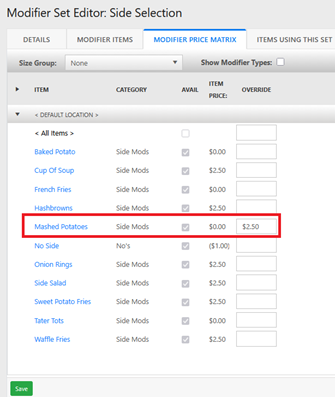
Click Save
Changing a modifier price with an override price and a size group
Usually this is only for pizza toppings and drink items
Locate the Modifier item you want to update the price of
Click the Associated Modifier Sets tab
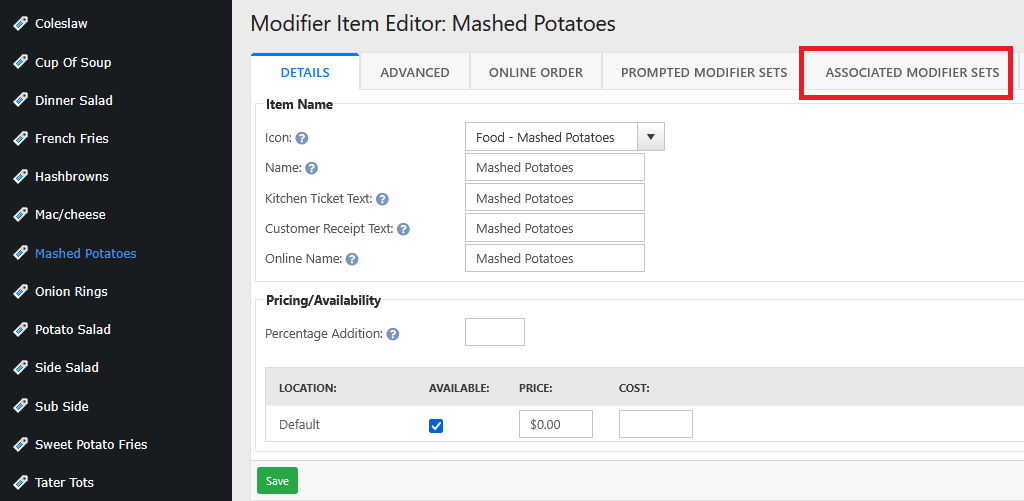
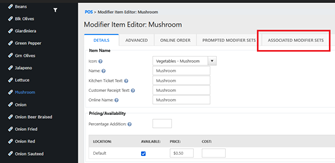
Click the Modifier Set that is associated with the modifier item that needs the price change
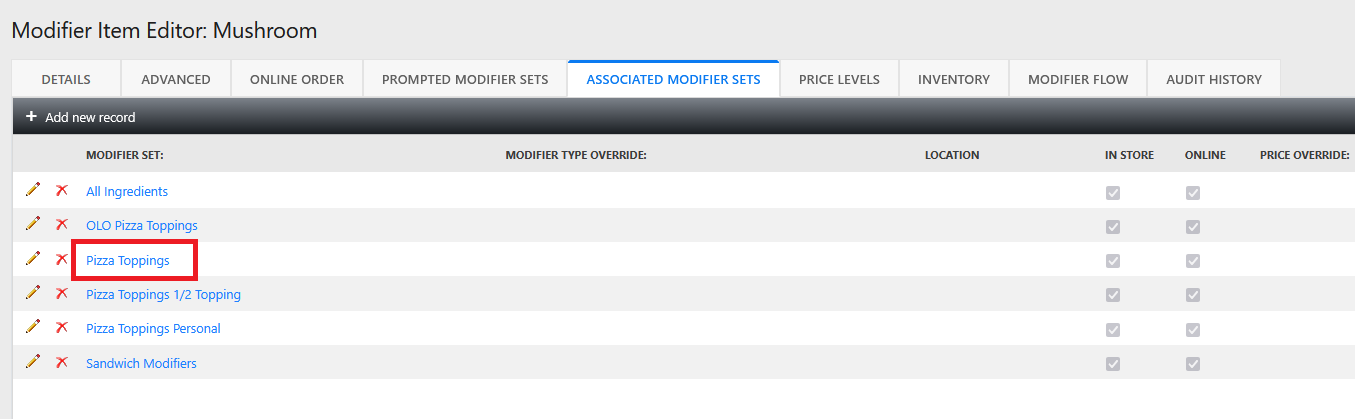
Click the Modifier Price Matrix tab
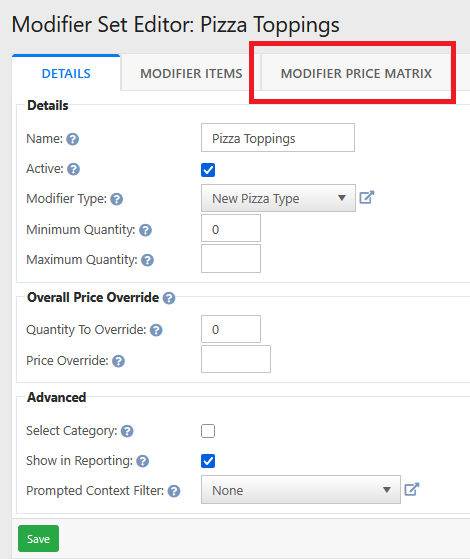
In the Size Group Box click
Choose the size group that is associated with this modifier item
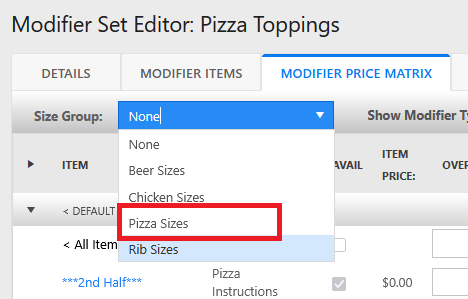
Change the override price of each size
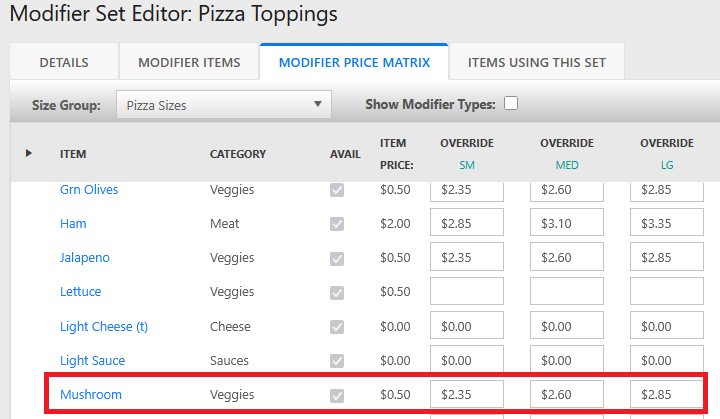
Click Save