
How to open an order by scanning the barcode on its receipt
BeingThis written.document will show you how to open an order by scanning the barcode on its receipt. You don't have to look for the order on the Orders or Tables screen: scan the receipt and the order opens.
To find and open an order without scanning, see How to open an existing order.
Before you start
- Your terminal needs a barcode scanner.
- Your receipts need to print a barcode. It is near the bottom of the receipt. If your receipts don't have one, contact Sail Support.
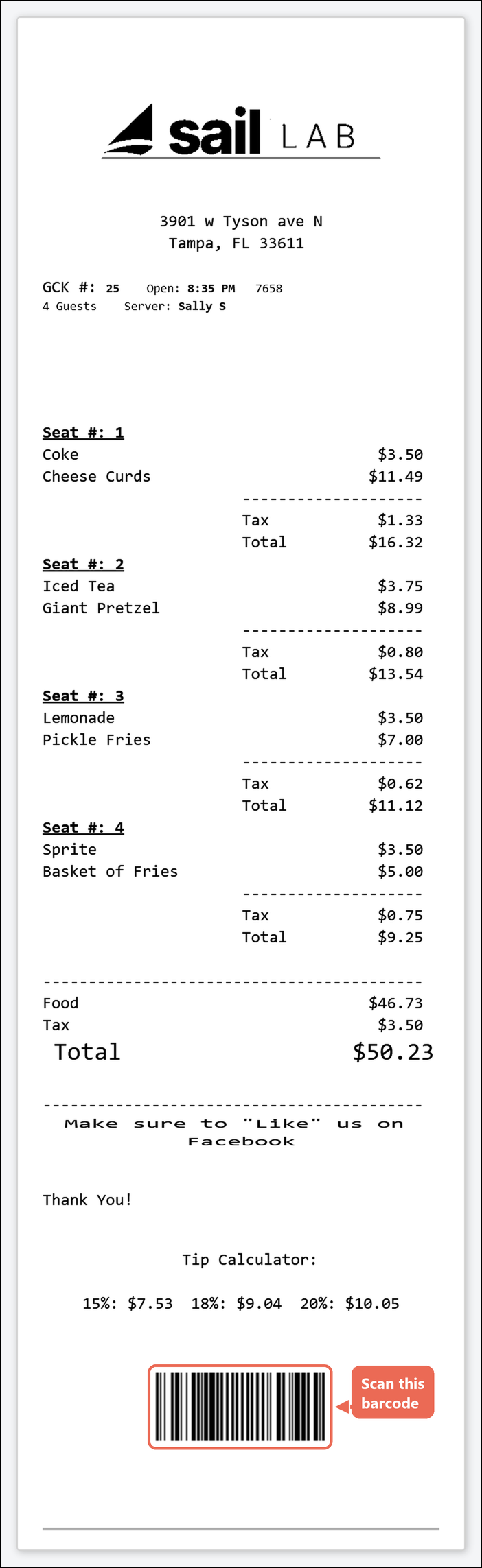
Scan the receipt
-
Log in to the terminal. You can scan from the home screen, the Orders screen, the Tables screen or inside another order.
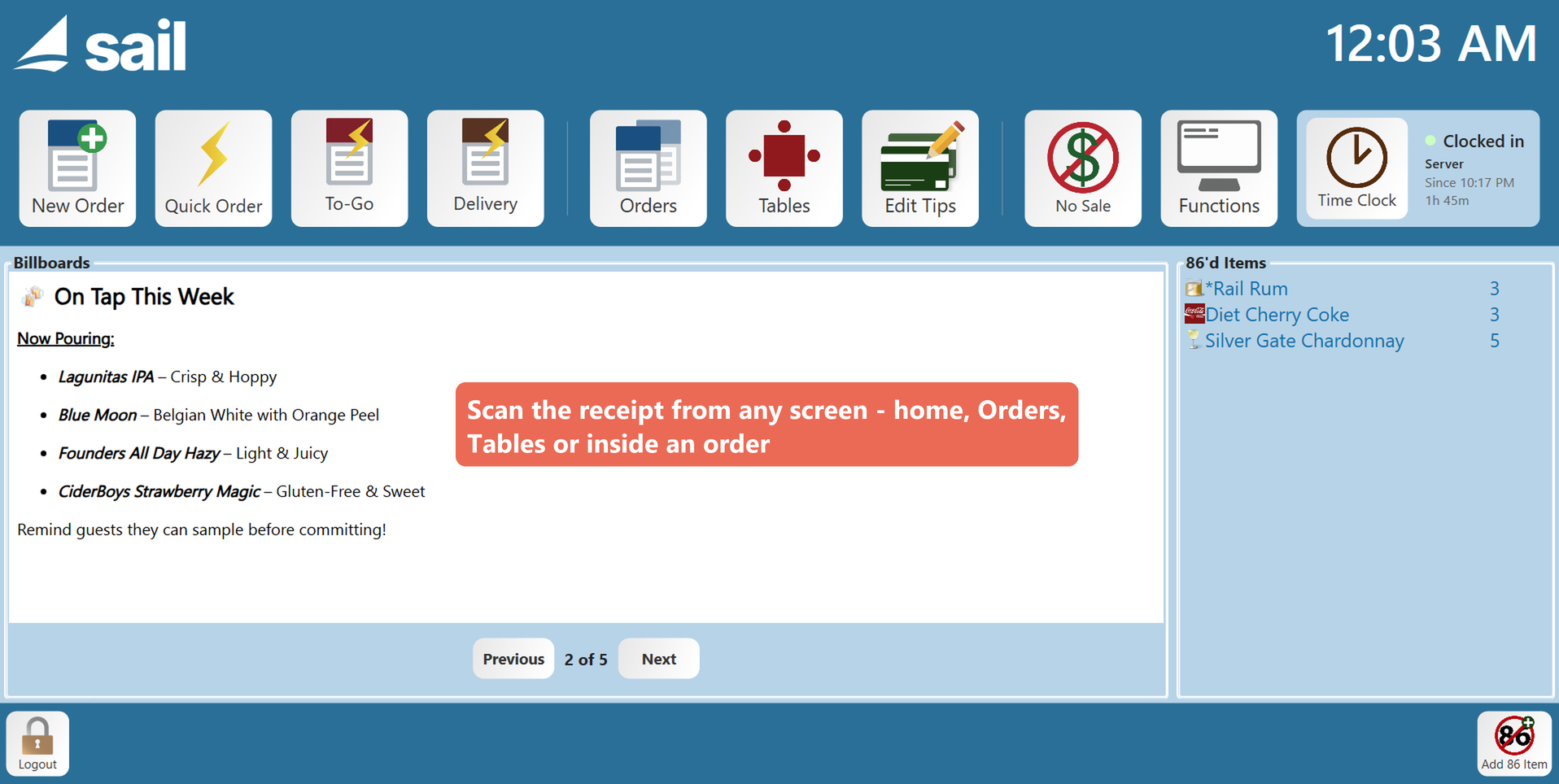
-
Scan the barcode on the receipt. The order opens.
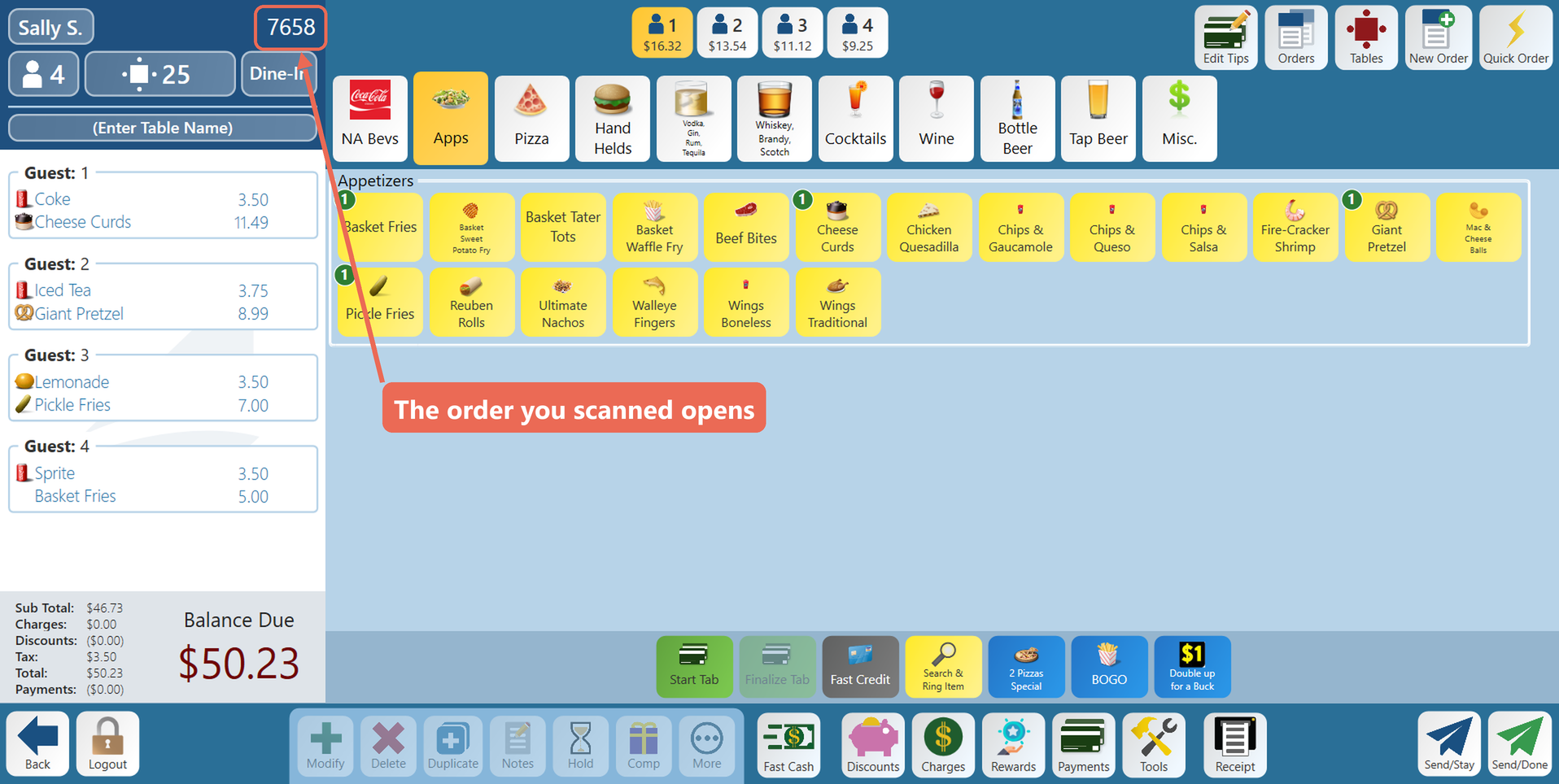
Note: If you are inside another order with items that haven't been sent, the terminal first asks what to do with them, the same as when you leave the order.
Note: The barcode on a credit card slip works the same way: scanning it opens the order it was paid on.
Note: A paid (closed) order opens too, as long as the day hasn't been closed. To reopen it for more changes, see How to reopen a closed table/order.
On the Edit Tips screen
On the Edit Tips screen, scanning a receipt or credit card slip opens the tip window for that payment instead of the order. To learn how to enter tips, see How to enter tips.
If the order doesn't open
- Nothing happens: make sure you are logged in and no window is open on the terminal (close it first), then scan again.
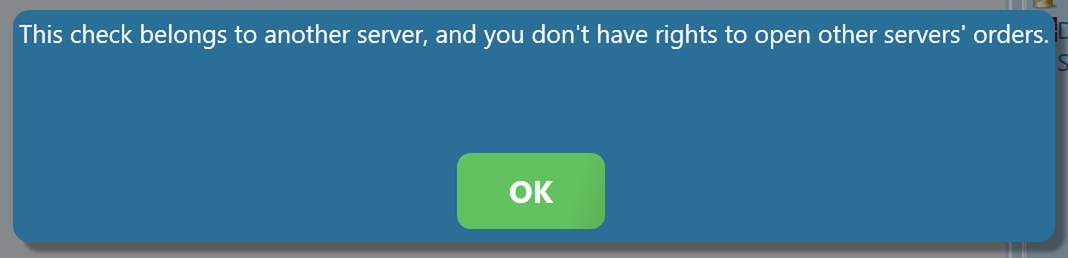
- This check belongs to another server, and you don't have rights to open other servers' orders: the order is another server's. Ask that server or a manager to open it.
- Order ... is from a closed server: the server who rang the order has already been closed for the day. A manager has to do a reverse server close before the order can be opened.
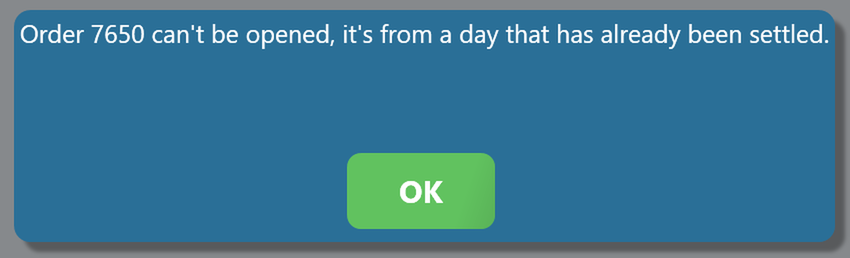
- Order ... can't be opened, it's from a day that has already been settled: the Daily Close for that day has already been done, so the order can't be changed. To give money back to the guest, see How to do a Refund.
- You do not have rights to open orders: your job role isn't allowed to open orders. Ask your manager.
- No order found for scanned barcode: the terminal can't find the order. The receipt may be from another location.
- ... is locked on device ...: the order is open on another terminal or handheld. Log out of the order there and scan again, or see How to unlock an order.