
How to record a cash deposit on the terminal
BeingThis written.document will walk you through recording tonight's cash deposit on the terminal - the cash you take to the bank at the end of the night - and changing or removing it. Once a deposit is recorded, the daily report shows whether it matches the Amount Due: over or short.
To add or change a deposit for the last closed day, click here to learn more about deposits in Backoffice.
Permissions you need
In Backoffice, go to Staff --> Job Roles, click the job role and look under Tasks. Typing Deposit in the search box shows them.
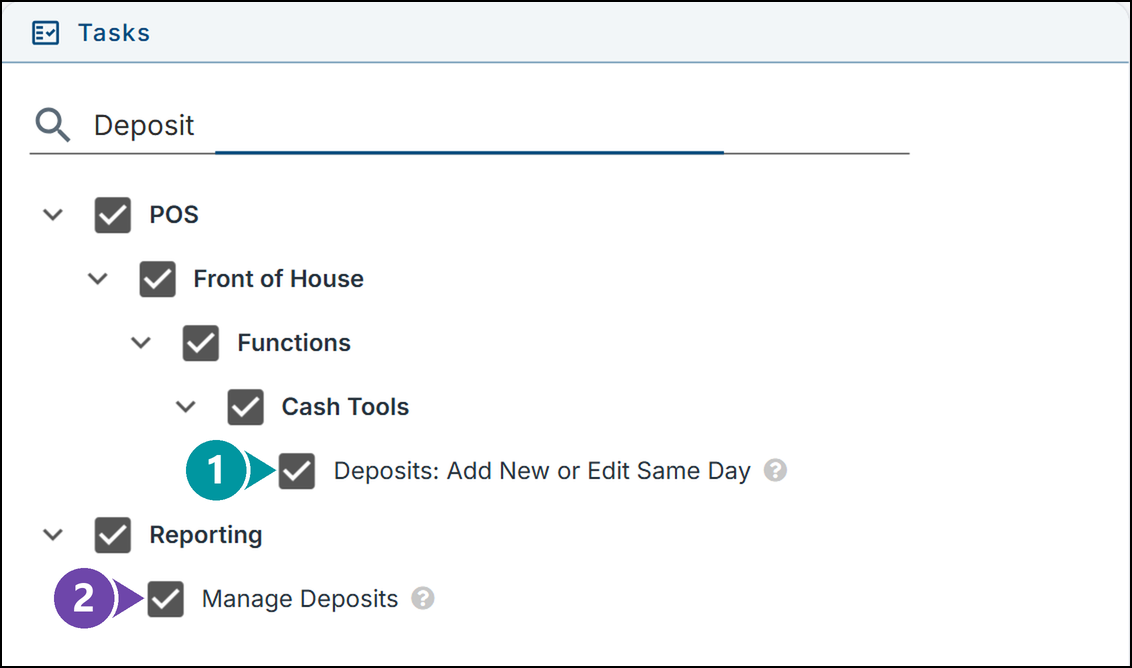
- 1. Deposits: Add New or Edit Same Day - Shows the Deposit button on the terminal, to record, change and remove tonight's deposits.
- 2. Manage Deposits - Adds and changes deposits in Backoffice.
Click here to learn more about editing a job role.
Record a deposit
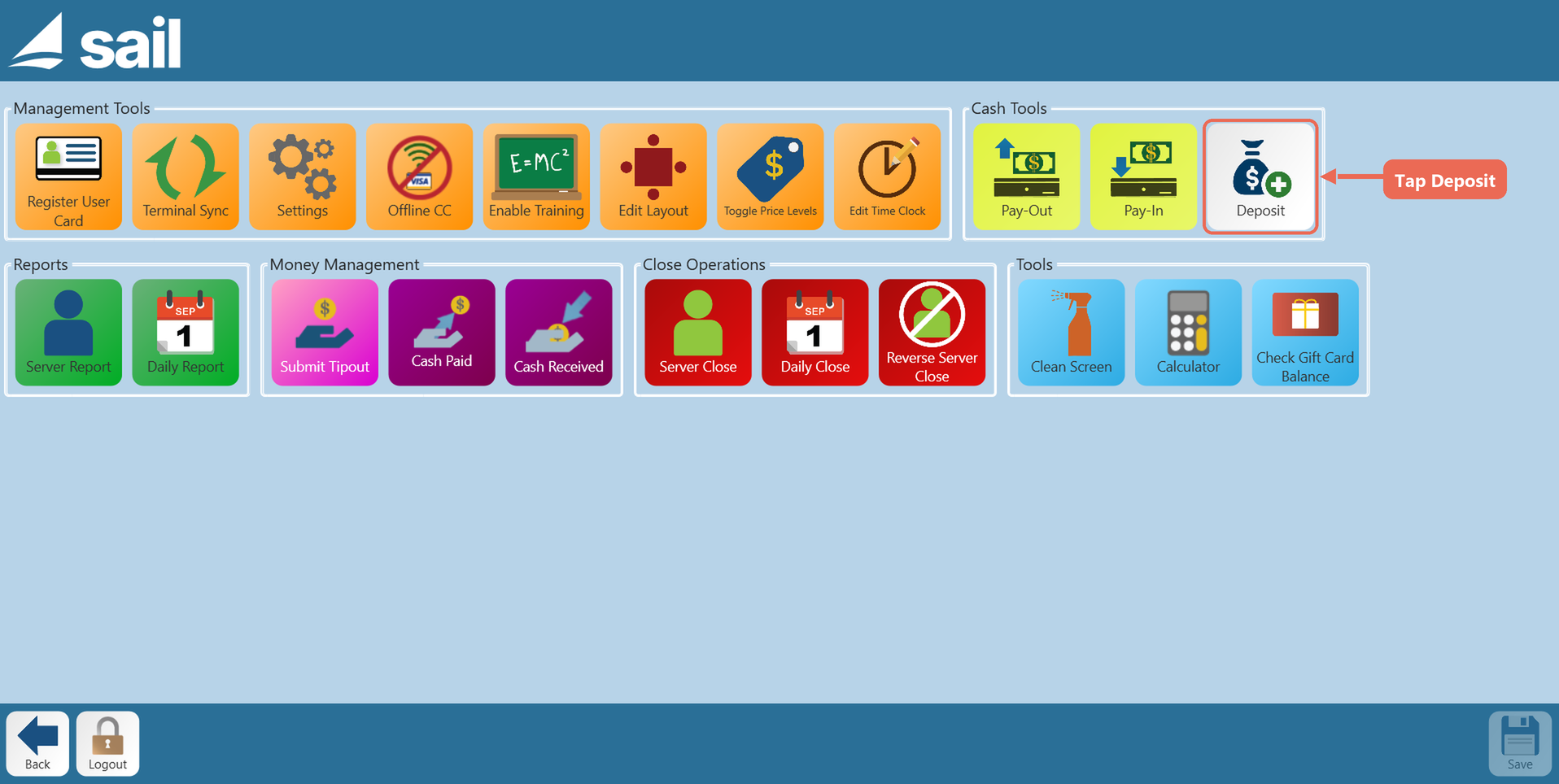
1. Tap Functions, then tap Deposit under Cash Tools.
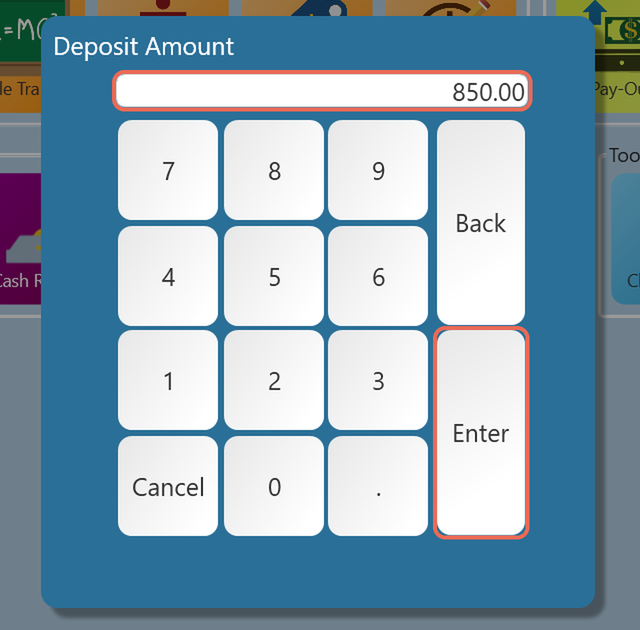
2. Type the amount of the deposit and tap Enter.
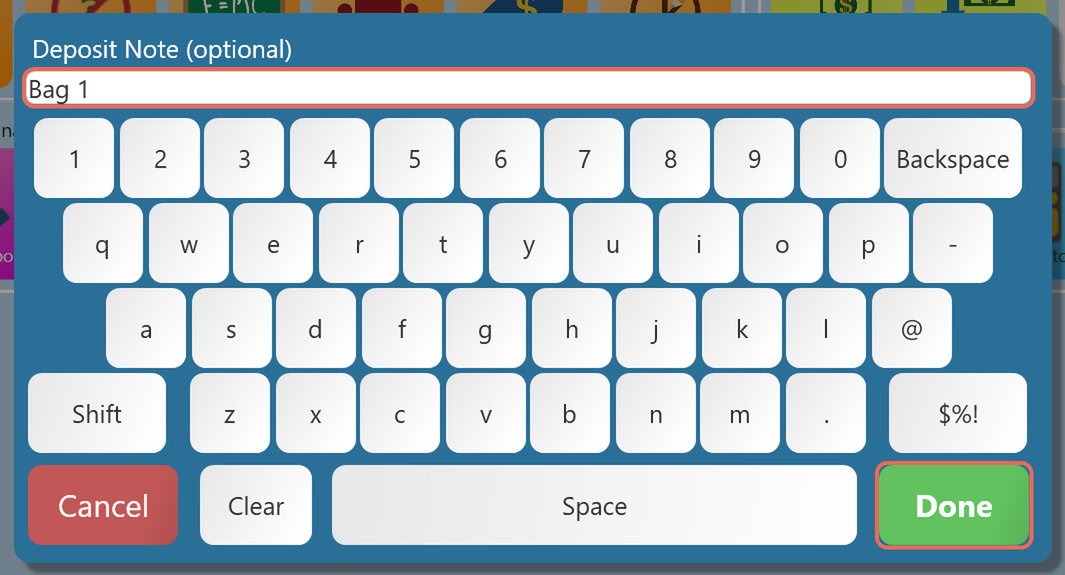
3. Type a note if you'd like one, such as the bag number, and tap Done. The note is optional - tap Done without typing to skip it.
4. The terminal says the deposit was recorded. Tap OK.
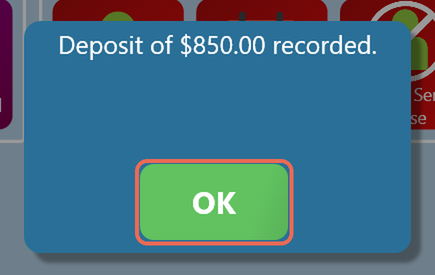
Note: Taking more than one deposit to the bank? Tap Deposit again and tap + New deposit for each one. The daily report adds them together.
Change or remove a deposit
The terminal changes tonight's deposits only. After the Daily Close, change them in Backoffice.
1. Tap Functions, then tap Deposit under Cash Tools. The list shows tonight's deposits.
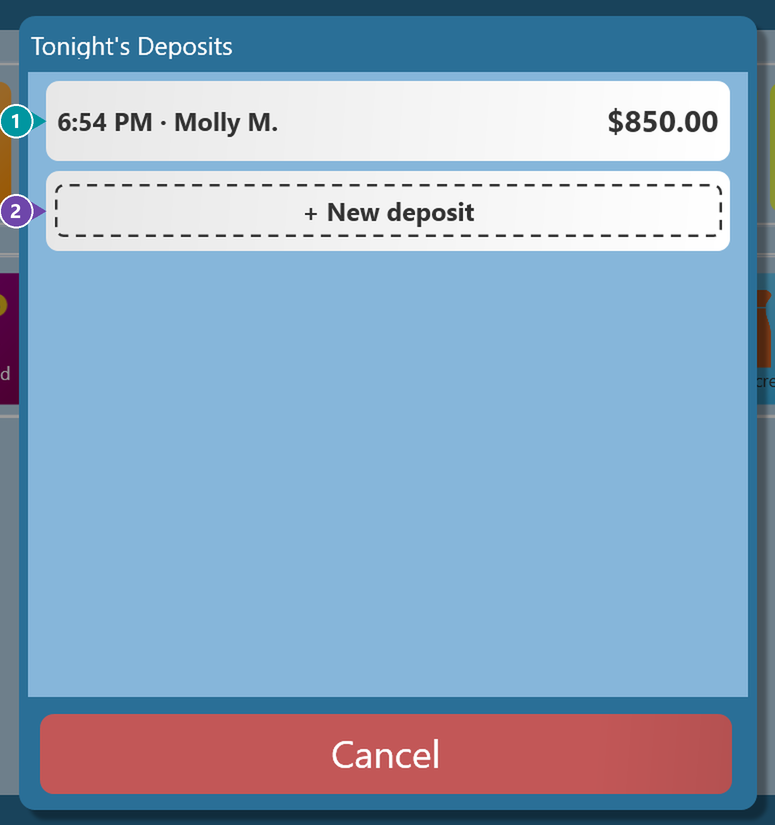
- 1. A deposit - The time it was recorded, who recorded it and the amount. Tap it to change or remove it.
- 2. + New deposit - Records another deposit.
2. Tap the deposit, then tap Change amount or Remove.
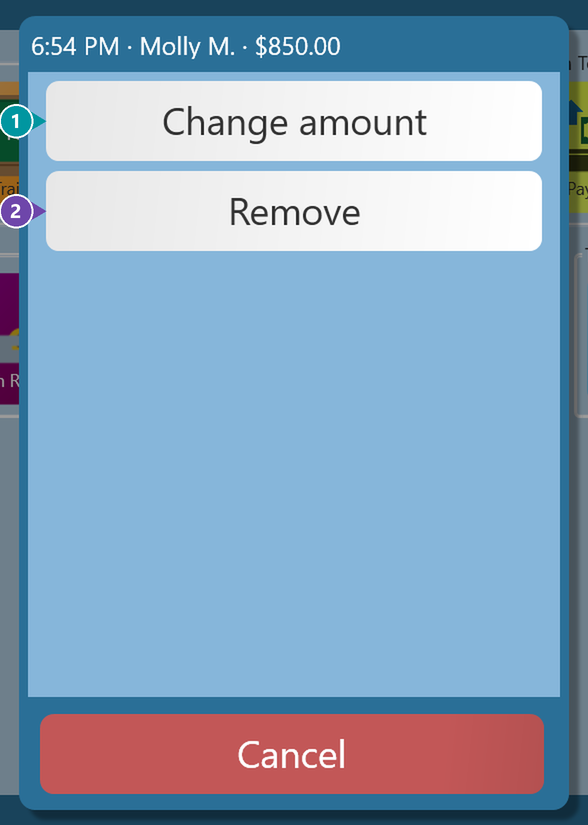
- 1. Change amount - Type the new amount and tap Enter. The note comes up next: change it or tap Done. The terminal says the deposit was changed.
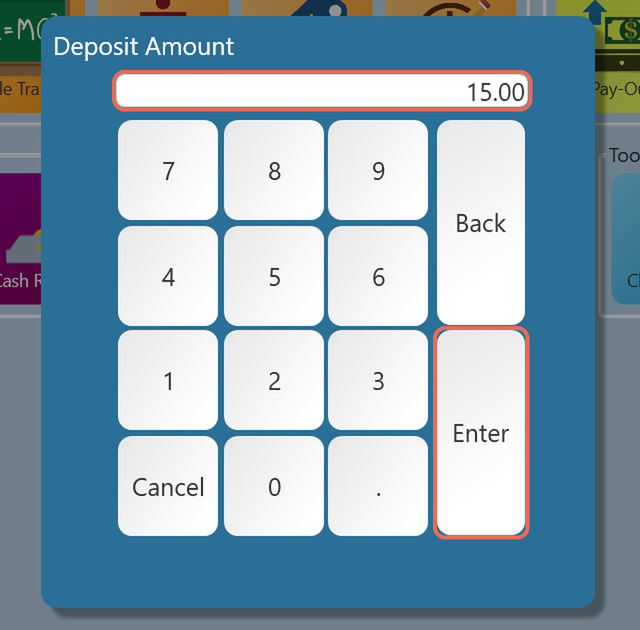
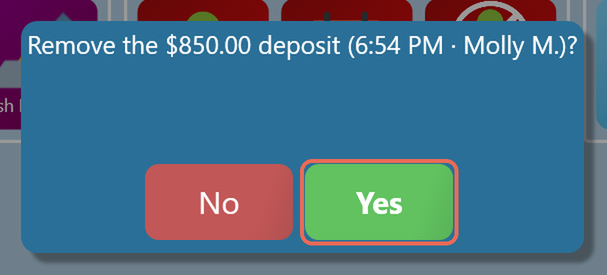
- 2. Remove - The terminal asks first. Tap Yes to remove the deposit.
See if the deposit is over or short
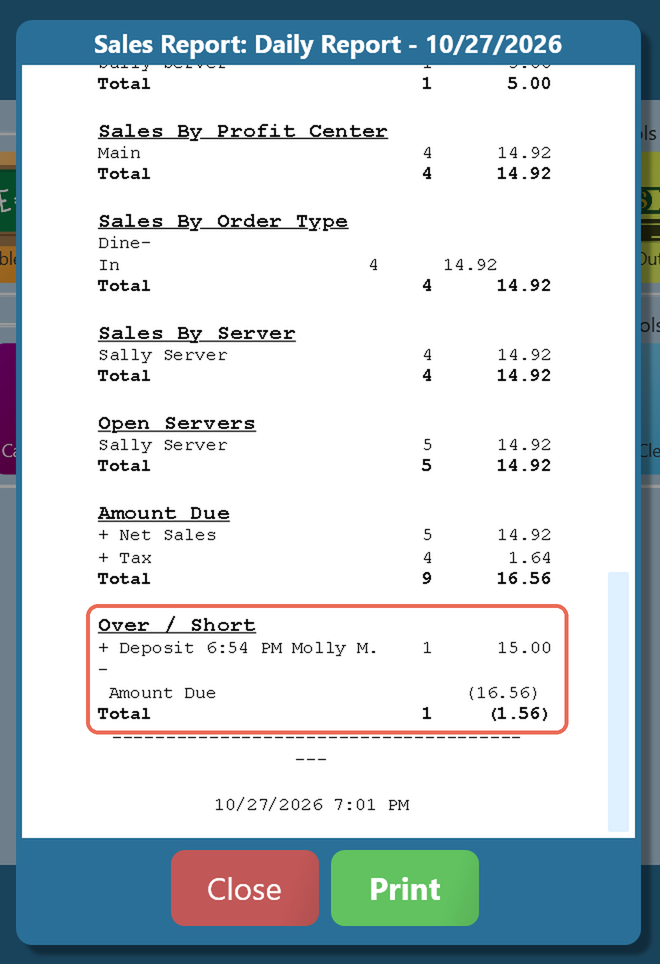
Tap Functions, then tap Daily Report. The Over / Short section is at the bottom, under Amount Due. It lists each deposit, takes away the Amount Due, and the total shows how much the deposit is over, or short in parentheses.
For example, Molly records a deposit of $15.00 and the Amount Due is $16.56: the deposit is short by $1.56, so the total shows (1.56).
Pro tip: If you record deposits, record tonight's before you run the Daily Close, so the night's report shows over or short. Click here to learn more about the Daily Close and the Daily Sales Report.