
Company settings
The Settings page holds the company-wide settings: whatever applies to everybody at every location. Settings that differ from one location to the next are on the Locations page.
Only Administrators can change settings. Open the page from Configuration, Settings. If your restaurant uses Sail POS, you need to be an Administrator at every location.
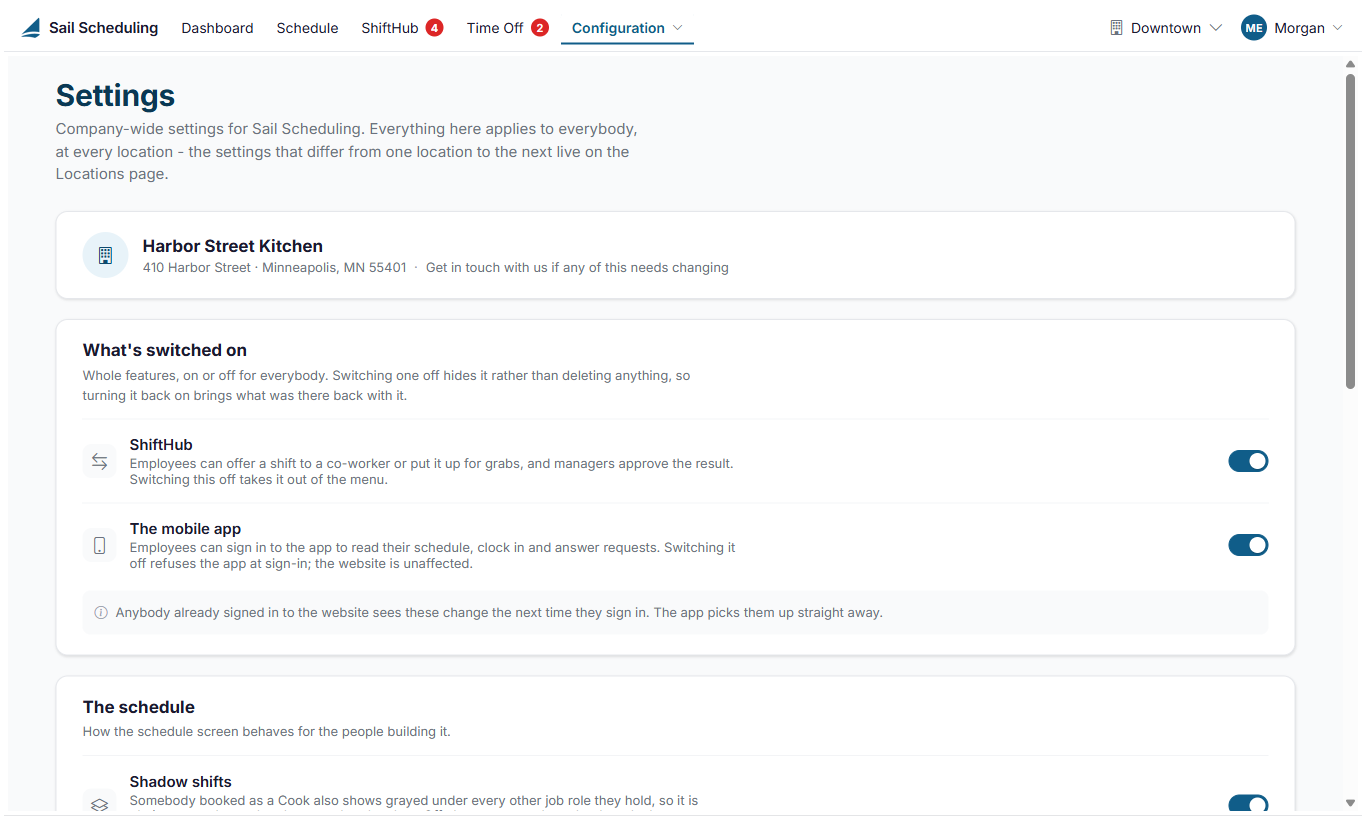
The top of the page shows your company's name and address. To change them, get in touch with us.
What's switched on
- ShiftHub: lets employees swap shifts with each other and give shifts away, for a manager to approve. Switched off, ShiftHub leaves everyone's menu, except that managers can still review house shift pickups.
- The mobile app: lets employees sign in to the app to see their schedule and answer requests. Switched off, the app refuses them at sign-in. The website isn't affected.
Switching something off hides it rather than deleting anything, so switching it back on brings everything back. People already signed in to the website see the change the next time they sign in. The app picks it up straight away.
The schedule
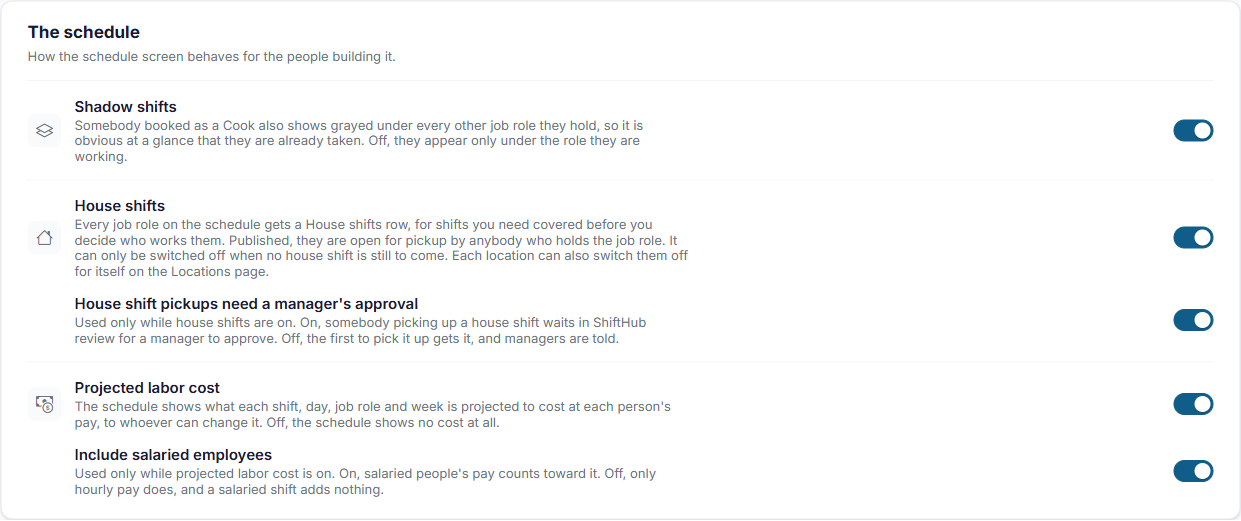
- Shadow shifts: when someone is scheduled in one job role, a grayed copy of the shift shows under every other job role they hold, so you can see they're already busy. Switched off, a shift only shows under the job role it's for.
- House shifts: every job role on the schedule gets a House shifts row, for shifts you need covered before you decide who works them. Switched off, the schedule has no House shifts rows and every shift needs somebody on it. It takes effect straight away, for everybody. Each location can also switch them off for itself on the Locations page; a location has house shifts only while both are on.
- Projected labor cost: the schedule shows what each shift, day, job role and week is projected to cost at each person's pay, to managers and Administrators. Switched off, the schedule shows no cost at all.
- Include salaried employees: used only while projected labor cost is on. On, salaried people's pay counts toward it. Off, only hourly pay does, and a salaried shift adds nothing to the cost.
- House shift pickups need a manager's approval: used only while house shifts are on. On, a pickup is a request that waits in ShiftHub review. Off, the first person to pick up an open house shift gets it, and managers are told. See House shifts and open shift pickup.
House shifts can only be switched off when none is still to come. If any house shift that hasn't started yet is still on the schedule, saving tells you how many there are and at which locations. Give them to somebody or remove them on the schedule first, then switch house shifts off.
Click Save changes at the bottom of the page.
No Comments