
Your account and notifications
My Account is where you keep your own details up to date: how Sail Scheduling reaches you, your emergency contact, and your password. Click your name at the top right and choose My Account.
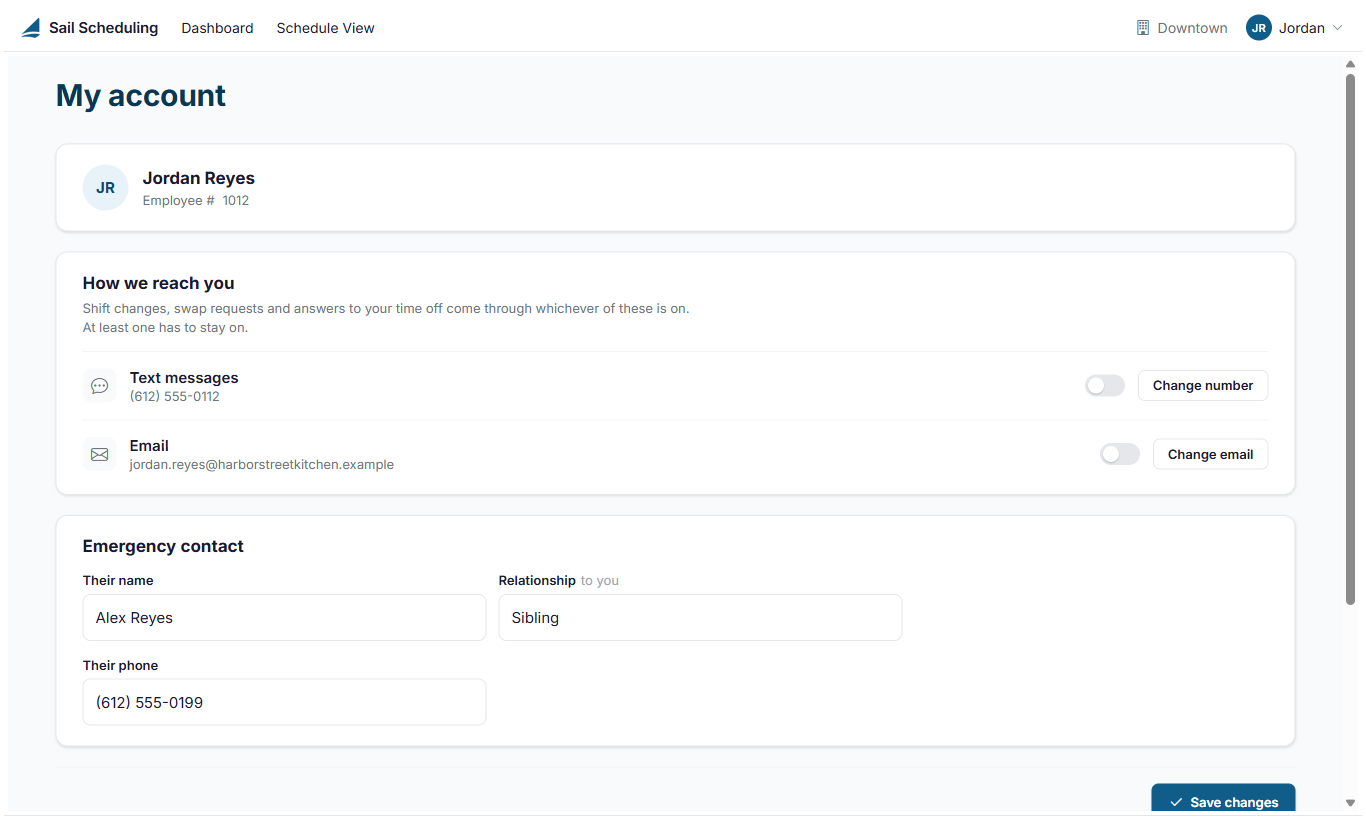
How we reach you
Your schedule, shift changes, swap requests and answers to your requests come by text message, email, or both. Switch each one on or off. At least one has to stay on.
- Change number: update your mobile number. You need a number on file to switch text messages on. Adding a number doesn't switch them on by itself, and removing your number switches them off.
- Change email: update your email address. It's also how you sign in, so use the new address next time you sign in.
The app can also send you notifications on your phone. Those are set in the app and in your phone's settings.
Emergency contact
The name, relationship and phone number of someone your manager can call in an emergency.
Click Save changes after changing your notifications or emergency contact.
Password
Click Change password to set a new one. A password needs at least 8 characters, with a capital letter somewhere in it.
If your restaurant uses Sail POS, your mobile number, email address and emergency contact may come from the POS. If you can't change them here, ask your manager to update them in Sail Backoffice.
No Comments