
How to manually add and subtract rewards points
Click the Rewards button
Click the Lookup button
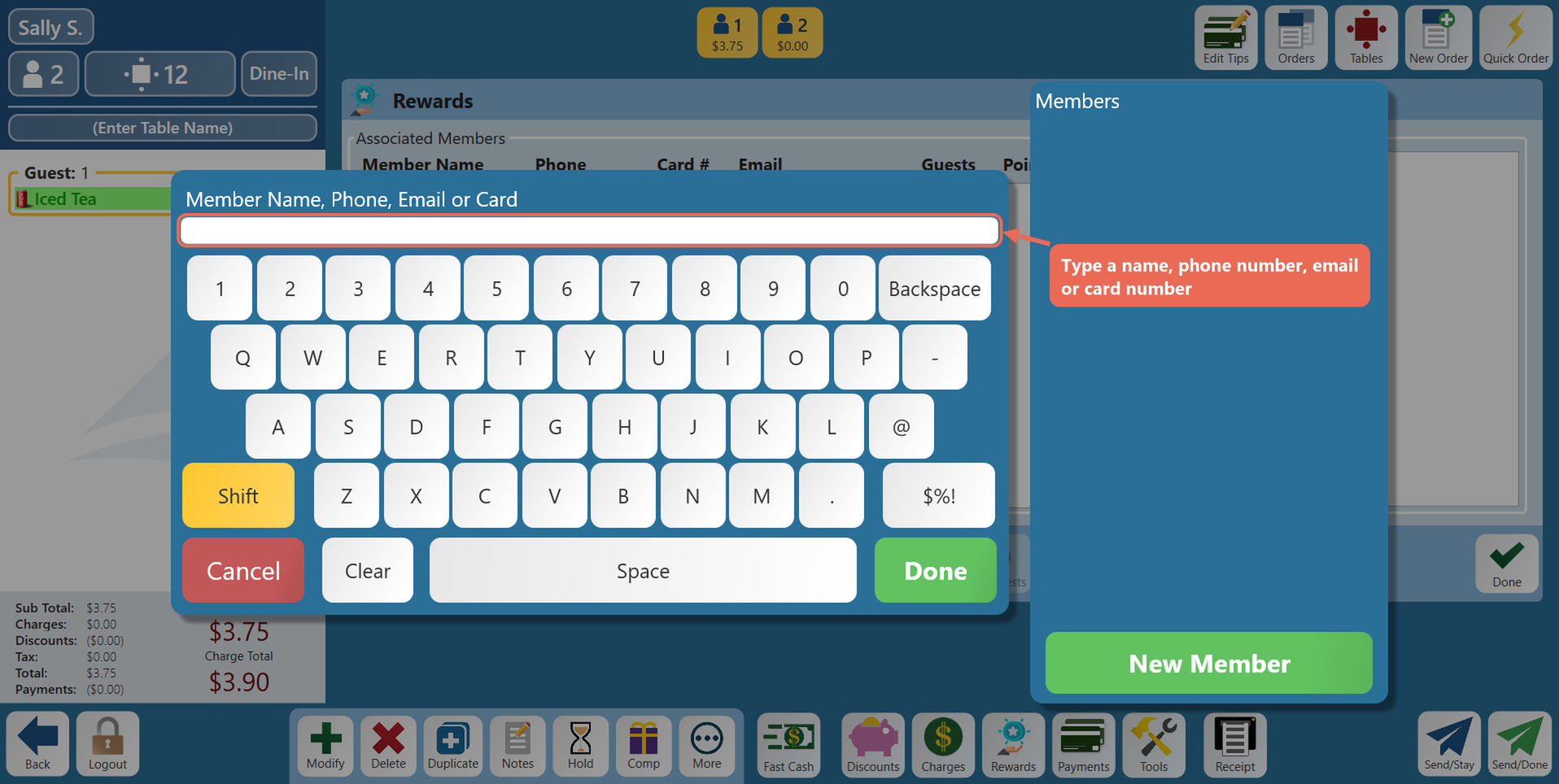
Type the member's name, phone number, email or card number. The Members list fills in as you type - click the member to add them to the order
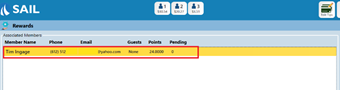
Click on the member you want to apply the points to
Click on the add or subtract points button and enter the points
No Comments