
Release 2026.9.2 "Xielo cooler"
Notes: This release consists of 3 New features and Improvements. Use the page navigation section on the top left of this screen to jump between the features you'd like to read about.
**This release WILL require a handheld update to version 2026.9.2**
If you would like any additional information or help setting up any of these new features, please contact support at:
Support@ingageit.com or call (612) 861-5277
New Features
1. Employee Breaks
- Employees can now clock out for a break and back in directly from the time clock — no more approximating break time after the fact.
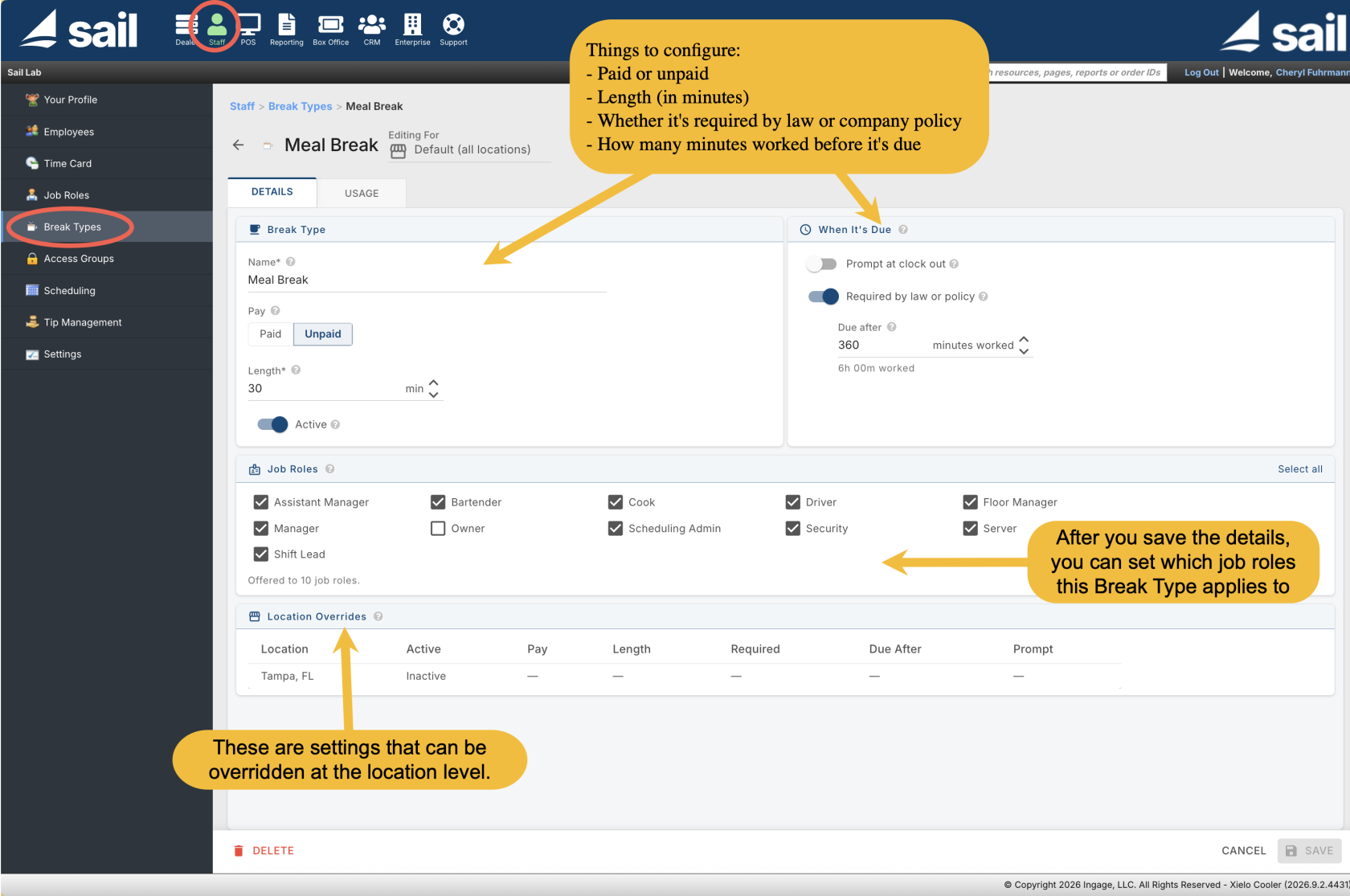
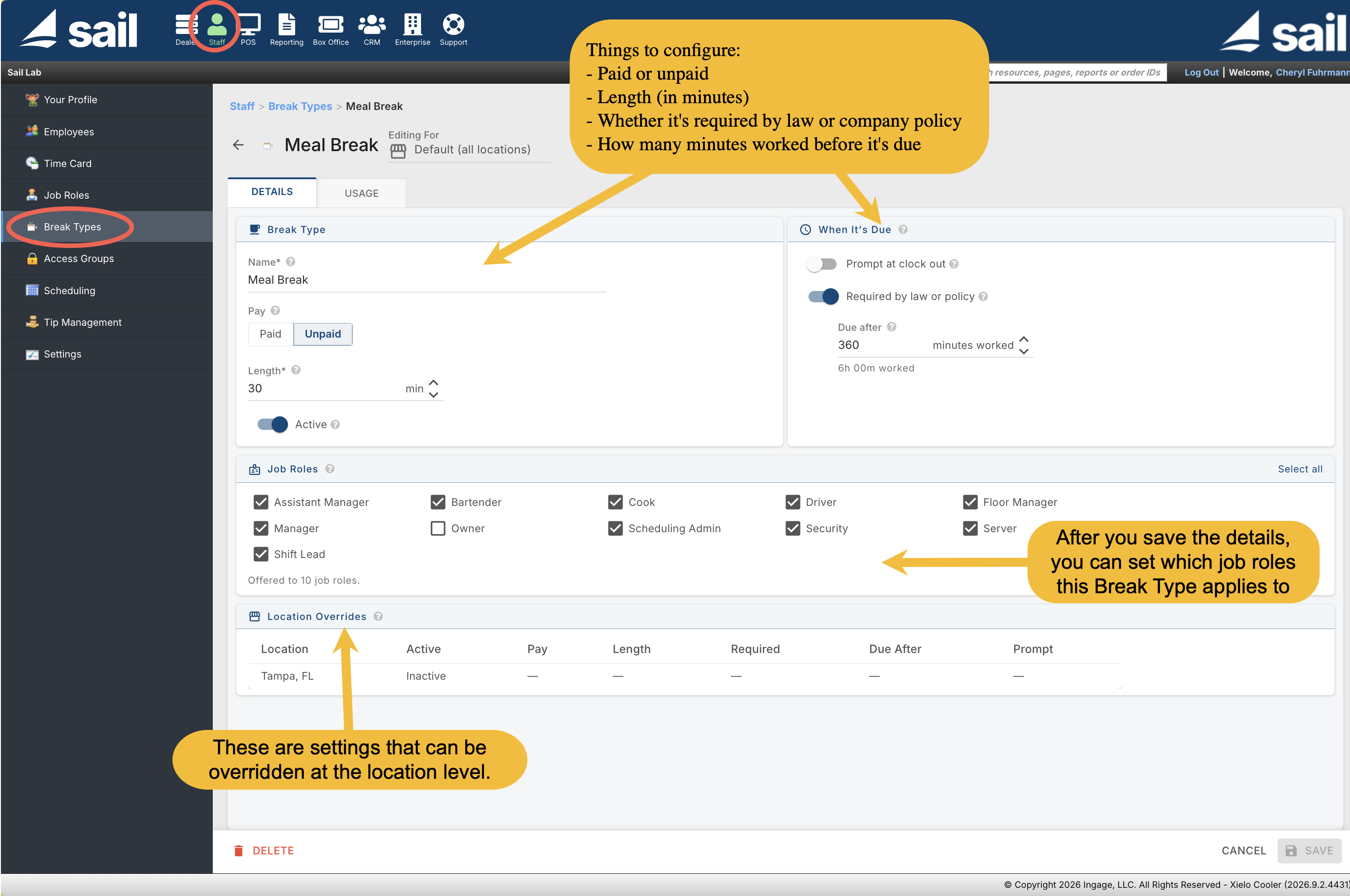
- Break types are set up in Backoffice under Staff --> Break Types. For each break, you can configure whether it's paid or unpaid, how long it is, which job roles it applies to, and whether it's required by law or company policy.
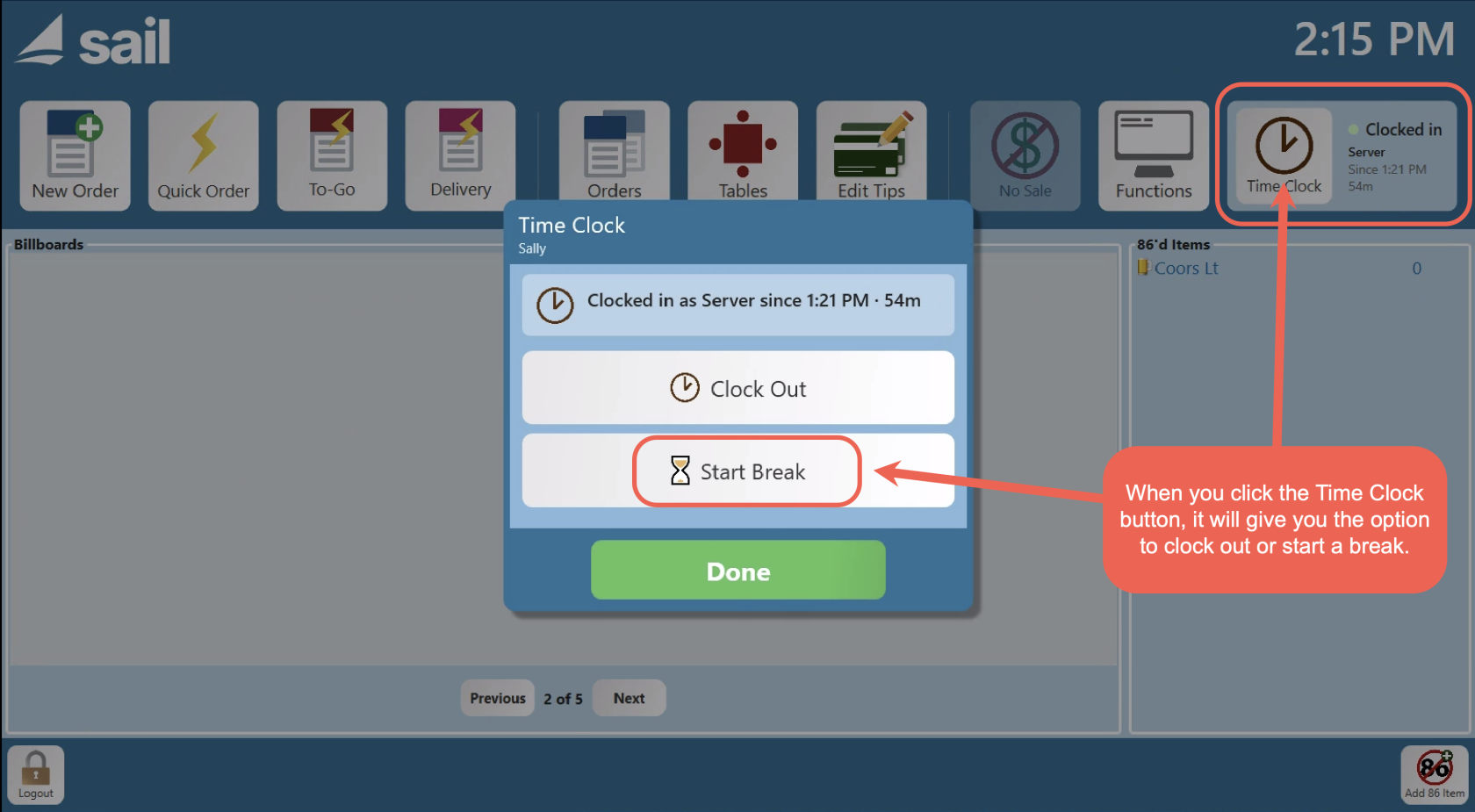
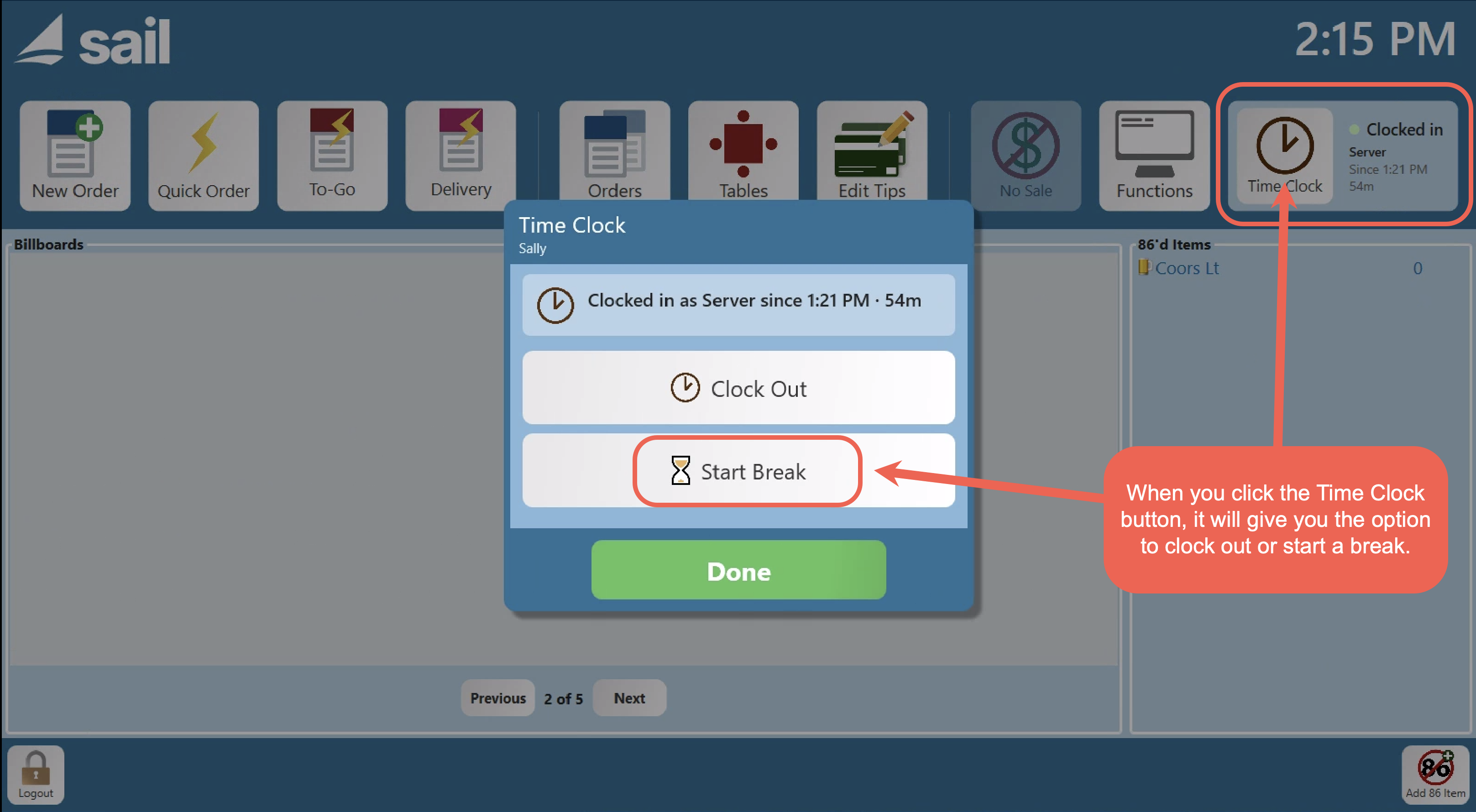
- To start a break, the employee taps the Time Clock button from the Launcher and selects Start Break. If they have more than one break type, they choose which one they're taking. When they return, entering their access code prompts them to end the break — they can't access the system until they do.
- At clock-out, if a required break wasn't taken, the employee is prompted to mark each one as Taken or Waived before they can finish clocking out.
- Break time is reflected accurately on the Clock-Out Receipt, Time Card, and Staff dashboard — hours worked and overtime are already net of unpaid break time. Managers can add, edit, or delete break rows directly on an employee's Time Card.
- Payroll reporting note: The Payroll Report and Payroll Report With Overtime will not reflect break time and are being phased out by the end of the year. If you use Employee Breaks, switch to Payroll Details, Payroll Summary, or Payroll Summary With Tip Details. Payroll Details includes a new Show Break Details option that shows each break as its own line — the break name, when it happened, whether it was paid or unpaid, and its status.
Click here to learn more about how to configure and use Employee Break
2. Online Ordering Location Finder
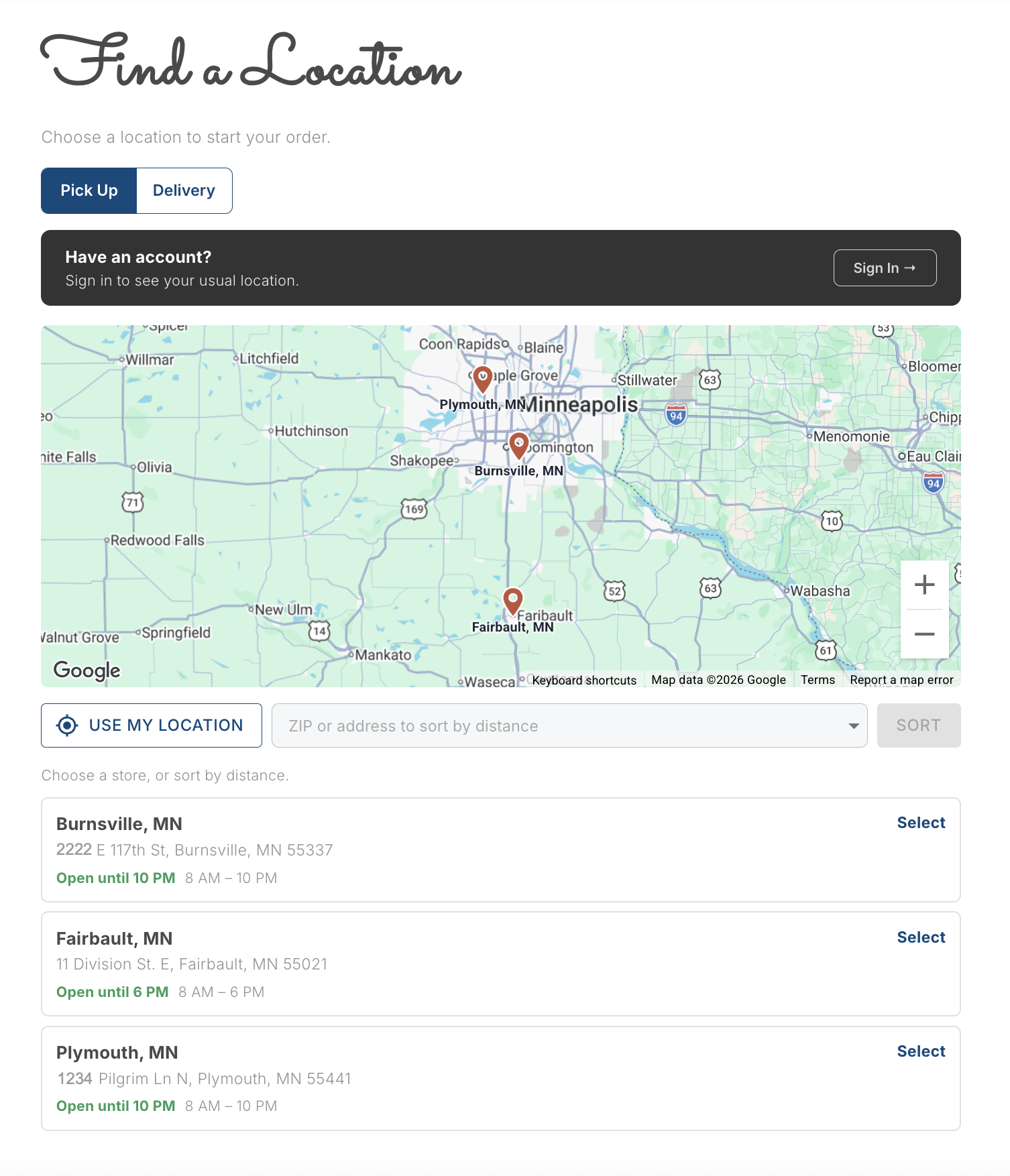
- Multi-location restaurants now have the option to configure a dedicated Location Finder page where guests can find and select the right location before starting their order.
- On the Pick Up tab, locations are listed with hours and a map. Guests can sort by distance using their device location or by entering a ZIP code.
- On the Delivery tab, the guest enters their address and the system automatically identifies which location serves them. If their address falls outside all delivery zones, they're notified and prompted to try pickup or a different address.
- Guests who are signed in benefit from a faster experience — their saved address pre-fills on the Delivery tab and their usual location is shown on the Pickup tab, with no re-typing required.
- If a guest switches locations with items already in their cart, the cart carries over to the new location and is re-validated on arrival.
- To set this up, go to Backoffice --> Online Ordering --> Site Groups. Create a Site Group, assign your locations to it, select the available order types, and a Location Finder URL is generated for the group.
Improvements
3. Staff Tab has the updated look
- The entire Staff section has been updated to the refreshed Backoffice interface, bringing it in line with the rest of the platform.
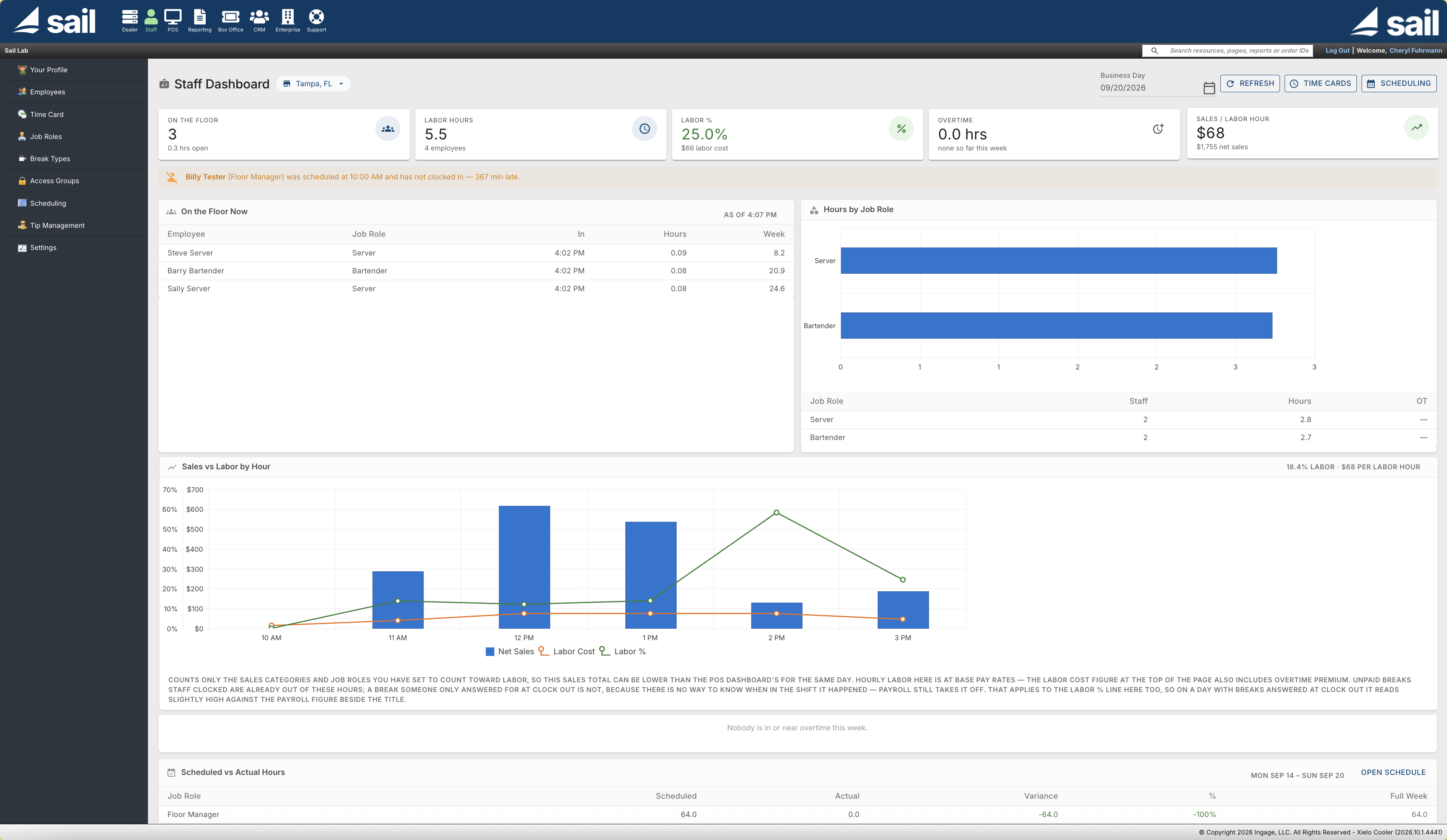
- The staff dashboard has been expanded. Previously it showed Staff Hours vs. Sales and Labor vs. Sales by Hour. It now also includes late/no-show and time-off alerts, who's On the Floor Now, Overtime Watch, Hours by Job Role, and Scheduled vs. Actual. Wage figures are only visible to users with payroll access.
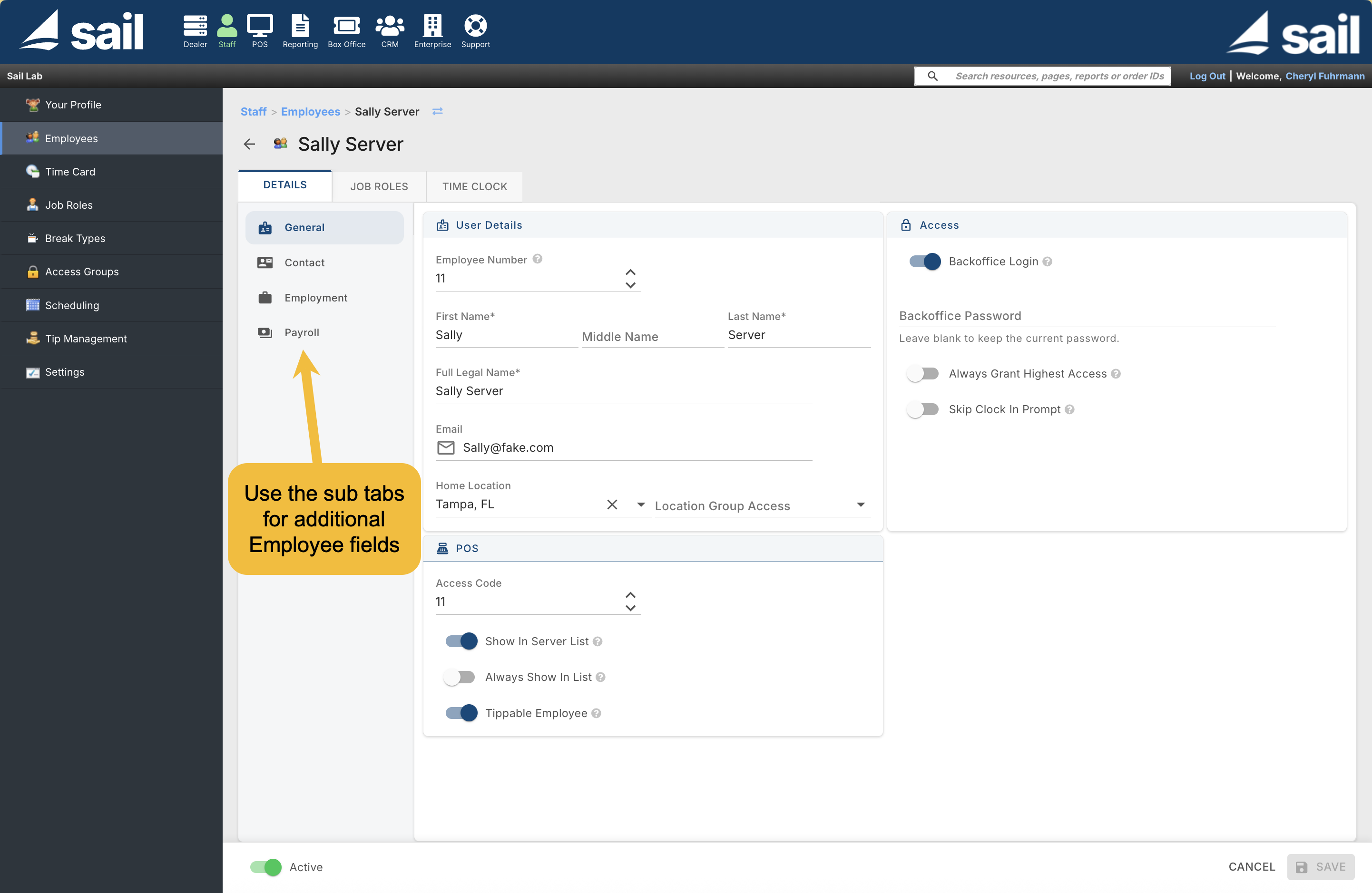
- New Fields Added to the Employee editor
- Payroll tab on employee records — Employee records now have a dedicated Payroll tab with fields for Date of Birth, Gender, Worker Type, Employment Status, Pay Classification, Tax Exempt Reason, and Payment Method.
- Additional fields — Middle Name, Emergency Contact, Termination Reason, and Eligible for Rehire
Fixes
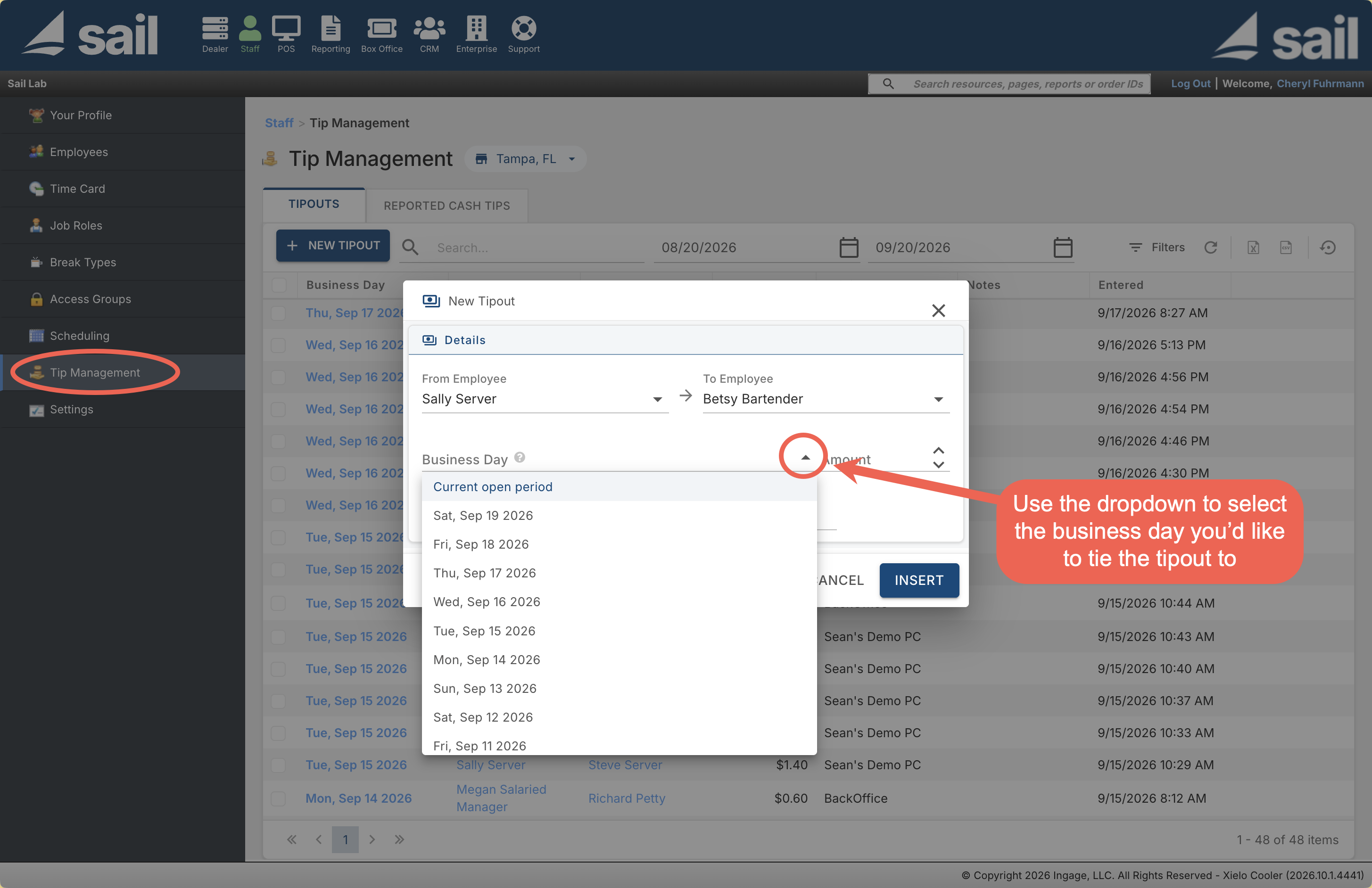
- Tip entries are tied to a specific business day (including the day you just closed) and the grid now shows each entry's period and origin.
- Tip share reporting and settlement — Tipouts and reported cash tips now land on the correct shift for the person who received or gave them. A server close now claims only the tips from the day it's closing, and payroll and server close reports now match what's shown in Tip Management.
- Employee pickers show only your store's employees — Employee pickers in Tip Management and elsewhere now list only staff who work at the selected store.
No Comments