
PLU: Activate/Inactivate an Item
- Navigate to back office
- Go to the POS tab
- Find the Item or Mod item you want to inactivate (If you are activating an inactive item, use the filter icon below and select show inactive items to find it.

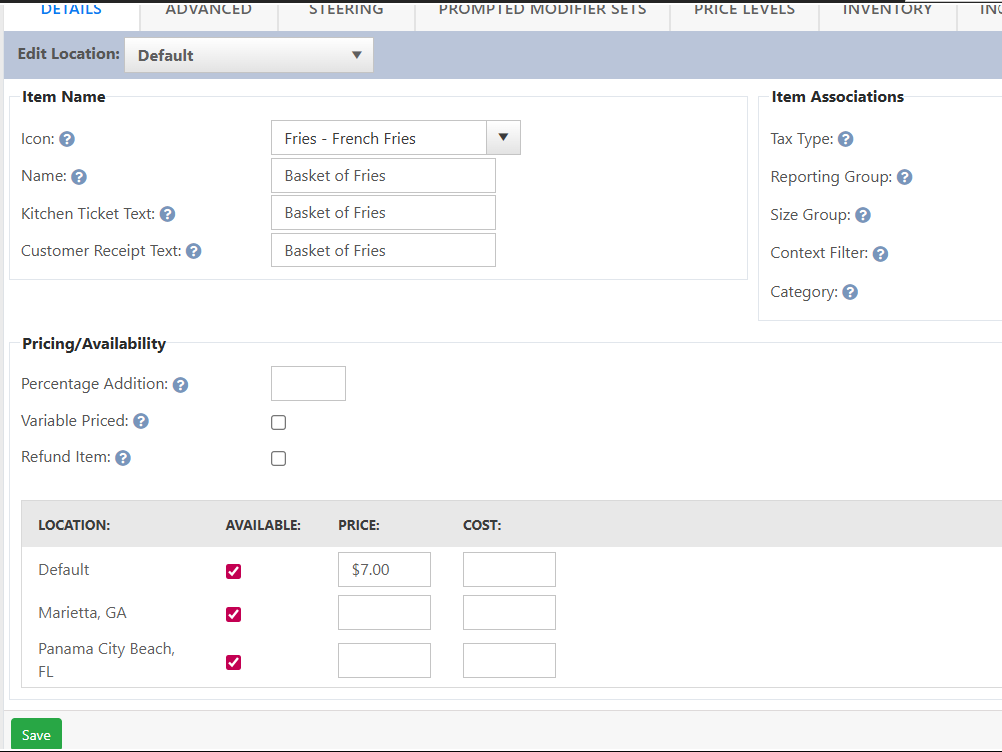
- If it is a single store location, check or uncheck the default button. (Checked is active, unchecked is inactive)
- For a multi-store location you can uncheck the default to affect all stores or check/uncheck per location

No Comments